Cloud SCADA: how it works and when it makes sense
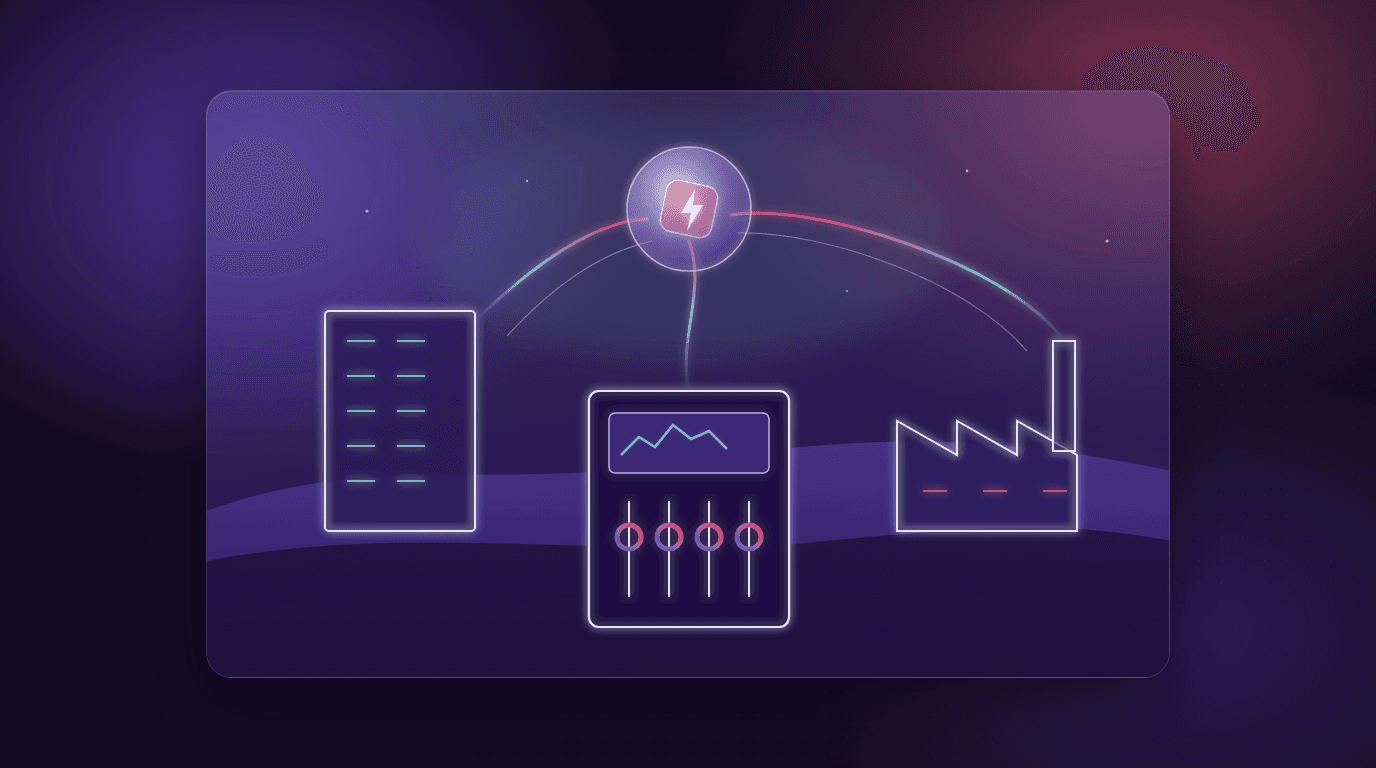
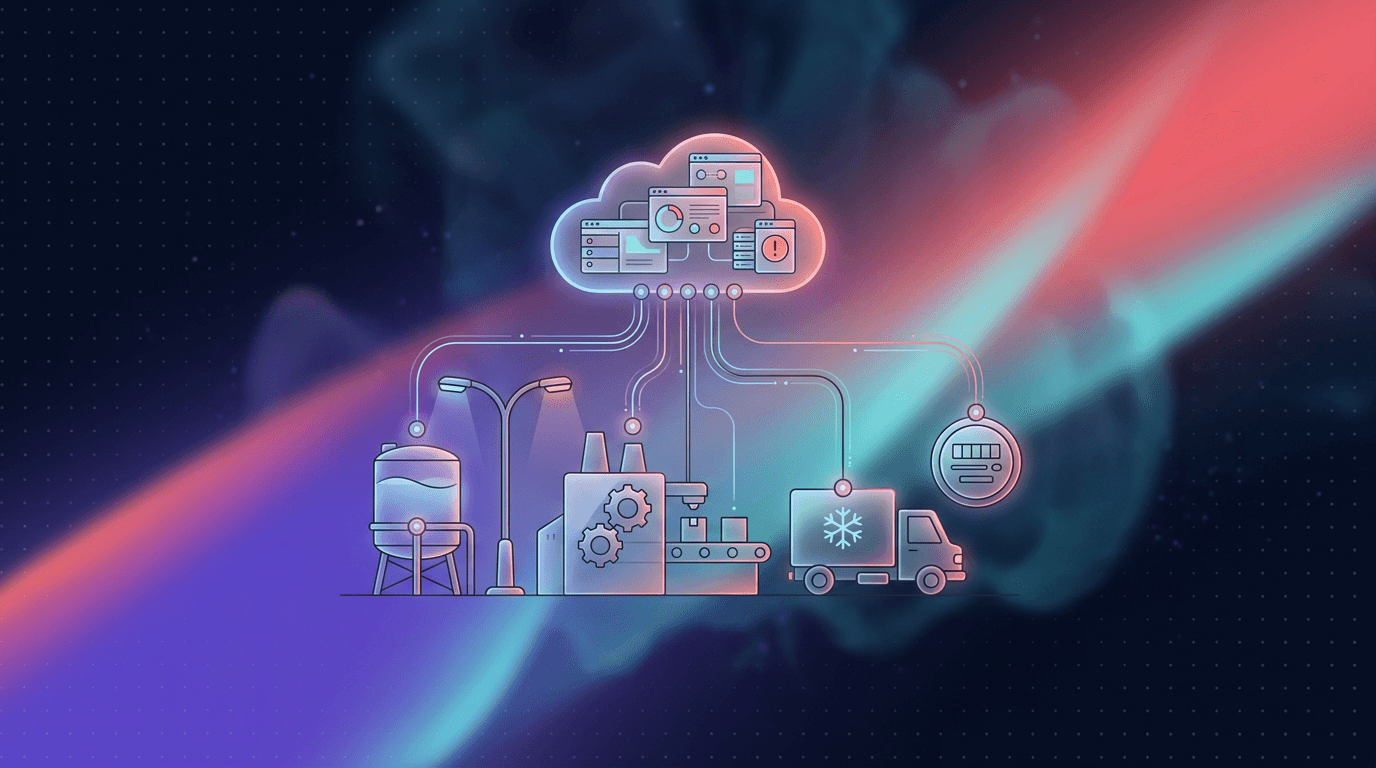
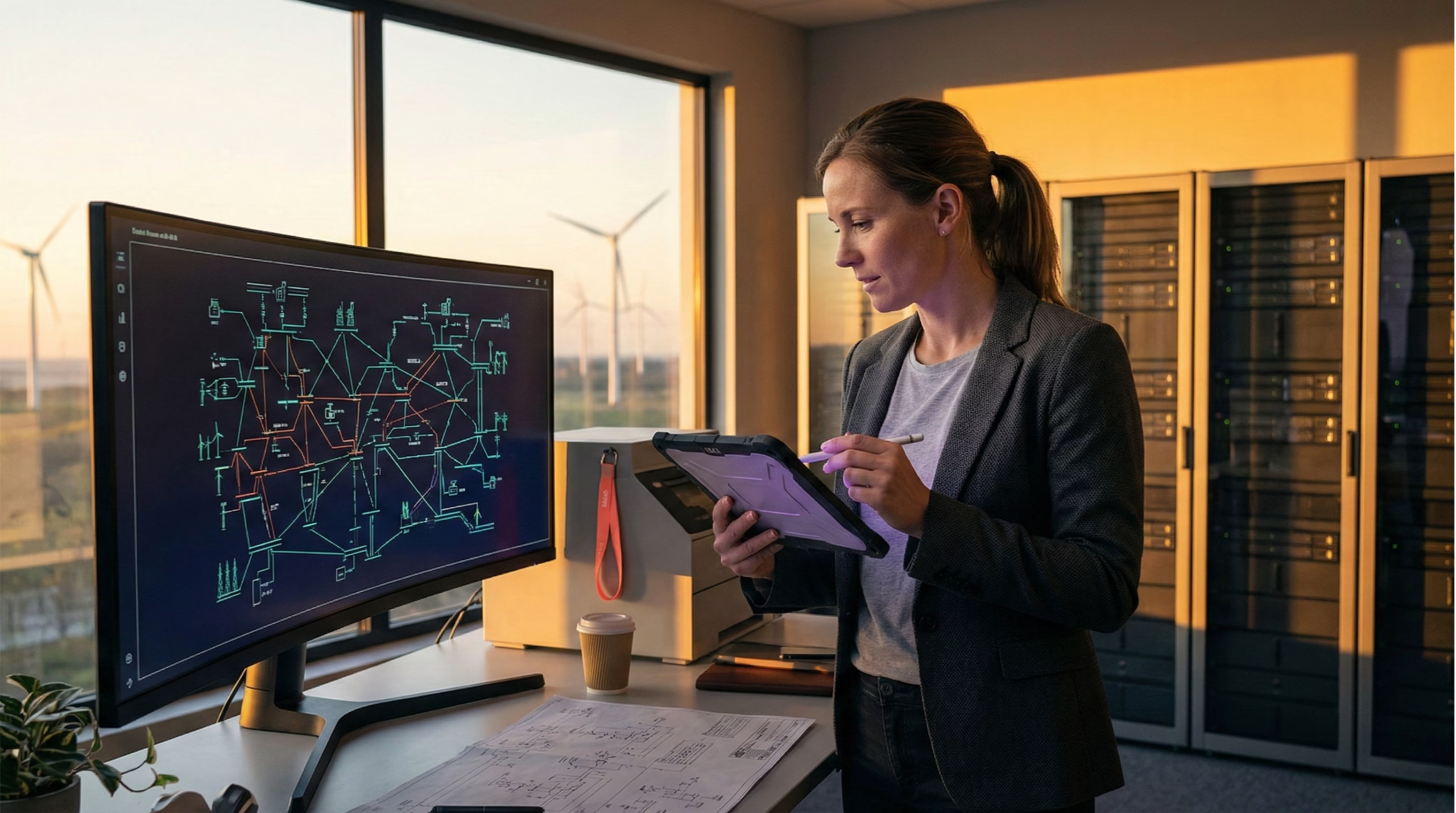
Cloud SCADA moves supervision to the cloud: data collection, the historian, alarms and dashboards. Control stays where it belongs, in the PLCs and RTUs at each site. Operators get the whole operation in a browser, and adding a new site takes a gateway instead of a new server.
Cloud SCADA vs on-premise SCADA
| On-premise SCADA | Cloud SCADA | |
|---|---|---|
| Where it runs | Servers in the plant or control room | A cloud platform, or your own data center |
| Access | Control room workstations, VPN for remote work | Browser and phone, with user roles |
| Adding a site | New servers, licenses and network links | A gateway or wireless sensors |
| Upfront cost | Hardware and licenses per server | Subscription per device or site |
| If the internet link drops | Keeps running locally | Local control keeps running and the remote view catches up when the link returns |
| Best fit | Fast closed-loop control in one plant | Supervising many plants and remote sites |
How the data gets to the cloud
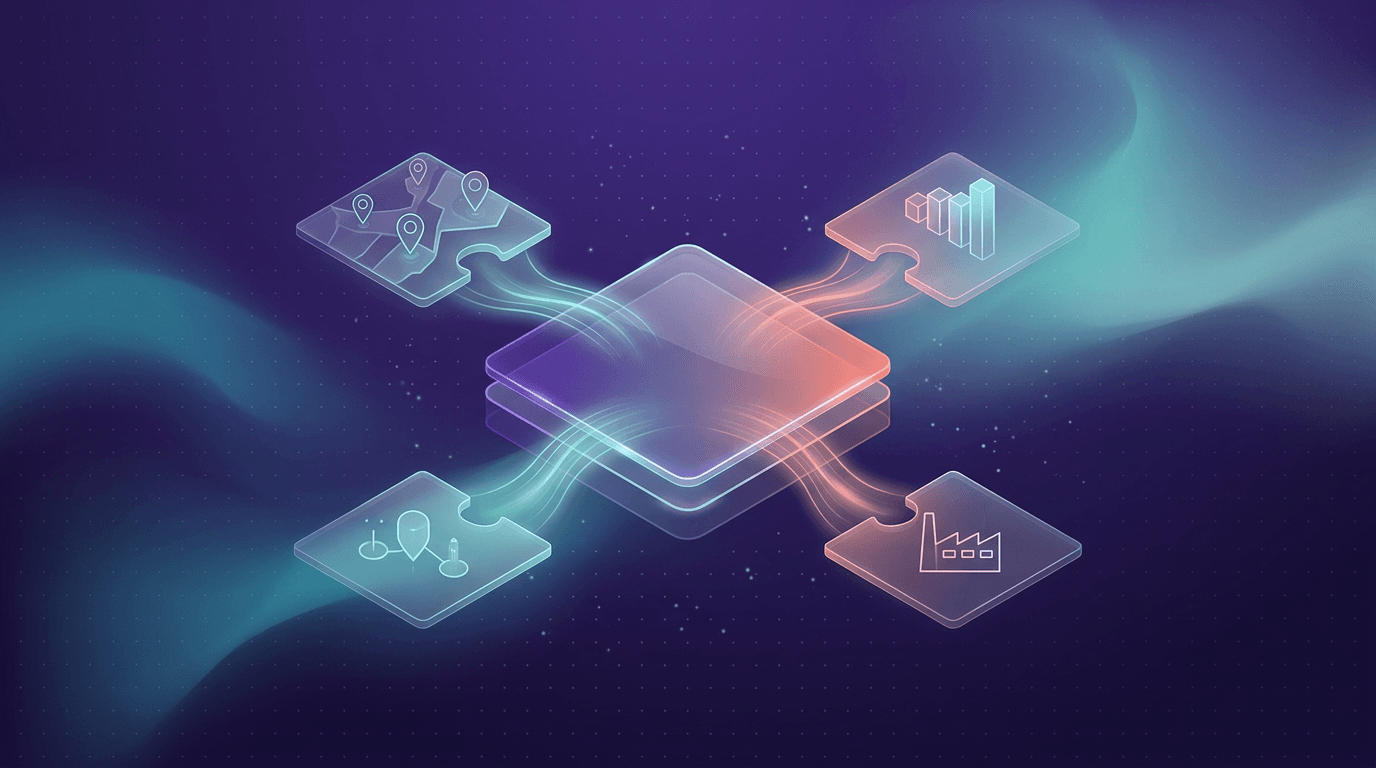
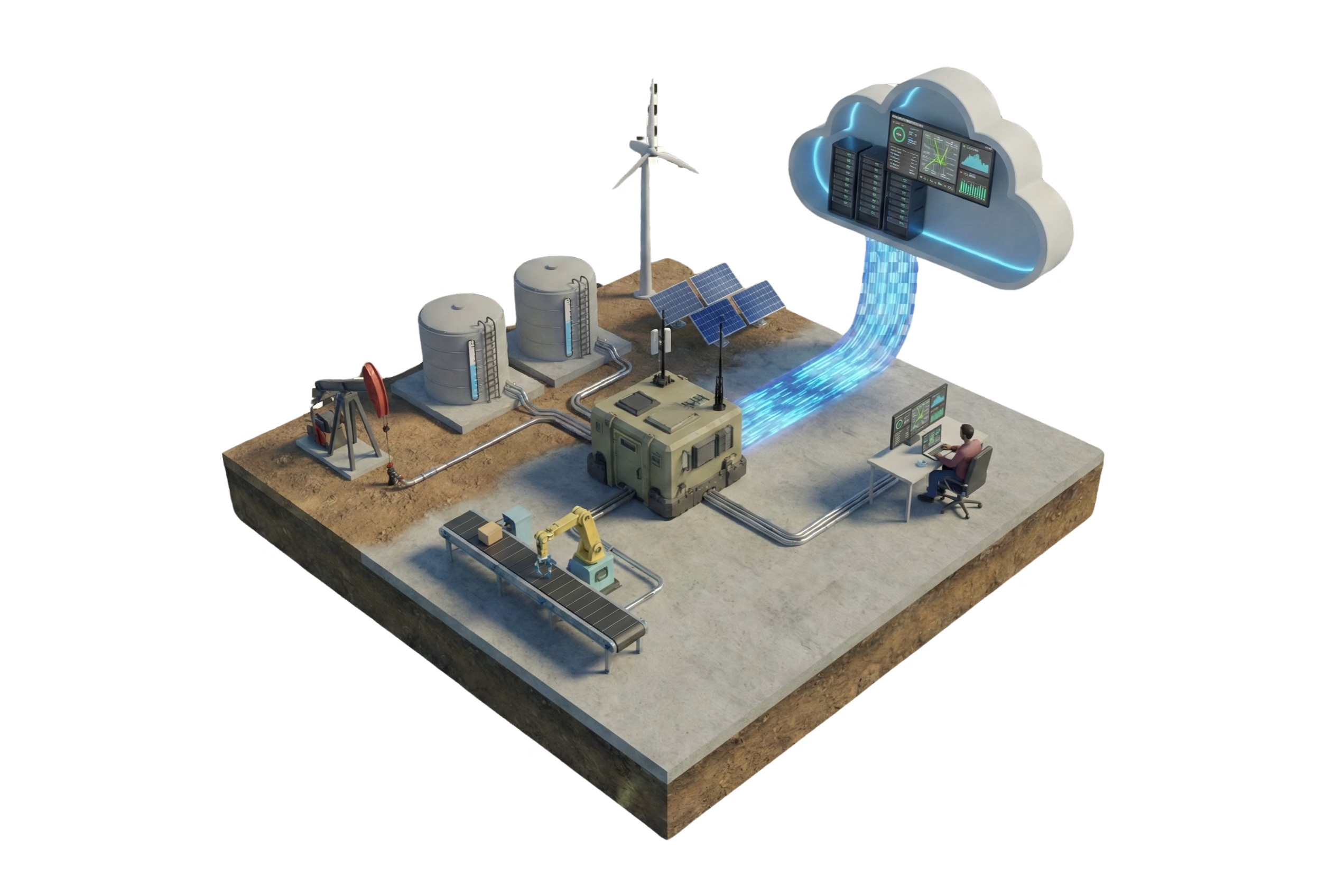
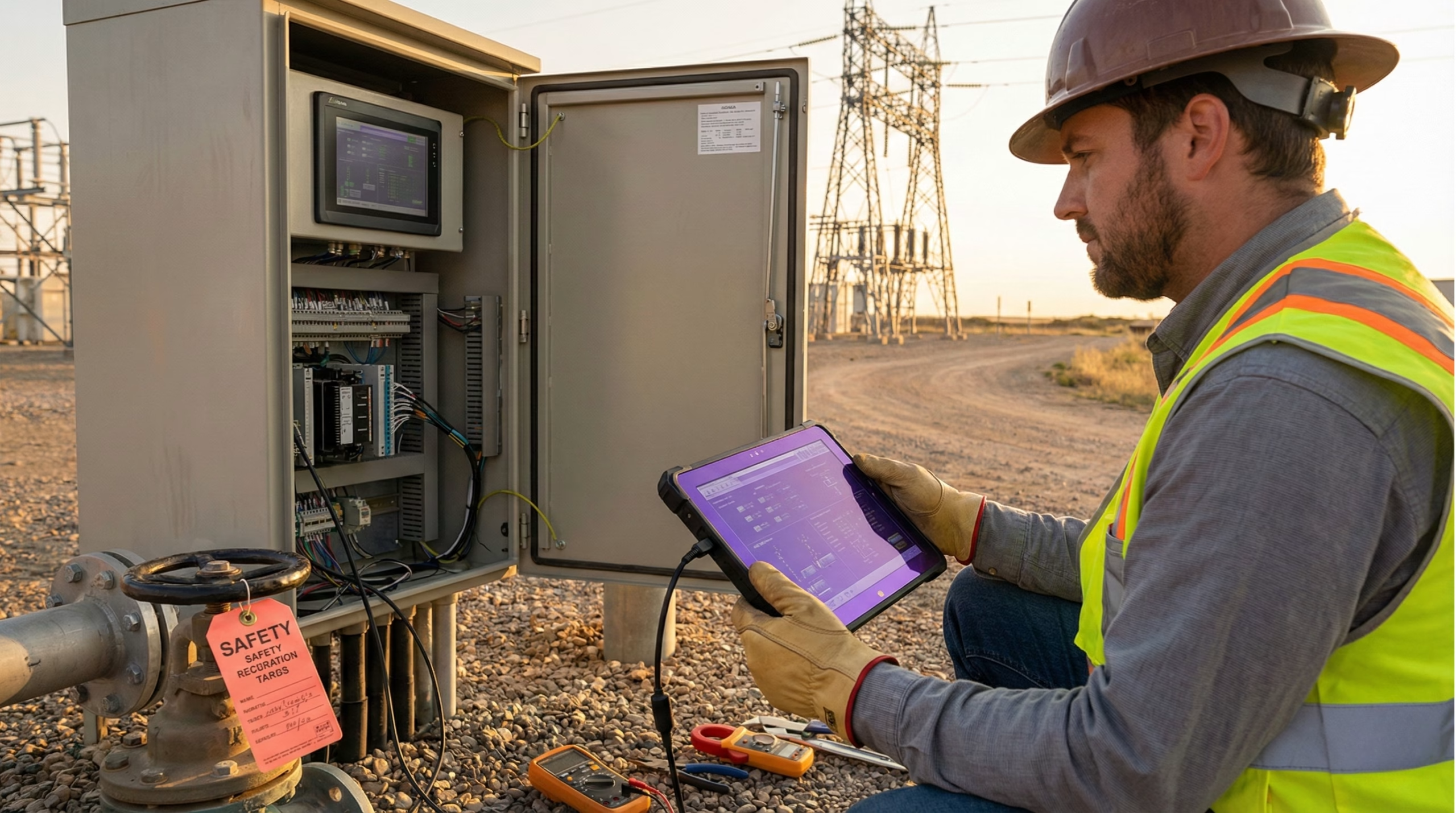
- Field: PLCs, RTUs, meters and sensors, as they are today.
- Edge gateway: Reads Modbus, OPC UA or the PLC's own protocol and sends the data out over MQTT or HTTPS. More in how to integrate IoT with PLCs.
- Wireless sensors: Sites with no PLC join with battery-powered sensors, as in LoRaWAN SCADA.
- Platform: Historian, alarms, dashboards, reports and users, reachable from any browser.
Security
- Outbound connections only: The gateway opens the connection, so no inbound port is opened on the plant network.
- Encryption: Data travels over TLS from the gateway to the platform.
- Roles and permissions: Each user sees and changes only what their role allows, and every remote command is logged.
- Safety stays local: Interlocks and emergency stops never depend on the internet link.
Migrating without stopping the plant
Start read-only. Connect the gateway, mirror the tags that matter and run the cloud dashboards next to the current SCADA. Once alarms and reports match, move the teams that work remotely, and only then enable the remote commands you really need. The existing SCADA can stay as the local HMI for as long as you want.
For where SCADA is used today, see the five main applications of SCADA, with examples by sector and the most used software.