Migrate from Google IoT Core with Cloud Studio
Move your devices from Google IoT Core to a platform that keeps MQTT and HTTP and adds dashboards, history and alarms.
Connected devices
Alarm channels
Platform availability

Enterprise IoT Migration
Large enterprises can migrate big device fleets in phases, running their current system and Cloud Studio in parallel to avoid downtime.

Startup Platform Transition
Startups can move a first batch of devices, check that everything works and then move the rest without stopping their product.
Complete Migration Solutions
What stays the same and what changes when you move from Google IoT Core.
Protocol Compatibility
Keep your devices on MQTT and HTTP.
Cloud Bridge
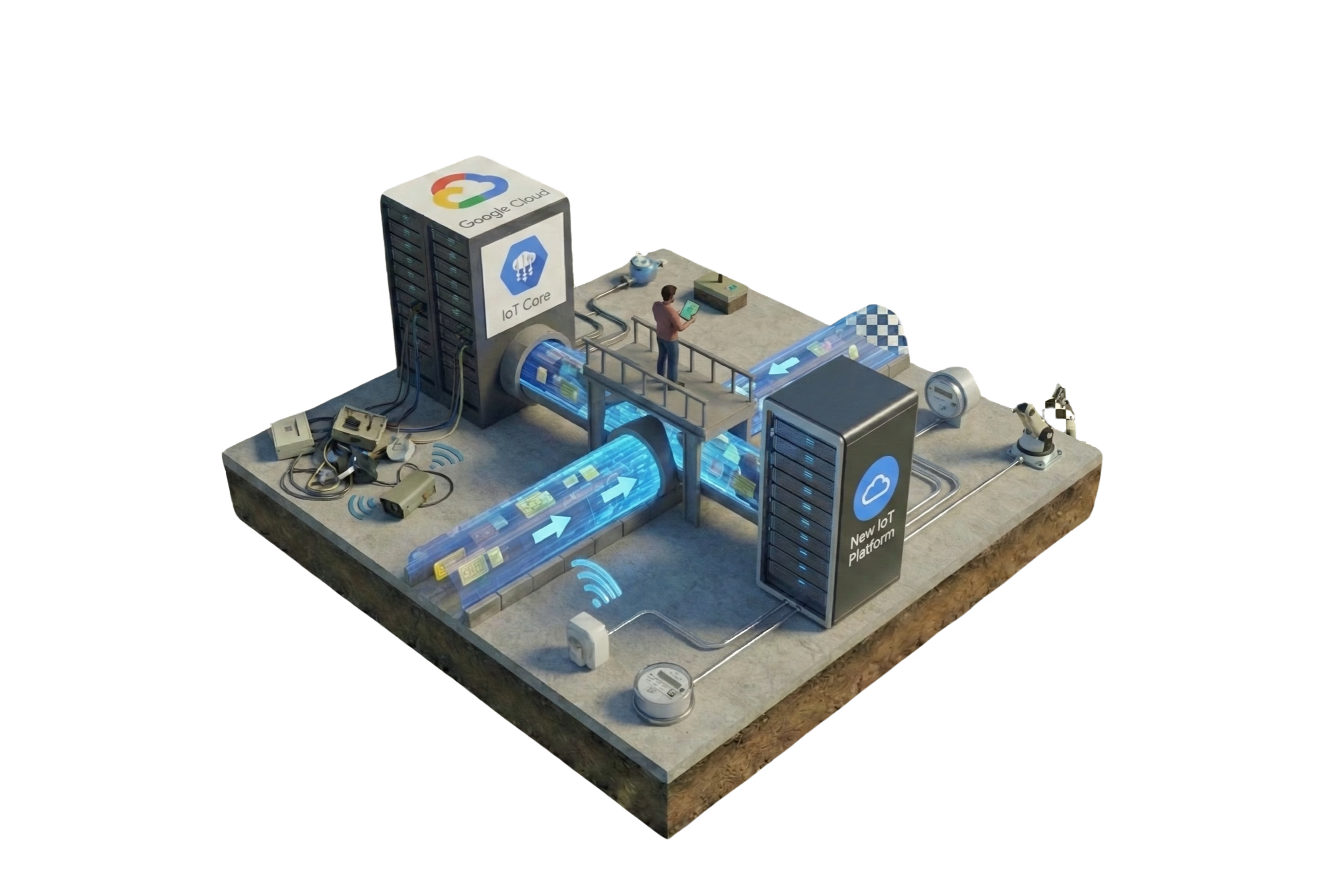
Run your current system and Cloud Studio in parallel during the transition.
Device Management
Register your existing devices on the platform and manage them from one place.
Security Migration
Devices connect over MQTT with TLS and a username and password. Users get role-based permissions, two-factor authentication and SSO.
Expert Support
Our team helps you plan the migration and check the first devices.
Dashboards and Alarms
History, dashboards and alarms by email, SMS, WhatsApp, voice call or push, which Google IoT Core left to other services.
Google IoT Core Migration: Frequently Asked Questions
Everything you need to know about migrating from Google IoT Core
Related Solutions
Explore more IoT solutions in this category



Plan your migration
Start with a pilot group of devices and move the rest once it works.