

自定义筛选器
Within the 历史 小部件, you can use the 自定义筛选器 option to adapt the view according to your needs. This feature 允许您 选择 from different preloaded filters and apply them to refine the displayed information.
Preloaded 筛选器 are preconfigured sets of filtering criteria that facilitate the quick 选择ion and application of specific filters without having to configure each criterion manually.
In the 历史 小部件, check the 'enable custom filters' option.
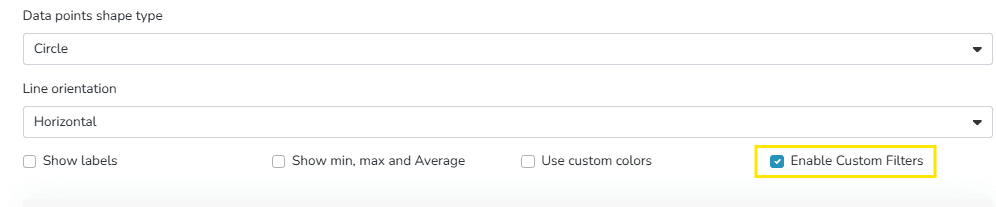
This enables the section to choose filters.
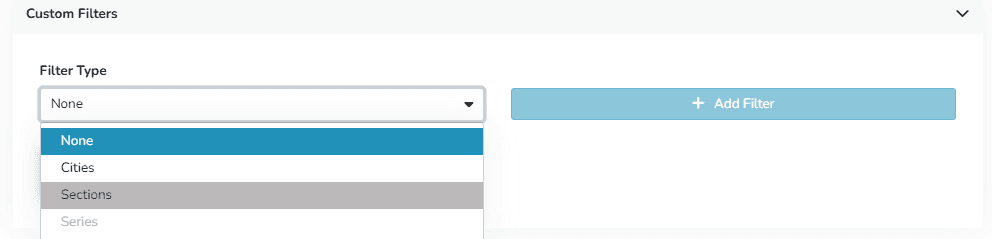
Once 选择ed, they are displayed as follows within the widget:
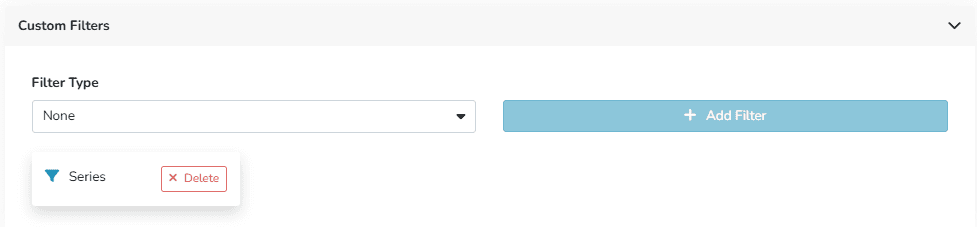
The widget view will update automatically, showing only the information that meets the 选择ed filter criteria.
Its benefits include:
- More relevant information visualization
- Combination of filters for more specific results
- Easy to apply
最后更新于