

仪表盘
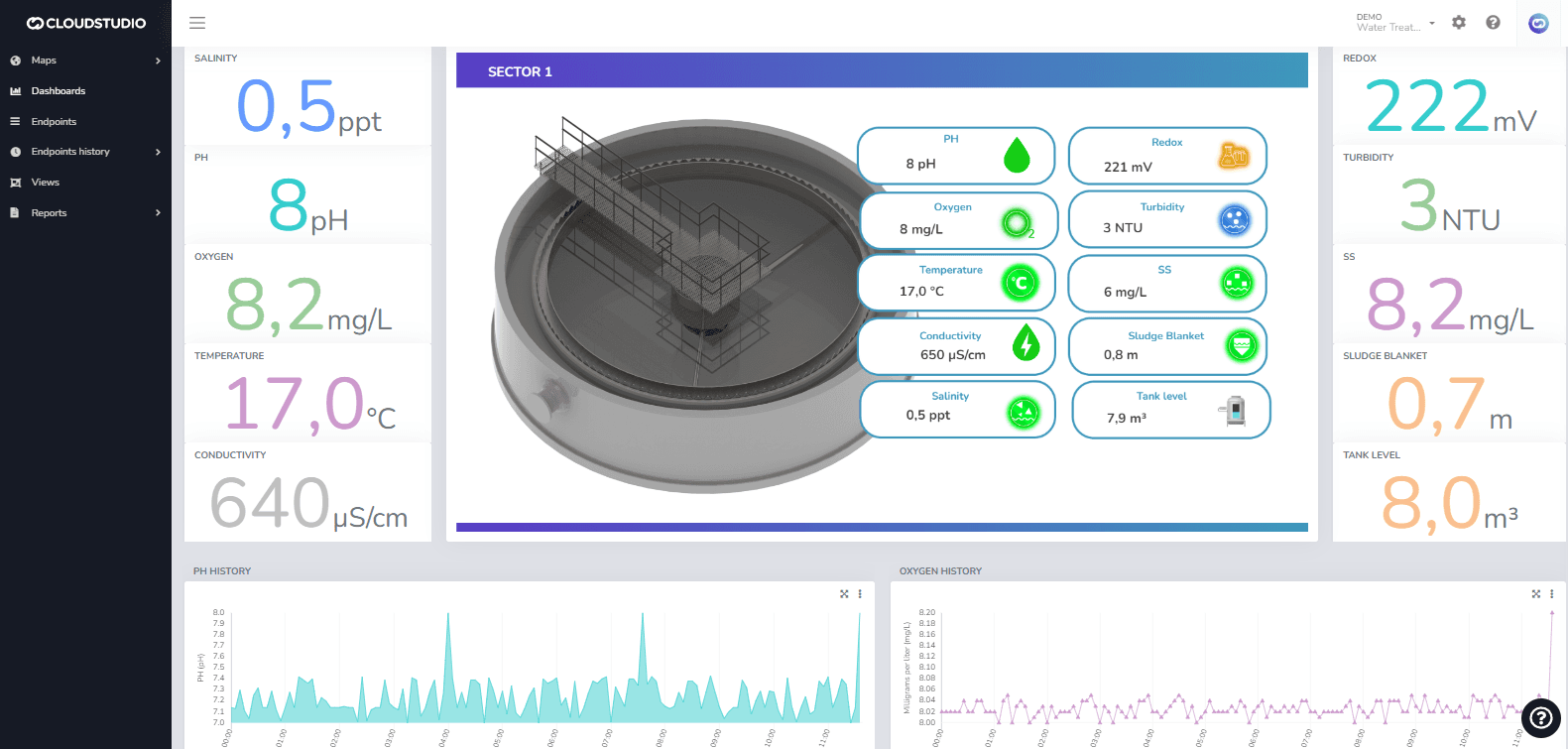
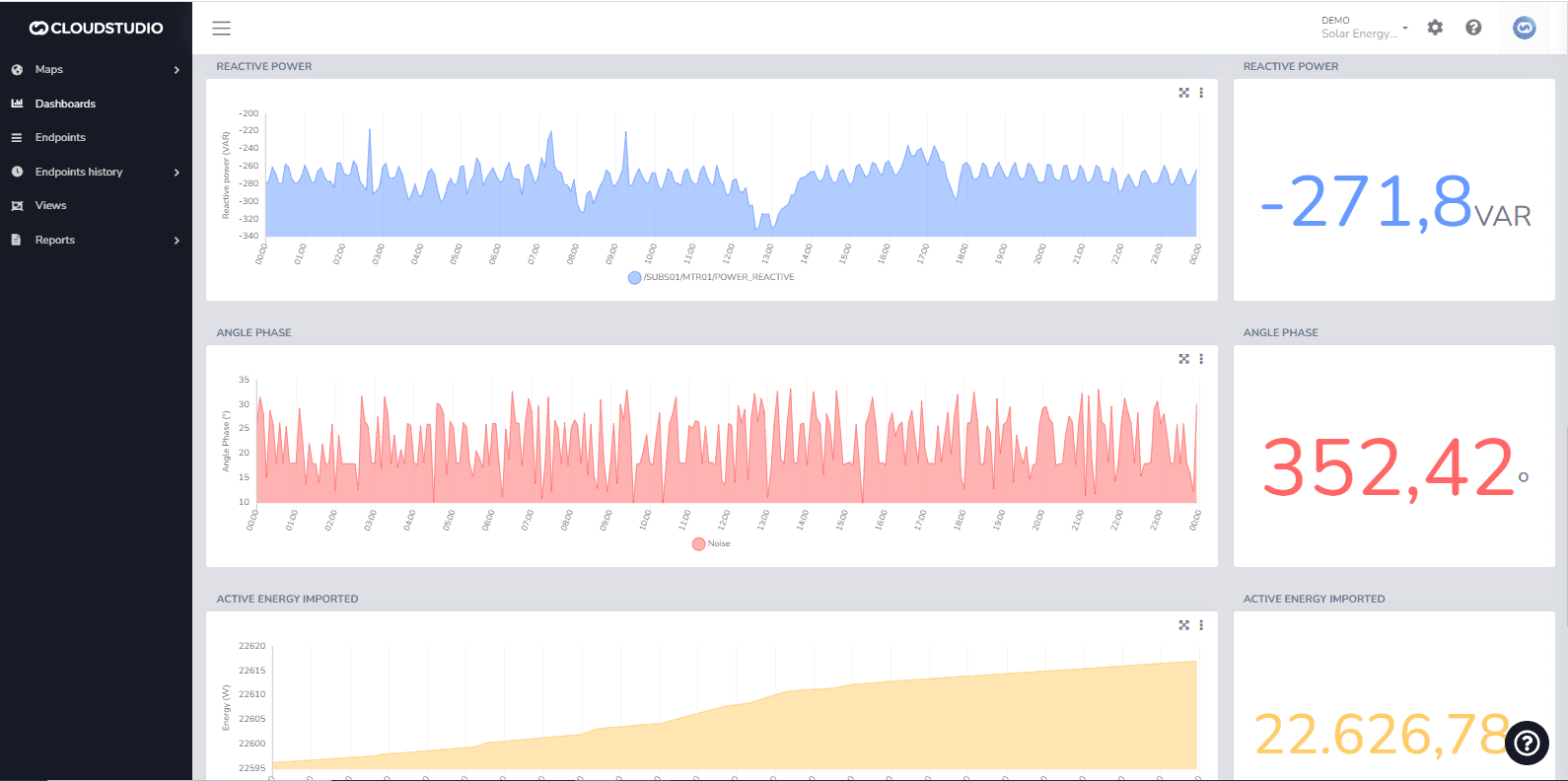
A 仪表盘 is a graphical screen designed to present data and information in a visual, quick, and clear manner. 仪表盘 help users make data-driven decisions from multiple sources.
The Cloud Studio platform features a series of specific widgets for branch monitoring, energy consumption, variable history, real-time metrics, weather data, and more, for use in dashboards customizable by the end user.
Since platform version 1.2.20, all dashboard features have been relocated and unified in the Monitor application.
To learn more about creating dashboards and the new drag & drop features, start 此处 or watch this video on YouTube.
最后更新于
设施地图
简介 The facility map 允许您 view all client facilities that the user has permissions for. Enabling the facility map To enable this feature and display the facility screen in the monitor, you need to configure the client permission by checking the "Enable facility map" option as shown in the following image.
创建仪表盘
To create a new dashboard, navigate to the 仪表盘 menu in the Monitor and 按下 the Add 仪表盘 button. The user can add a 说明 and 说明 in the Details tab as needed.