

创建仪表盘
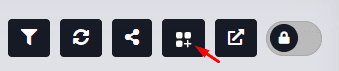
To create a new dashboard, navigate to the 仪表盘 menu in the Monitor and 按下 the Add 仪表盘 button.
The user can add a 说明 and 说明 in the Details tab as needed.
The description will serve as the dashboard's identifying name.
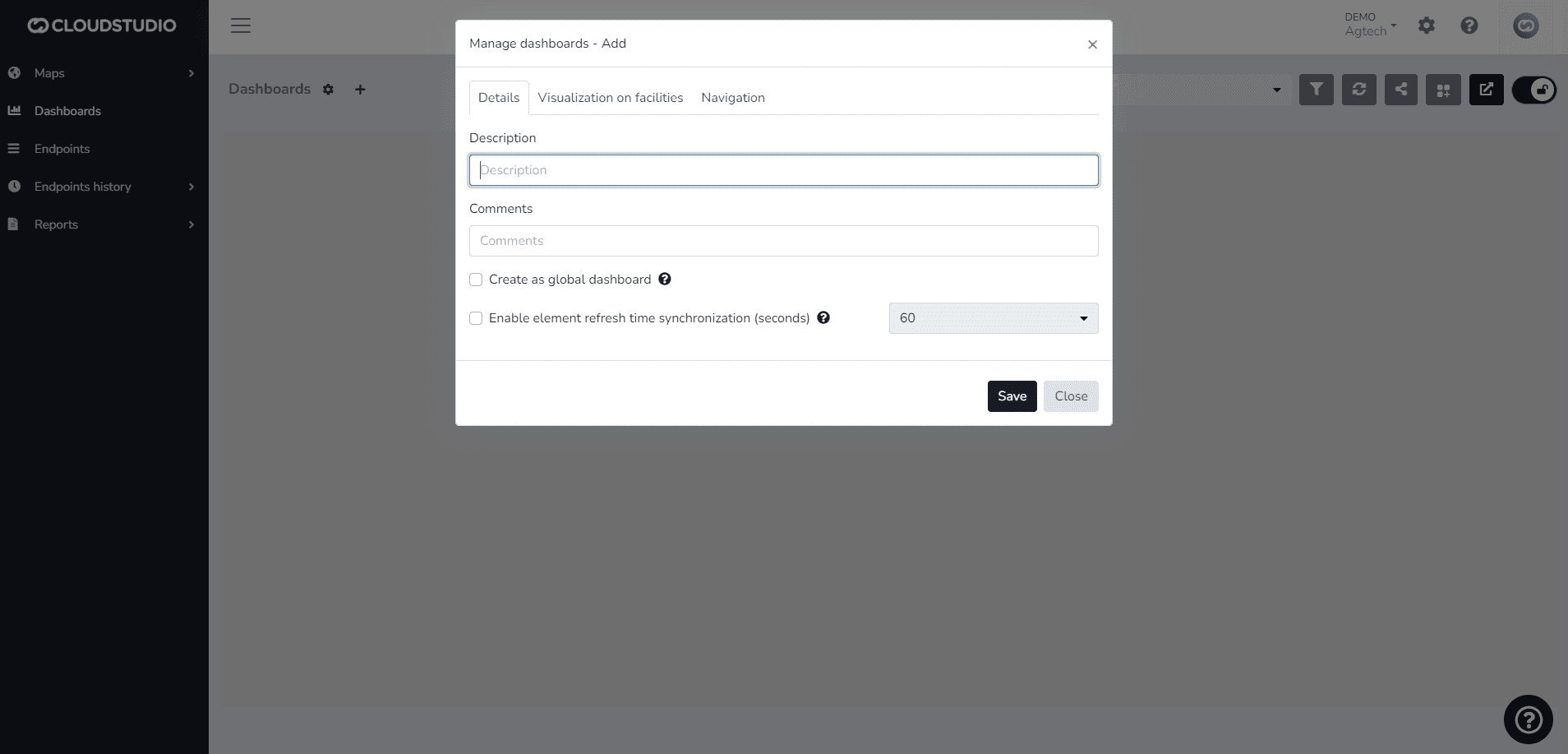
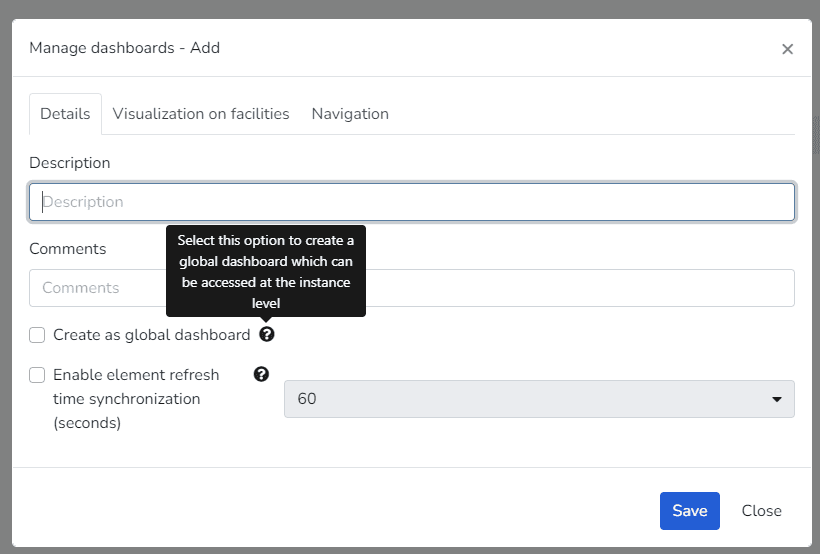
You can also decide whether to create it as Global. If not, the dashboard will only be visible in the Client instance.
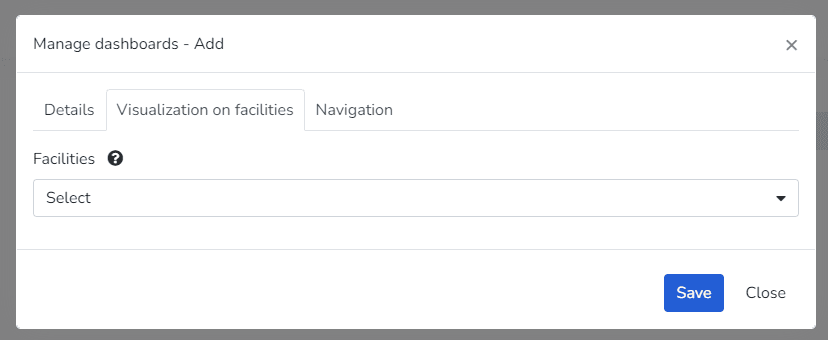
The 设施 Display tab 允许您 选择 whether it should be visible in a specific facility, all facilities, or none. This option is not mandatory.
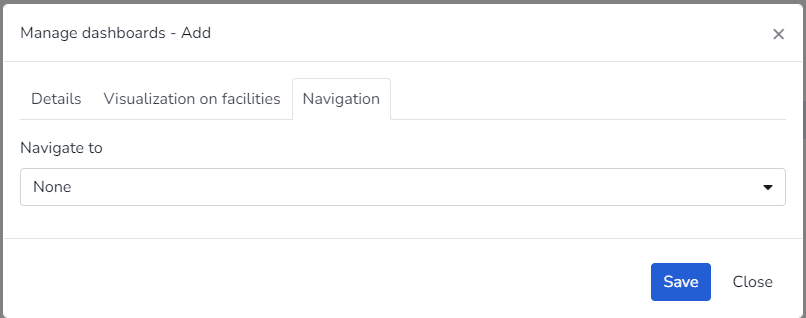
The Navigation tab enables the option for the user to define whether viewing the dashboard should redirect to another one. This option is not mandatory.
最后更新于
仪表盘
A 仪表盘 is a graphical screen designed to present data and information in a visual, quick, and clear manner. 仪表盘 help users make data-driven decisions from multiple sources.
创建组和小部件
The platform includes predefined widgets that facilitate data presentation in dashboards. Some of the available widgets are:...