

共享仪表盘
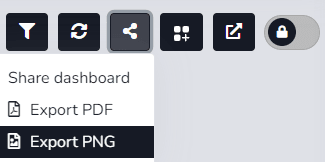
The user can use the corresponding icon to share the 仪表盘 and/or download it in two formats.
When accessing the 仪表盘 from the 仪表盘列表 and editing is required, the Share option will not be enabled until edit mode is closed.
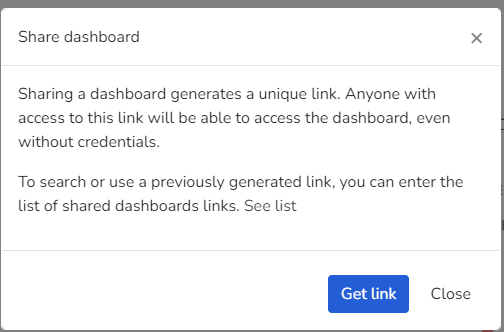
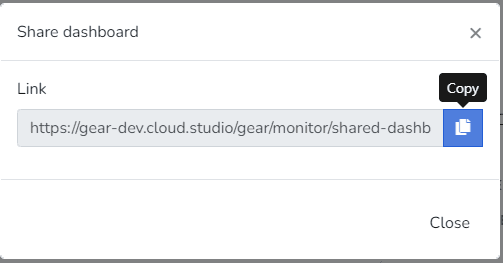
1- 共享仪表盘: By 选择ing the Get Link button, the user will generate an access link to the dashboard they want to share. This link can be opened and viewed in a browser without needing access to the platform.
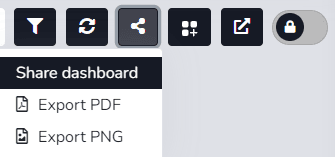
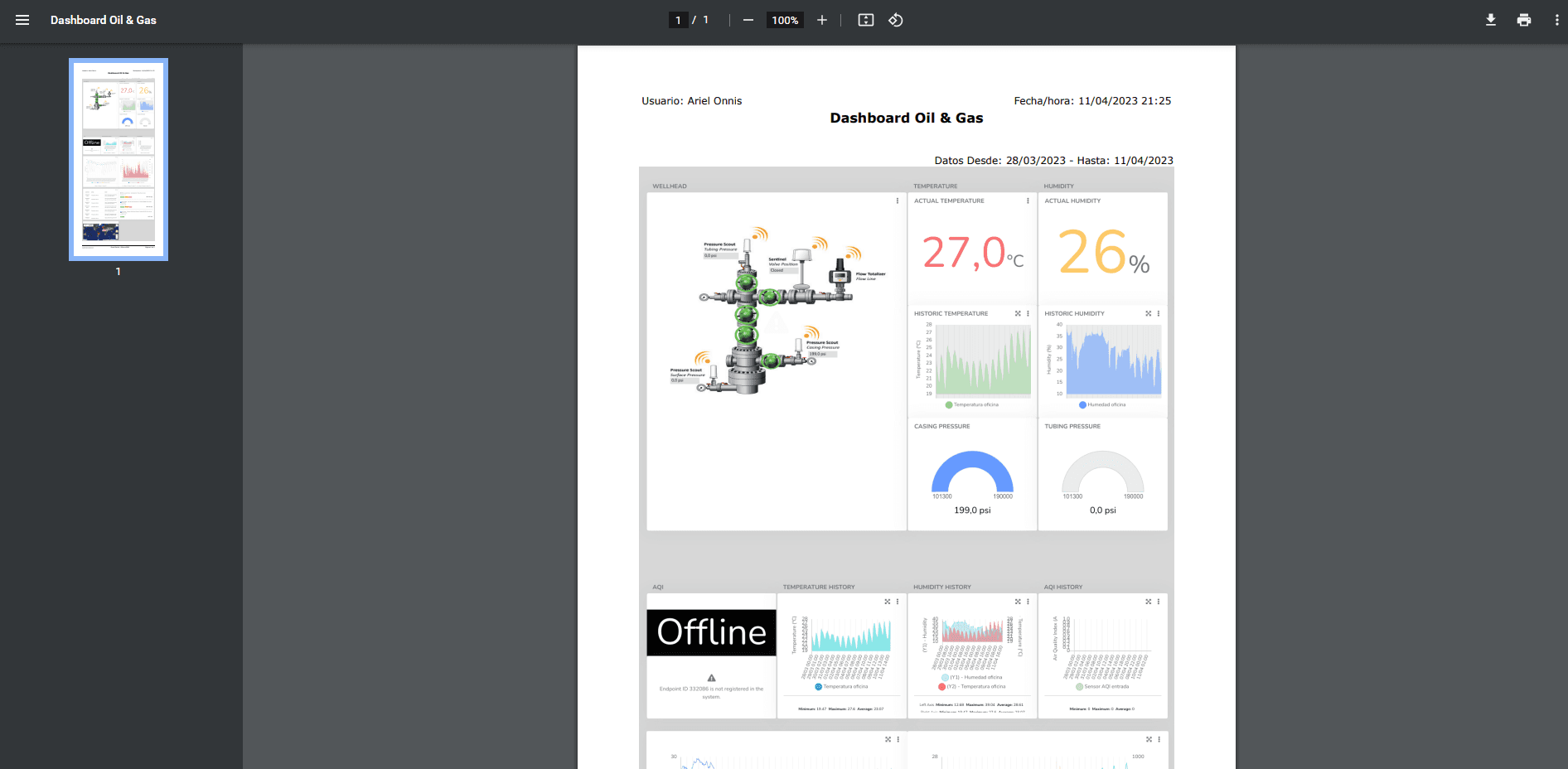
2- Export PDF: Here the user can download the dashboard in Portable Document Format (PDF) according to the applied filter.
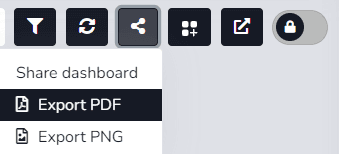
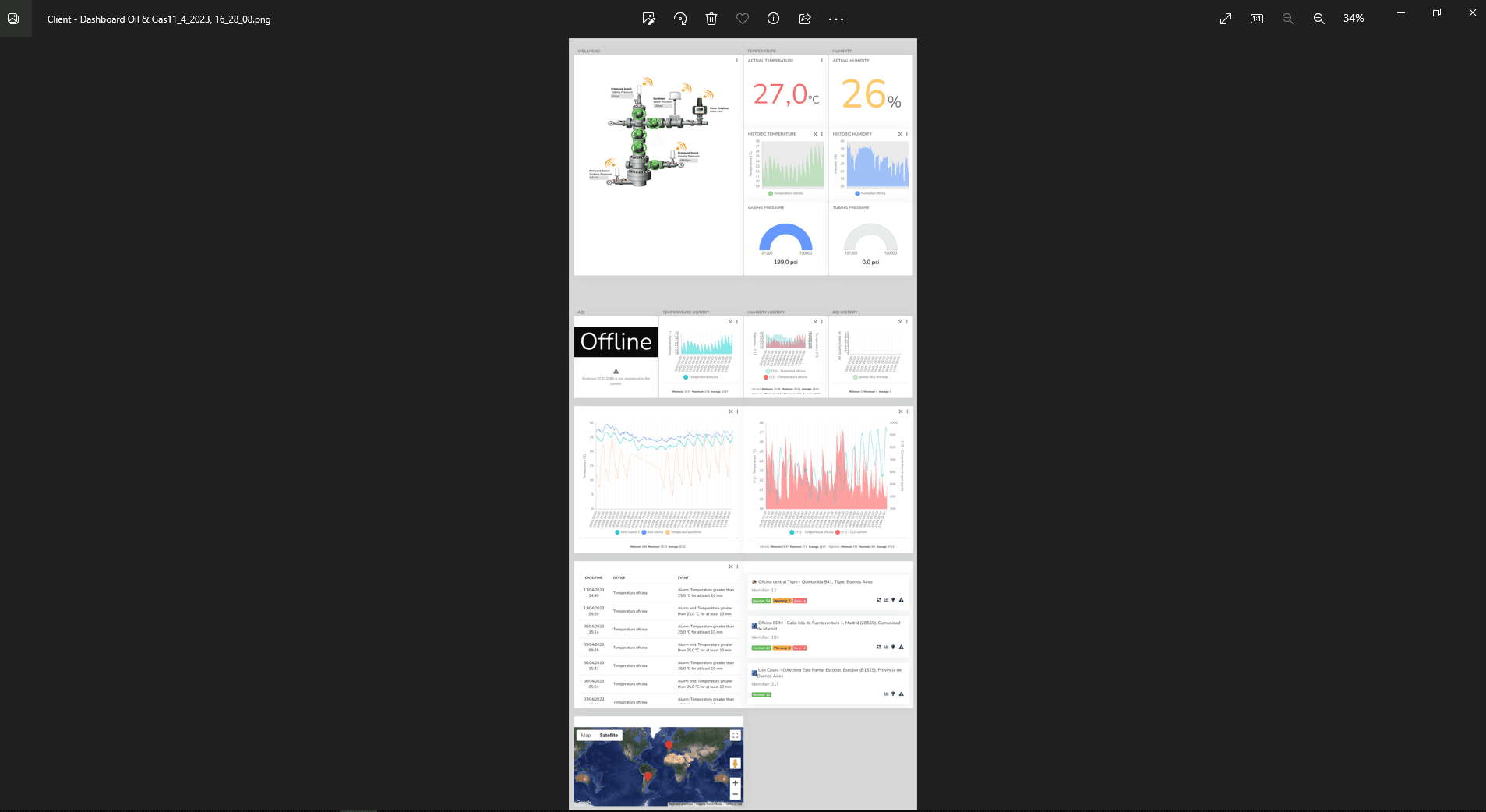
3- Export PNG: The user can download the dashboard in Portable Network Graphic (PNG) format according to the applied filter.
最后更新于
编辑组和小部件
仪表盘 Design editing is tied to each user's permissions. If the user has the required permission, they can use the edit button located in the upper right corner of the dashboards when 输入ing the 仪表盘 option in the Monitor menu.
共享仪表盘 - Mobile App
The user can use the corresponding icon to share the 仪表盘. When accessing the 仪表盘 from the 仪表盘列表 and editing is required, the Share option will not be enabled until edit mode is closed.