

Flexible Alarms
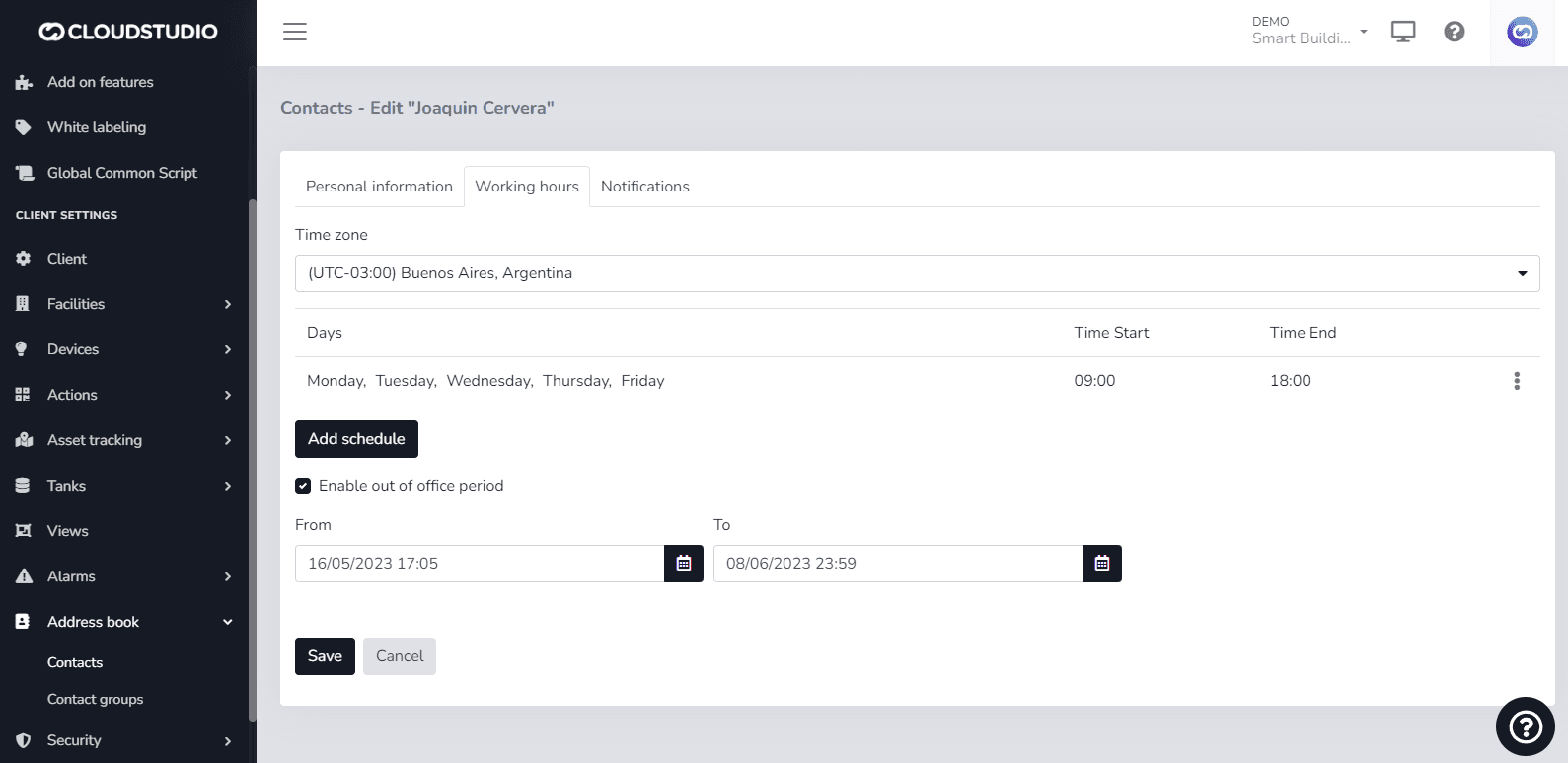
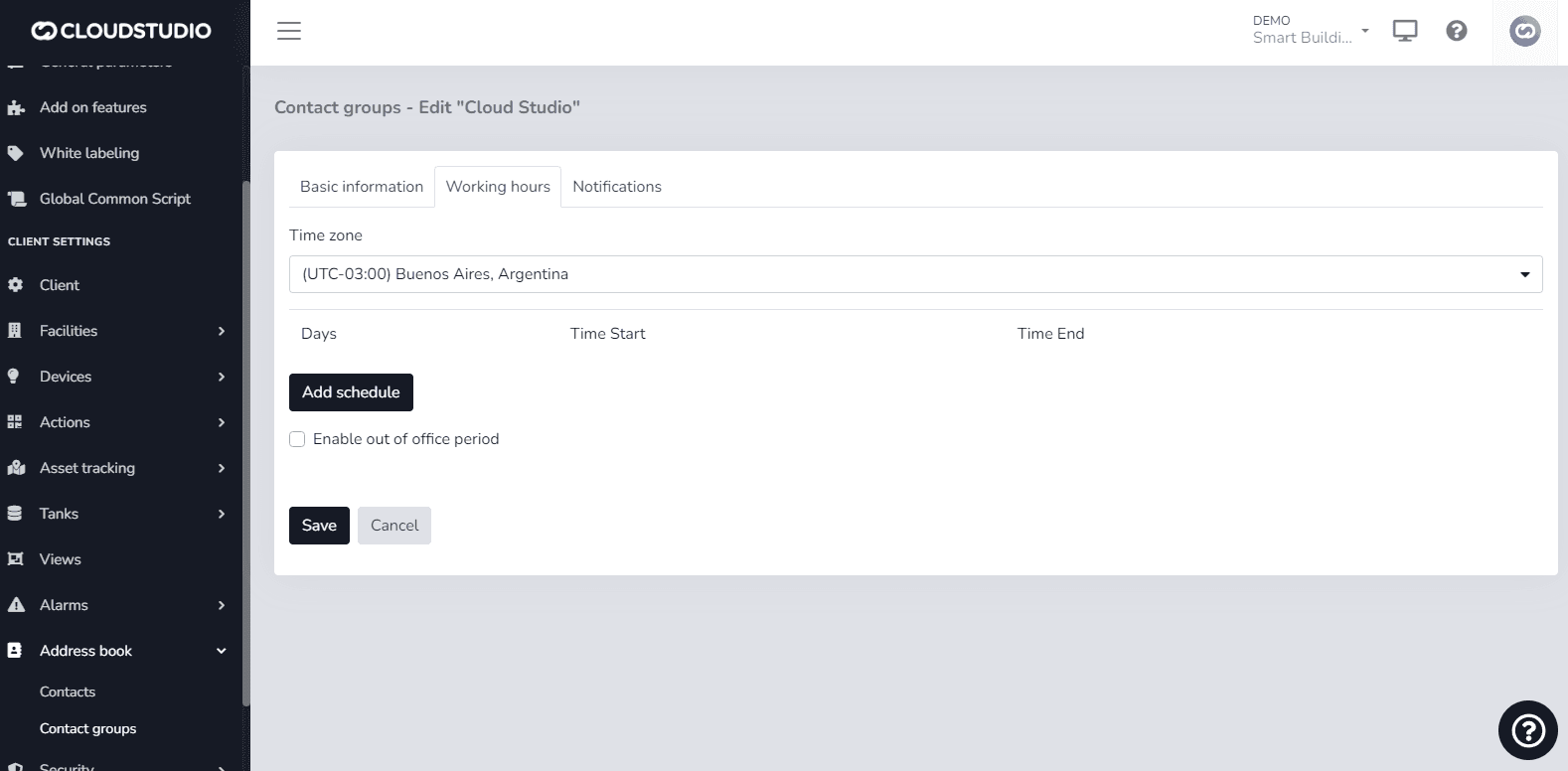
This feature aims to make notification delivery to contacts more flexible by allowing configuration of time zone, working days and hours, and vacation or out-of-office periods. This configuration can be applied at the contact or contact group level. This provides the ability to perform more precise configuration that helps make the notifications/alerts generated to specific contacts more effective.
Modify alarms by contact
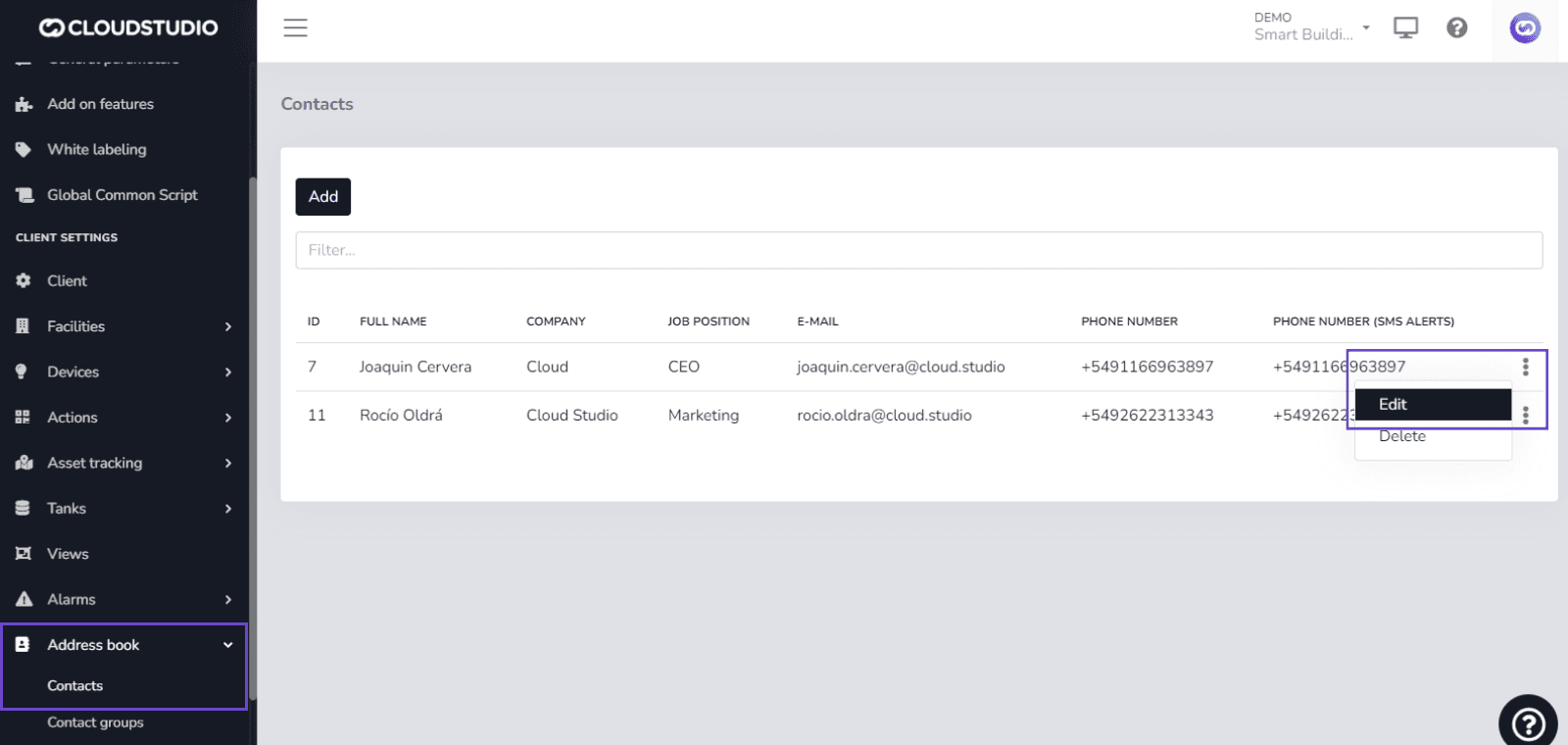
To modify notification delivery to a contact, navigate to the following path:
Navigation menu > Directory > Contacts > Working hours
Modify alarms by contact group
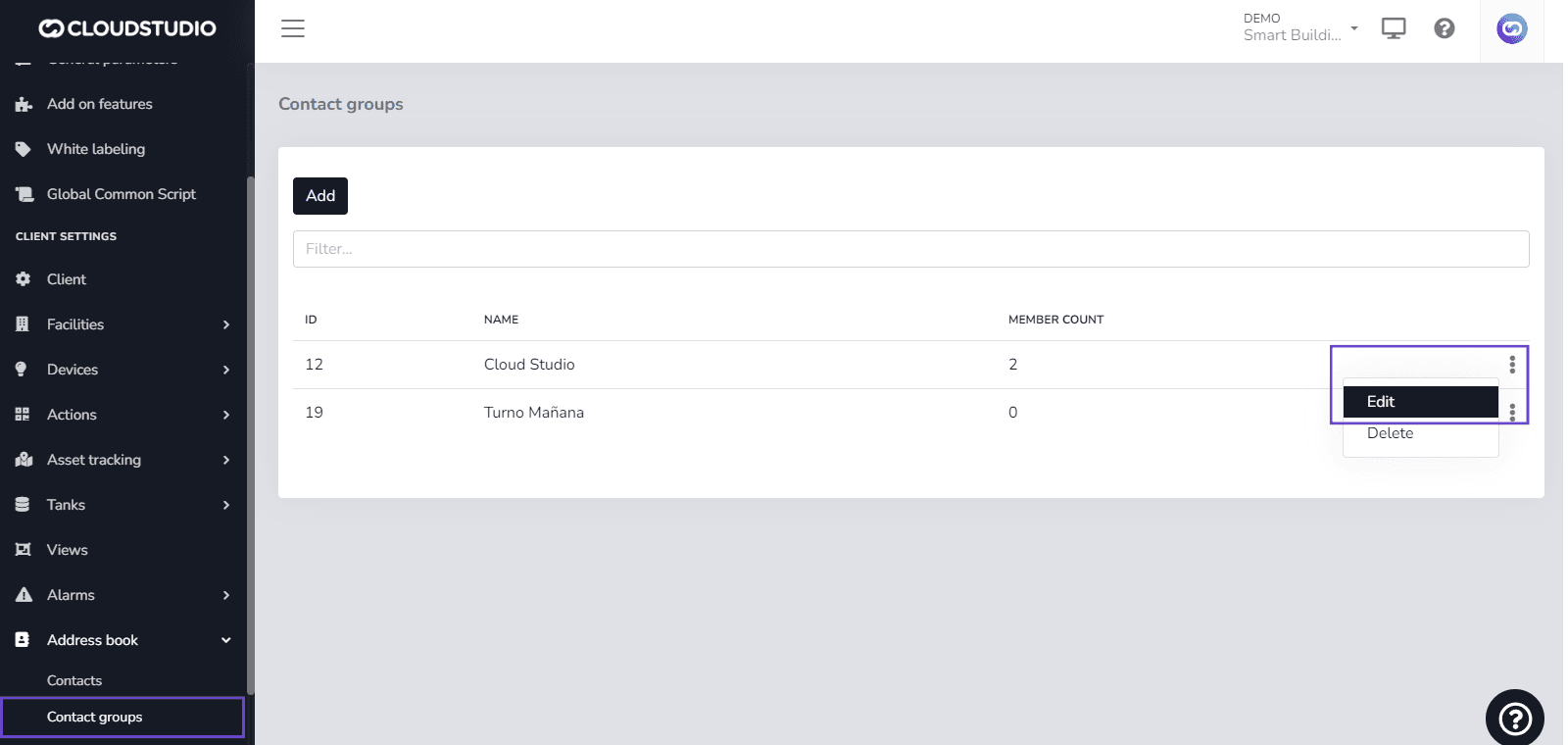
If you need to modify notifications for a contact group, navigate to:
Navigation menu > Directory > Contact Groups > Working hours
Última atualização em
Voice, SMS, and WhatsApp Services
Voice, SMS, and WhatsApp notification services have an associated cost. The user can view messages in the notifications tab within Alerts and Alert Types that warn about...
Alerts - Contacts and Contact Groups
From the following screen, the user can create an alert based on the created Contacts or Contact Groups. 1- In the Details tab, configure the Sensor, the Condition...