

Address Book
The Address Book is a list that centralizes contact information for notifications, including SMS, Email, and voice calls. For each contact, the Address Book allows including the following data:
- Full name (required)
- Company
- Position
- Phone number
- Phone number for SMS notifications
Data can be sorted by different columns in ascending or descending order according to user preference. By default, the display follows the order of record entry in ascending order, and the appearance is as follows:
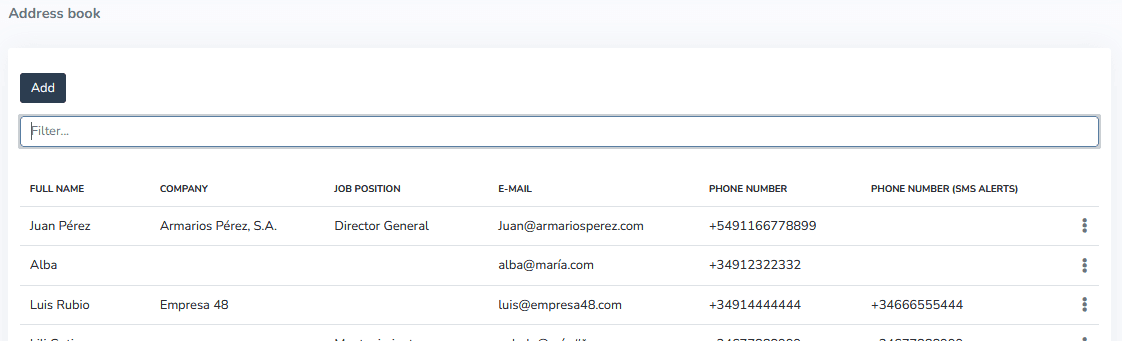
Using the "Add" button that appears on the Address Book display screen, new contacts can be added with the desired data, keeping in mind that Full Name is a required field that must always be filled in to include the new contact in the list.
Next to each Address Book record, there is a three-dot icon that provides access to a context menu for that record with the following options:
- Edit: to edit the record or contact.
- Delete: to delete the record or contact. The system requests confirmation before deleting a record to prevent accidental data deletion.
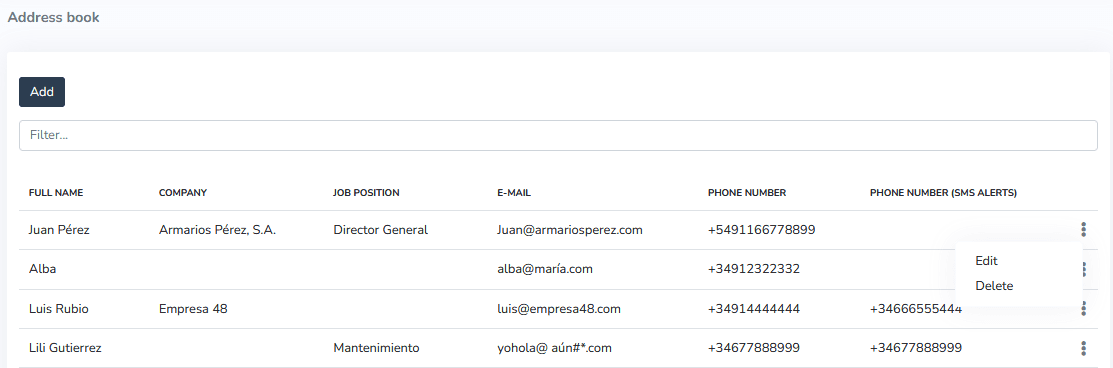
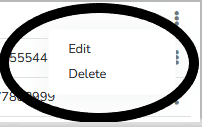
Menu expansion
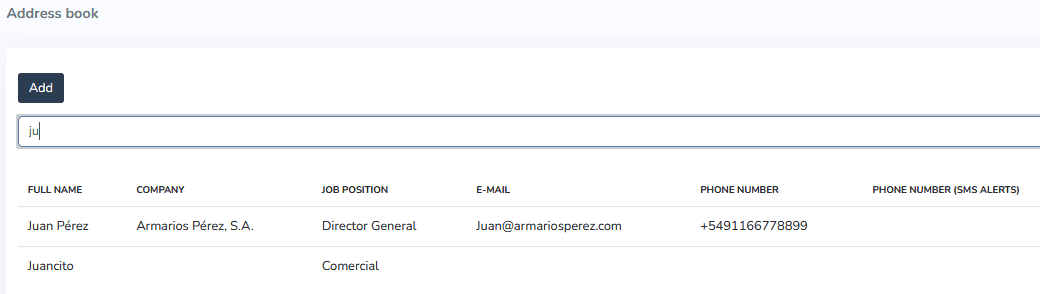
The list content can be filtered using a text box to find the desired contact by simply typing part of the name, phone number, or any other data. In the following example, we searched for Juan Perez and there was no other contact with the characters "ju":
The Address Book can be accessed from any device with Internet access. It can be viewed and modified in any browser and on any device (computer, tablet, or mobile phone).
The Address Book is the best way to have all the necessary contacts in one place for sending application-related notifications, with the ability to send those notifications in an automated manner.
The Address Book enables communication and sending of alerts to selected contacts and/or other devices through the system quickly and efficiently to stay informed at all times about the status of the devices included in the application.
More Information
Última atualização em
Severidade de Alarmes
Introdução: Os níveis de severidade nos alertas indicam a criticidade associada aos alarmes. Os níveis de severidade podem ser baixo, médio ou alto, conforme mostrado na imagem a seguir.
Create a New Contact
How to create a new contact in the Gear Studio address book with the Add button, even while the search filter is active.