

Reports
In the Reports section, the user can view different types of options from which to download a report.
The available reports for viewing and downloading are the following:
Device Catalog
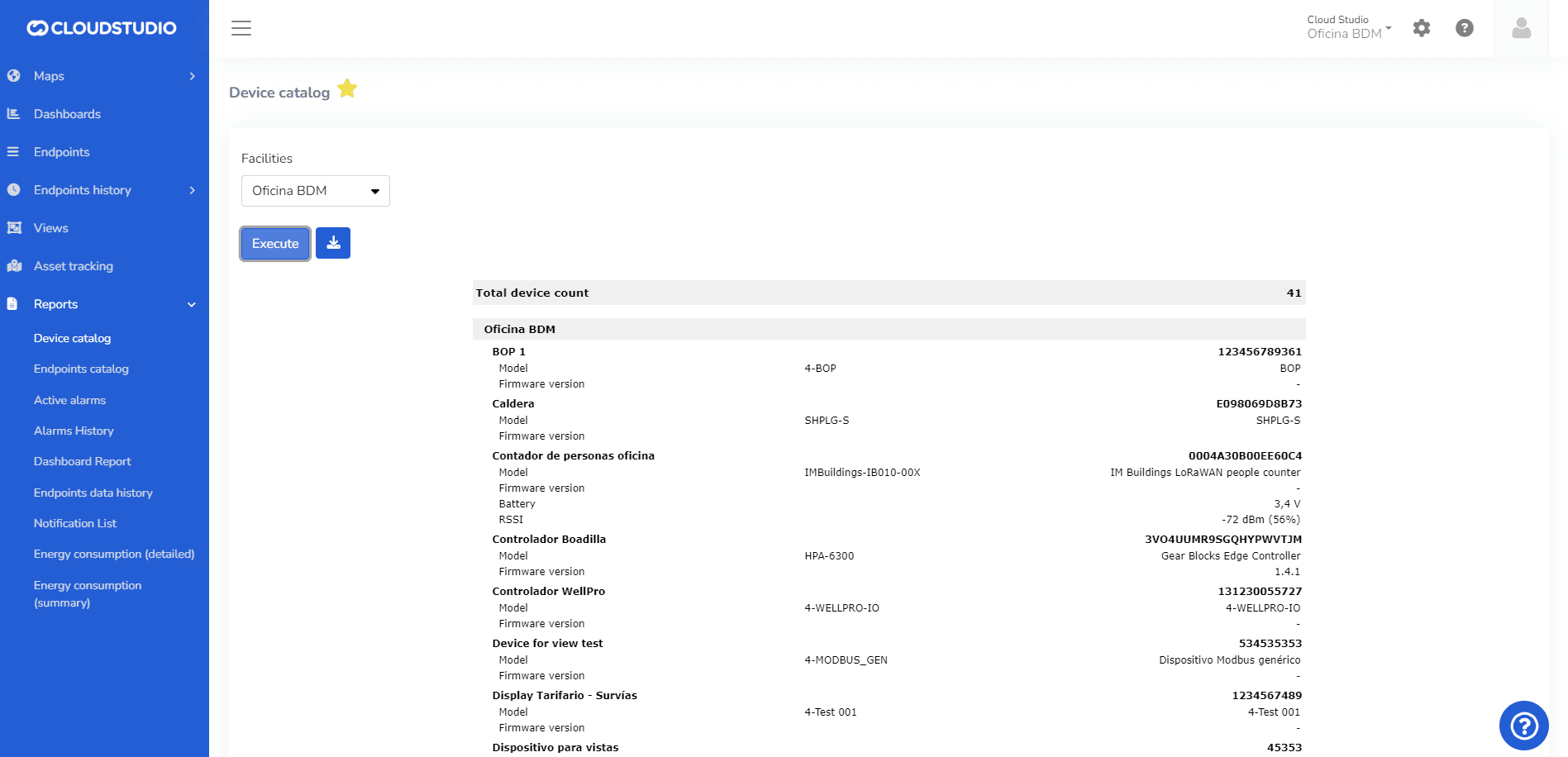
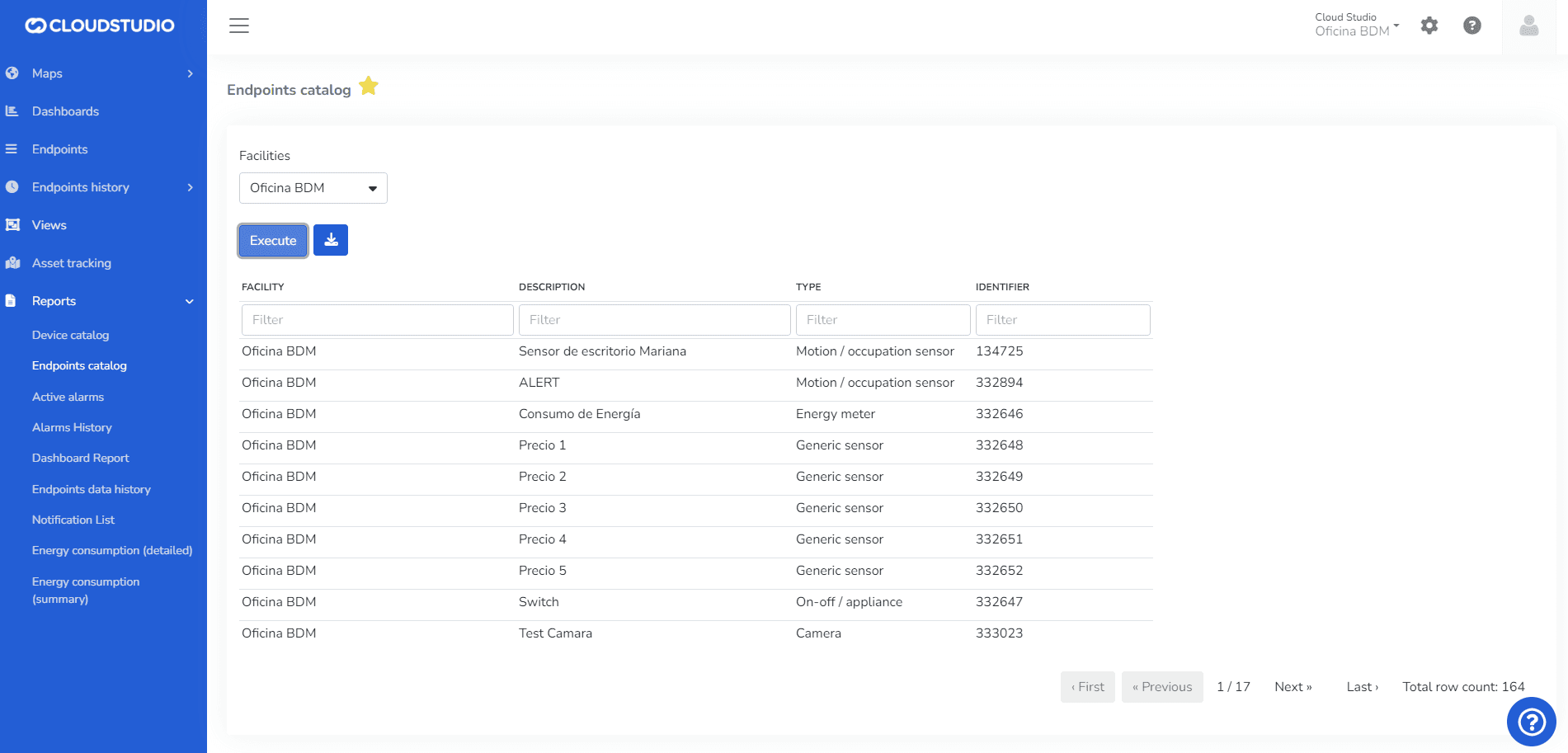
Endpoint Catalog
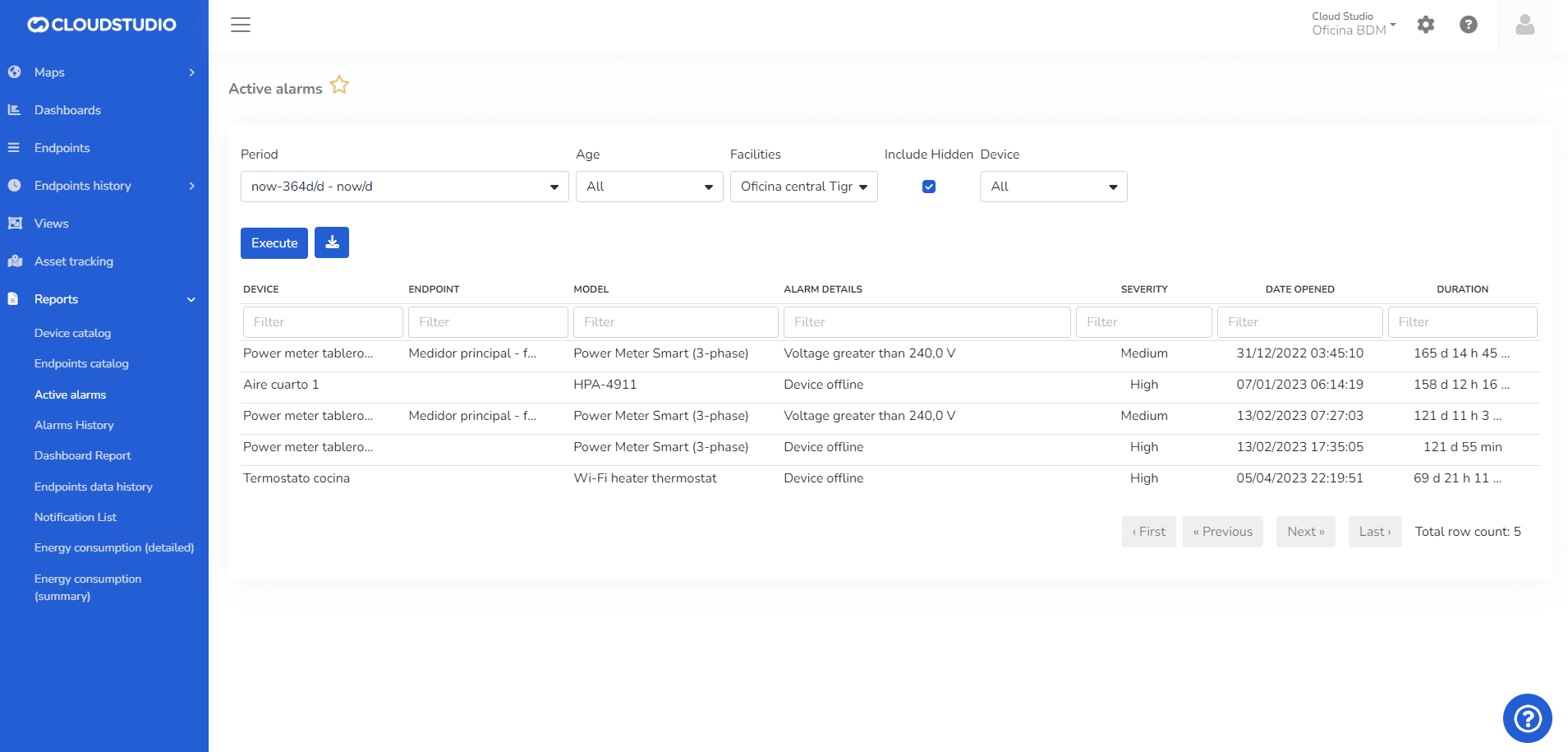
Active Alarms > For more details on filters to include hidden Endpoints, click here
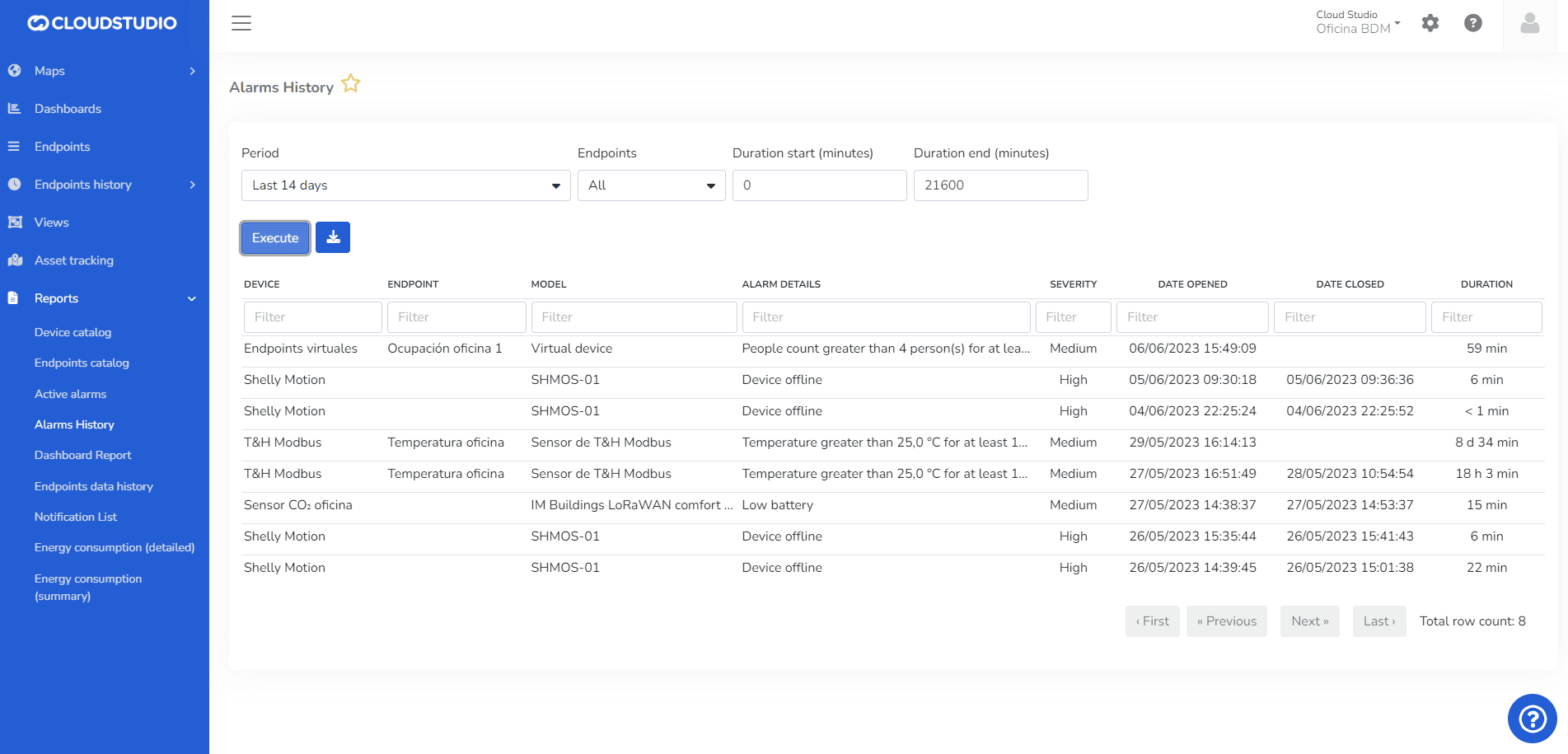
Alarm History
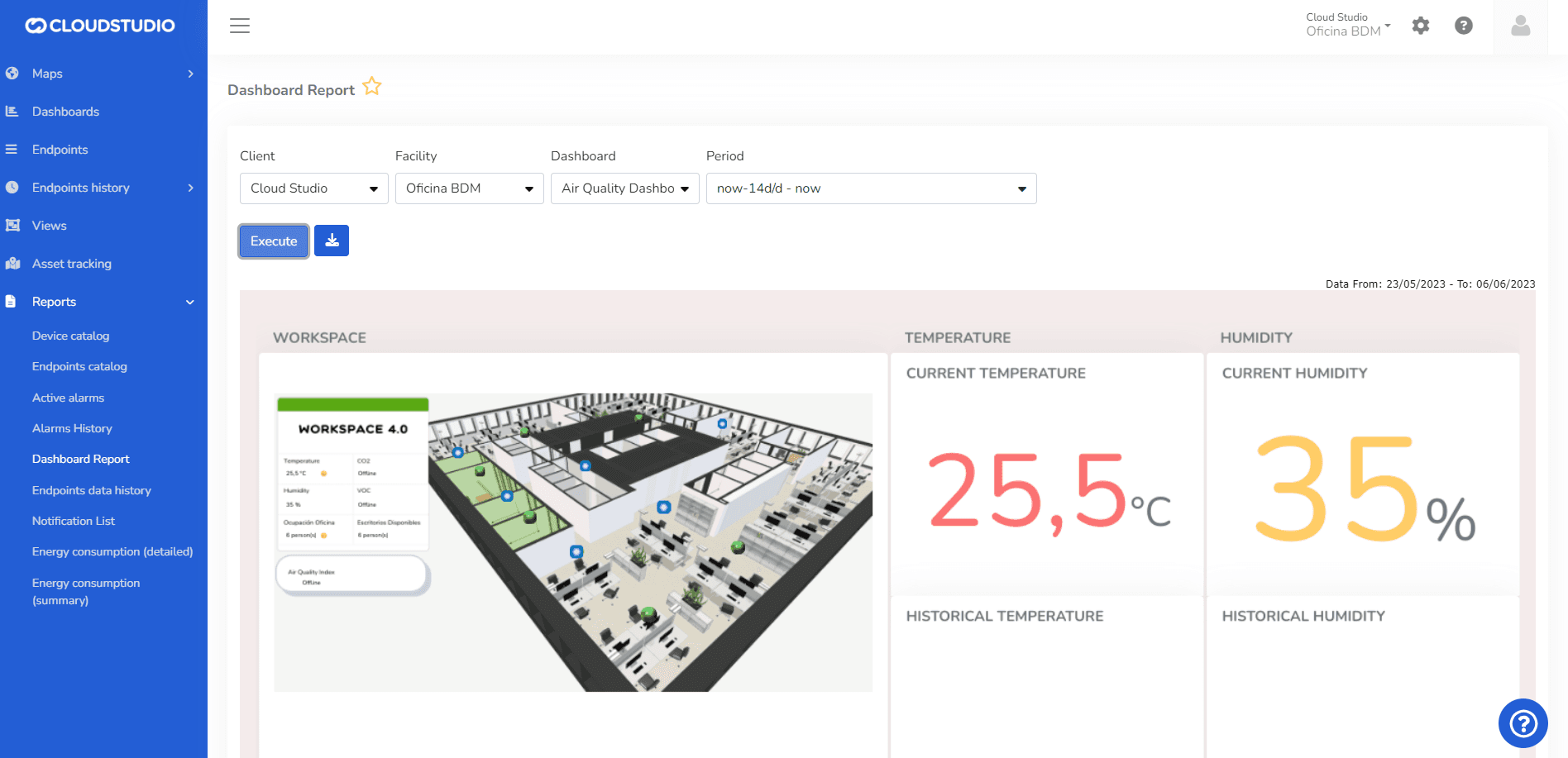
Dashboard Report
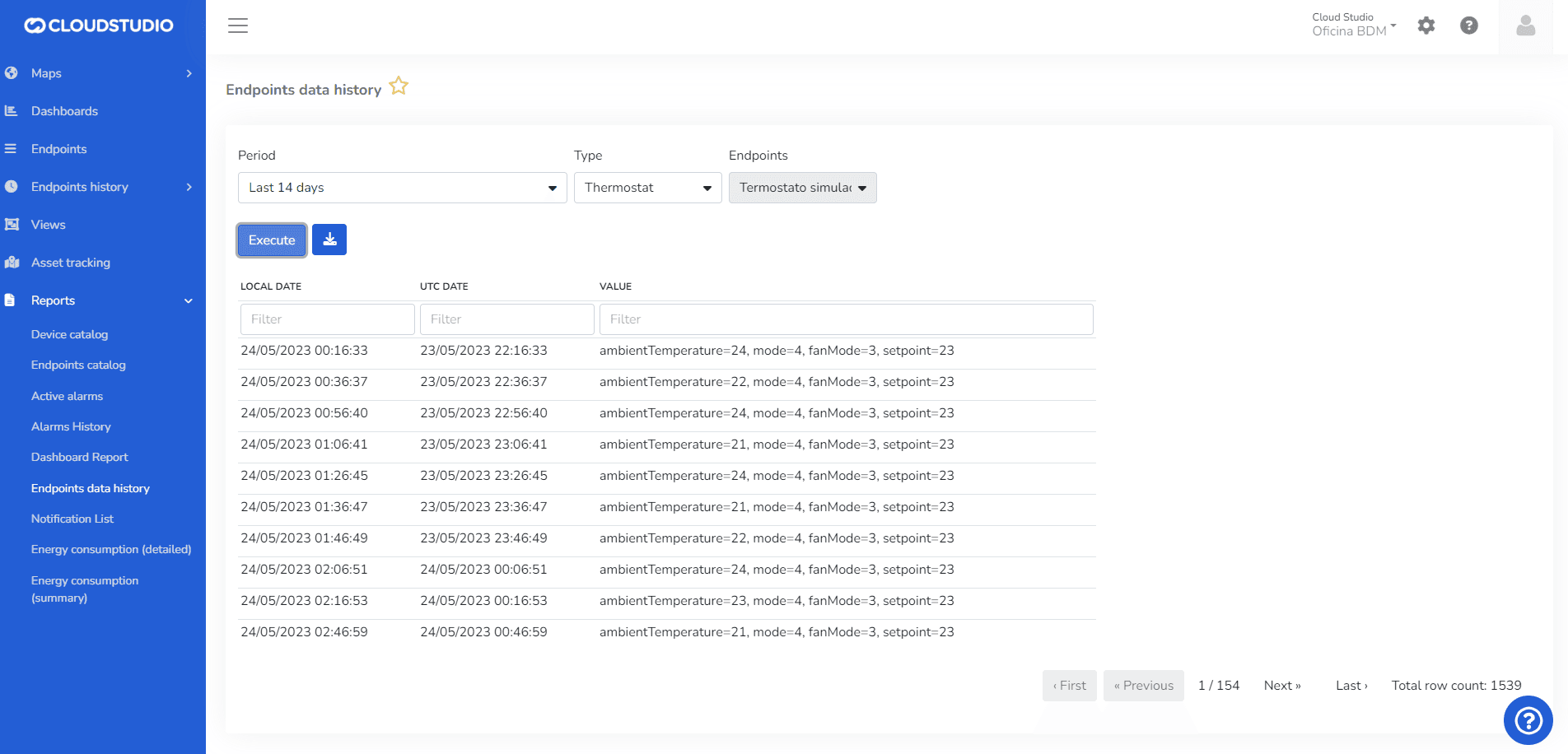
Endpoint Historical Data
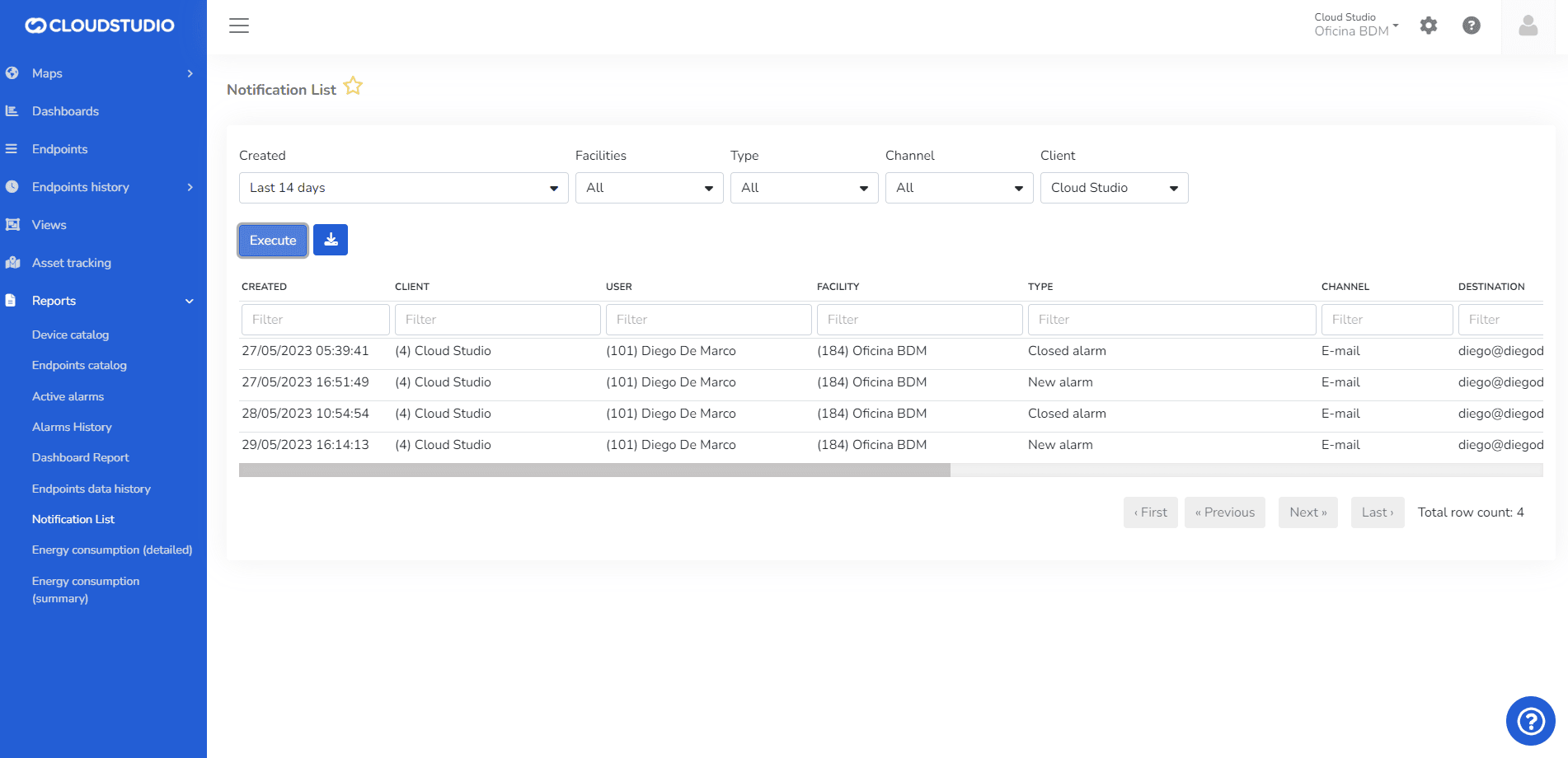
Notification List
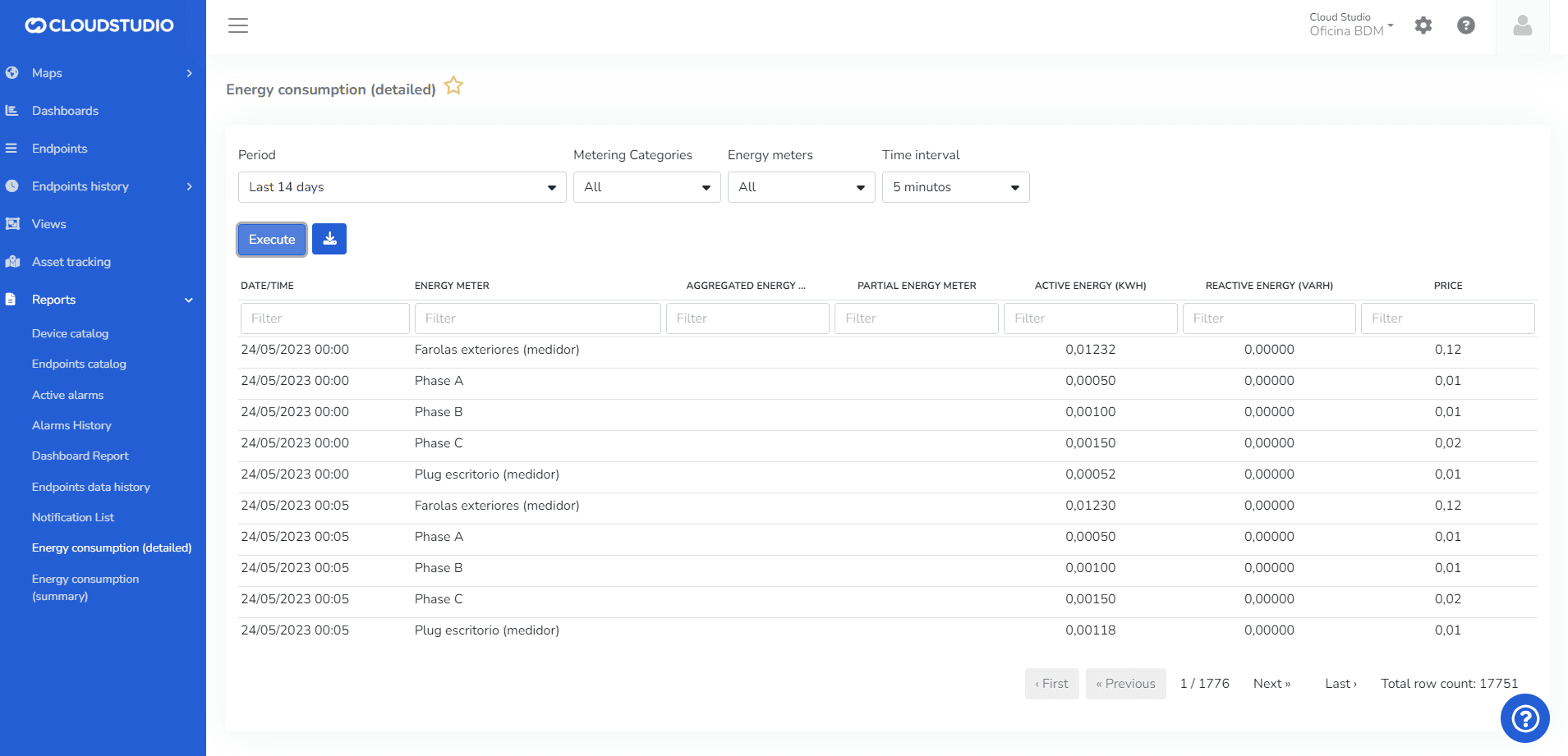
Detailed Energy Consumption
Summary Energy Consumption
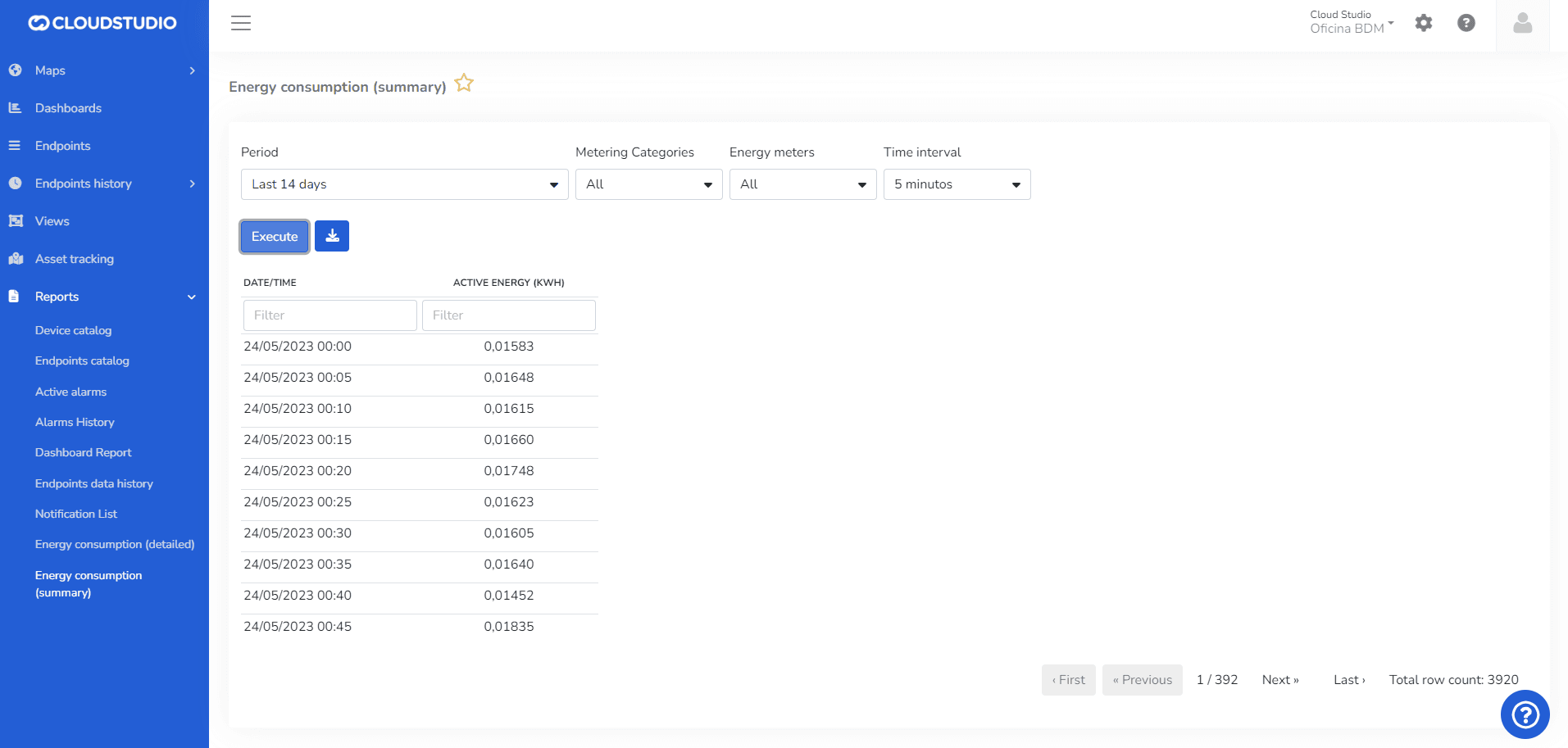
Each option can be configured to generate the specific report needed, and it will be downloaded in PDF or Excel format.
Última atualização em