

Exportar relatórios como CSV usando o separador correspondente à facility
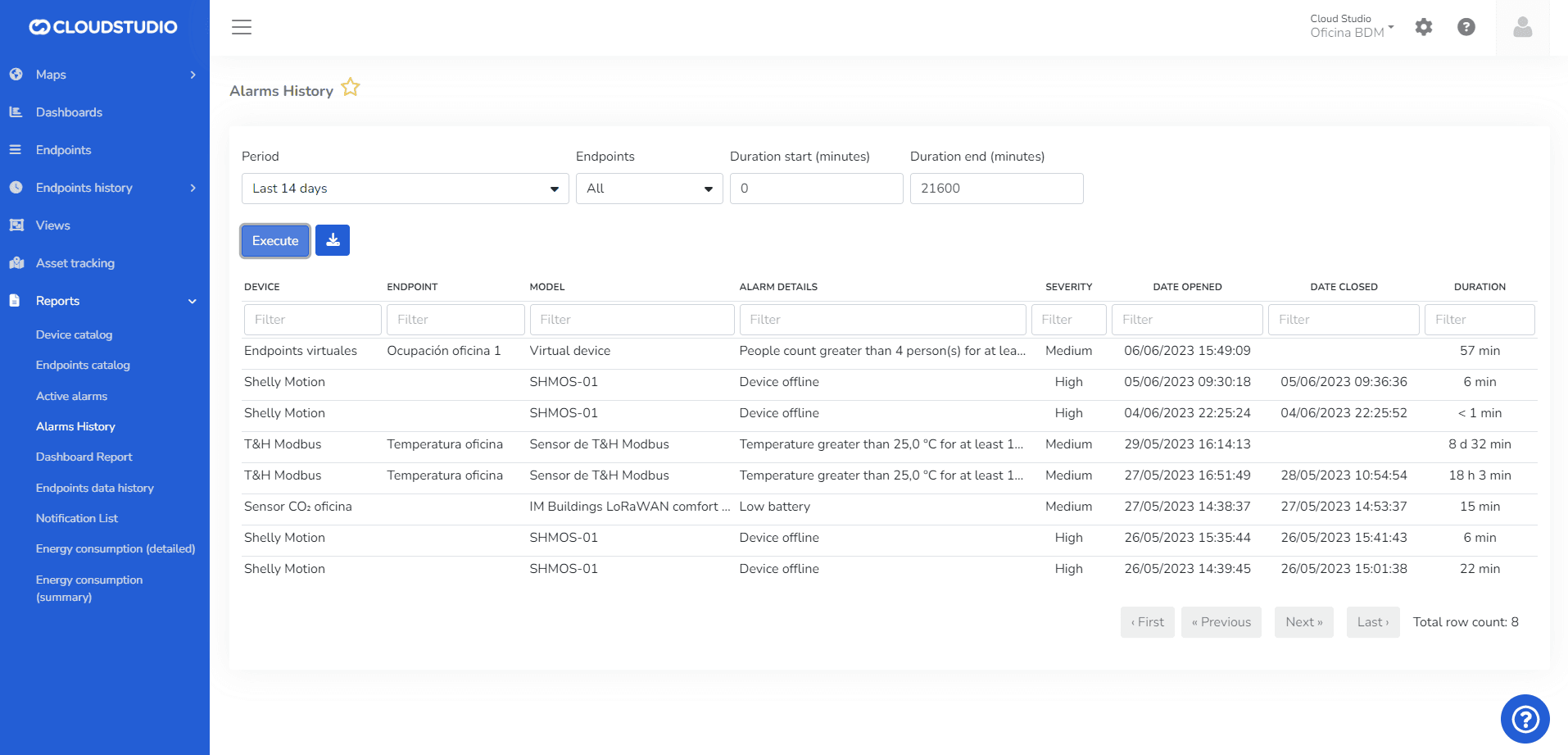
This section allows exporting the alarm history to a Microsoft Excel document.
Última atualização em
Reports
In the Reports section, the user can view different types of options from which to download a report. The available reports for viewing and downloading are listed below.
Listagem de Notificações
Introdução: A listagem de notificações permite visualizar o relatório filtrado por data de criação, Facility, tipo de notificação, canal e Cliente. Um administrador com usuário global pode filtrar por múltiplos clientes. A plataforma permite baixar o relatório em PDF/Excel.