

Views
Views allow designing SCADA visualizations where images can be inserted and then overlaid with data that, unlike what can be achieved with dashboards, updates in near real-time.
In views, sensor (endpoint) data from devices is inserted using a WYSIWYG design tool through the use of visual objects called elements.
Views are implemented in two applications:
- The view manager sub-module, which includes the designer and is found in the Manager.
- The visualization sub-module, which allows selecting a running view and is found in the Monitor.
Creating views
To create a new view or modify an existing one, go to the views menu in the Manager application.
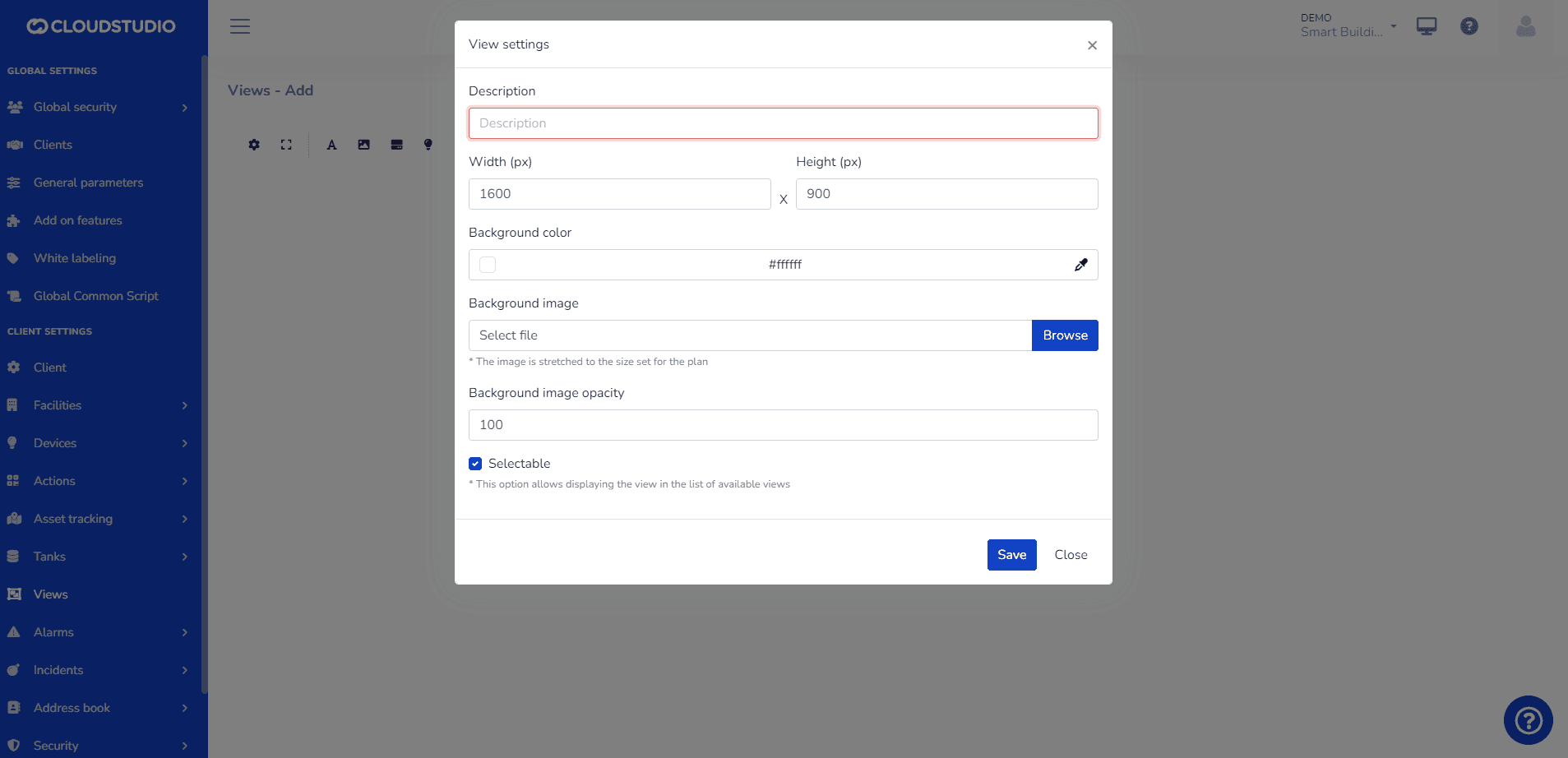
Once created, a canvas with the background chosen by the user will open. In views, the following actions can be performed:
- Add static text elements
- Add static and predefined image elements
- Add real-time endpoint status elements in text format
- Add real-time endpoint status elements with predefined images based on the variable type.
- Add occupancy elements.
- Add alarm elements.
- Add camera-type endpoint snapshots
Tips:
- The recommended size for views is 1600px x 900px. However, it can be customized to the user's needs. - We recommend .PNG format for images with transparent backgrounds. - Watch our video on YouTube to learn more about SCADA-type views.
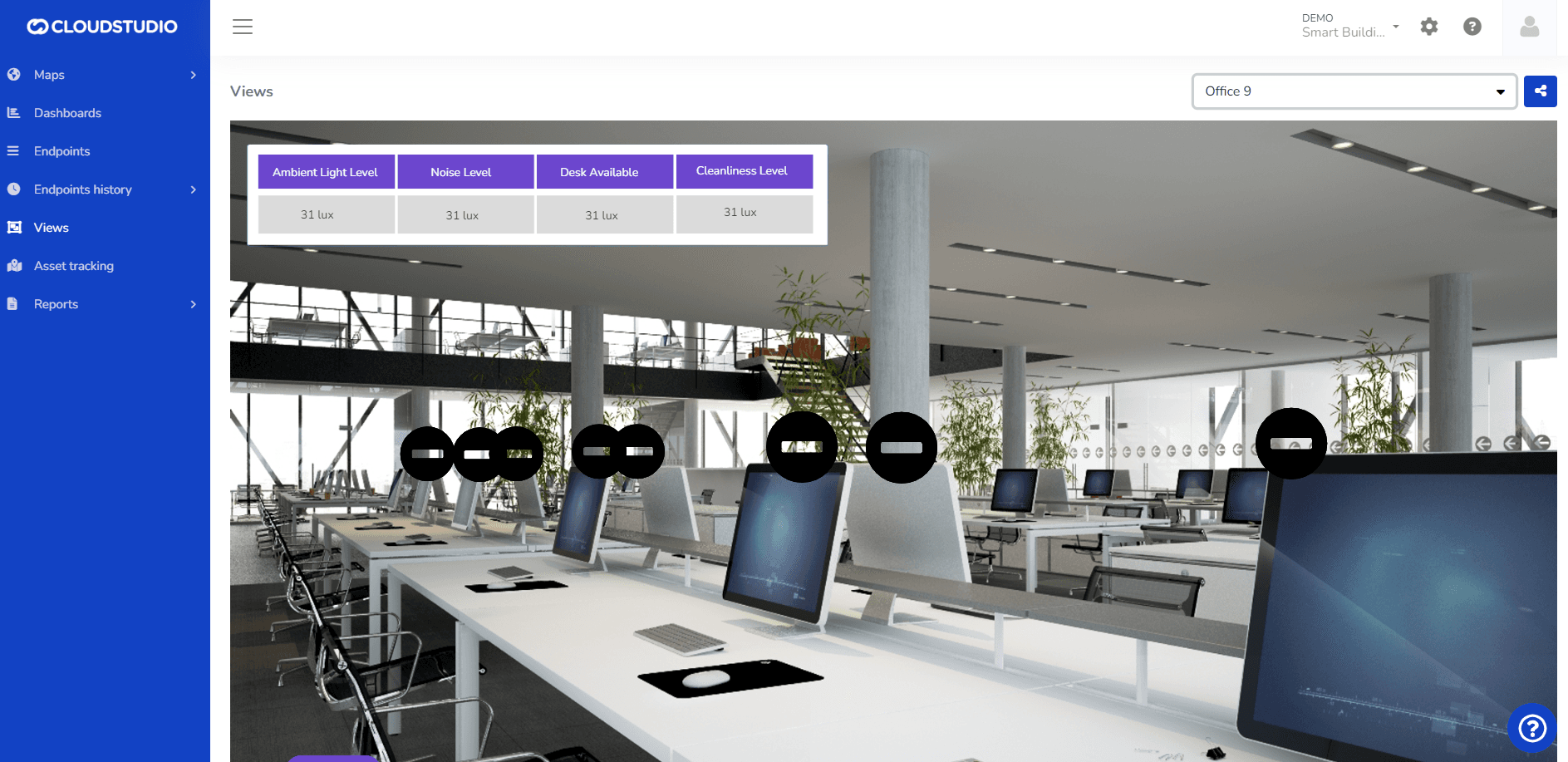
Once the view is configured, the user can view it from the Monitor as shown in the following image:
Última atualização em
Métricas
Uma métrica é uma medida quantitativa usada para avaliar e monitorar o desempenho de um sistema ou dispositivo IoT em tempo real. As métricas são usadas para coletar dados que podem ser analisados para obter insights valiosos sobre o comportamento e a eficácia do dispositivo IoT.
Elementos
Próxima página