

Map Configuration
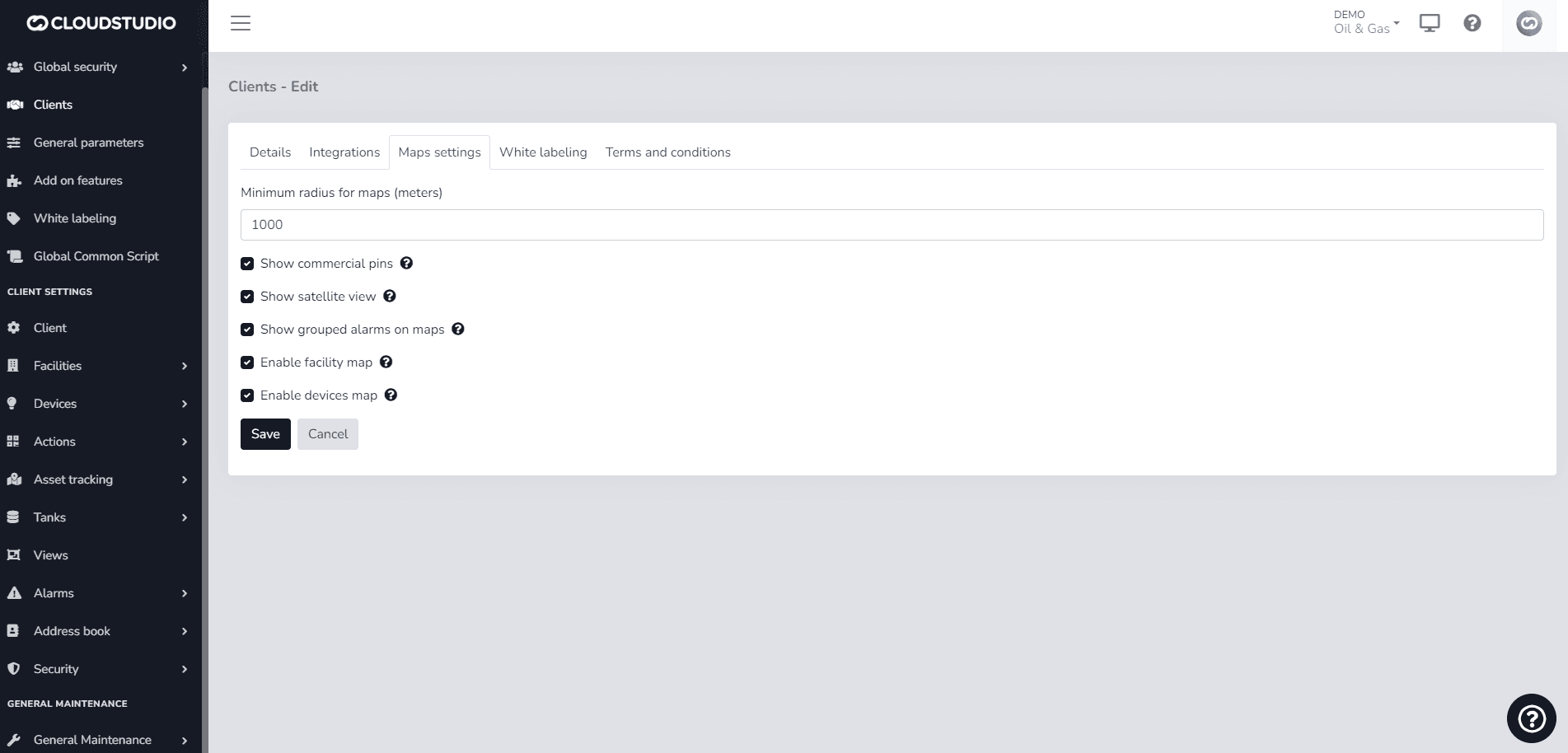
Within the client configuration, there is a field that refers to the minimum radius for maps.
It specifies a distance in meters to which the maps will adjust to the North, South, East, and West.
Although the configuration refers to Radius, it actually refers to the rectangle that composes the map.
The client configuration is initialized with a radius of 1000 meters but can subsequently be modified, using the new value.
Example
By default, a client will have a minimum map radius of 1000 meters, as shown in the following image:
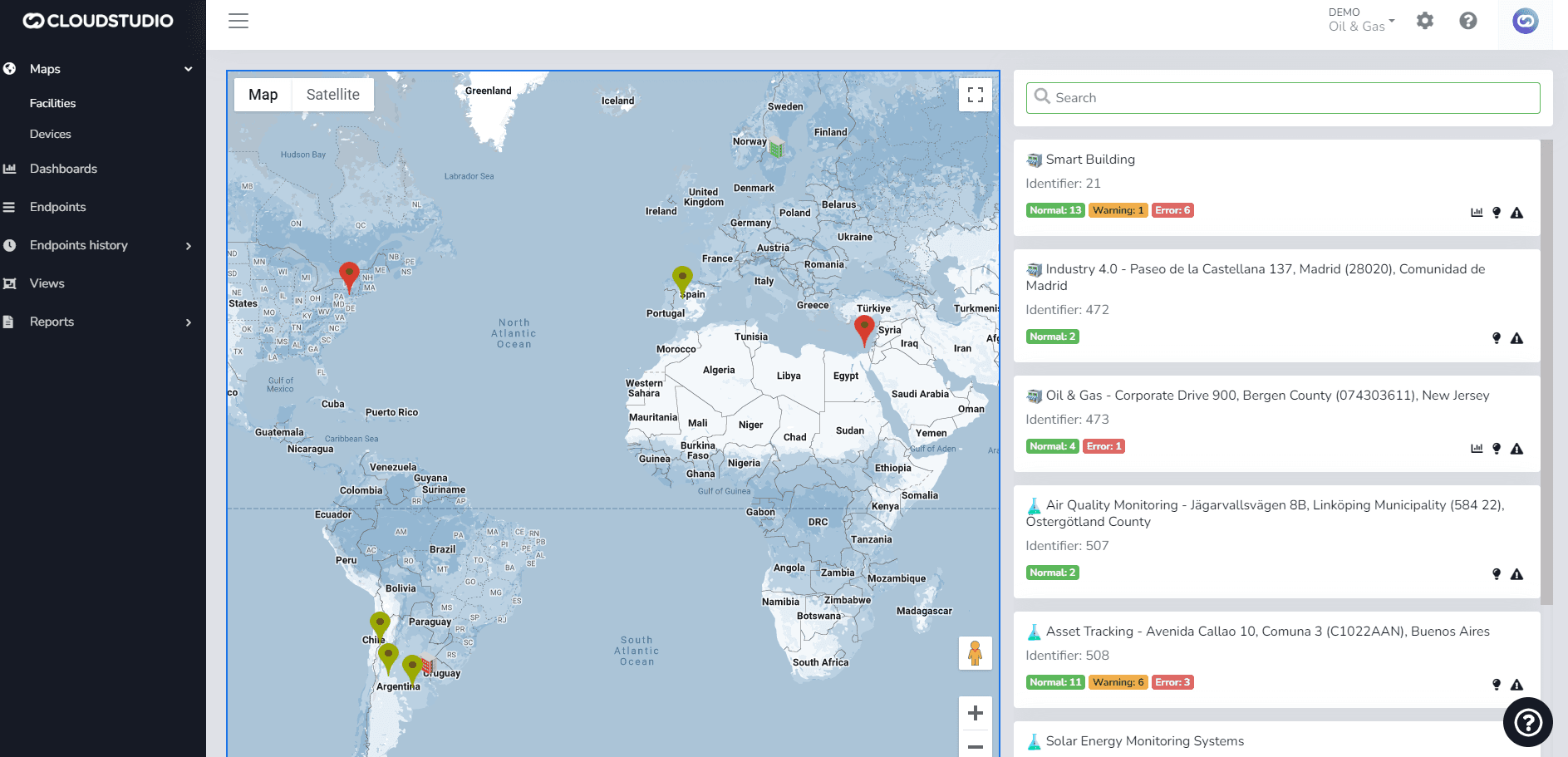
It will be displayed as follows:
Última atualização em
Cliente
Introdução: As seções a seguir descrevem como gerenciar clientes, incluindo criação, modificação e outros conceitos relacionados. Para Editar o Cliente...
Termos e Condições
Introdução: A plataforma permite criar termos e condições com texto opcional para cada cliente, especificando os termos e condições que os usuários devem aceitar para usar as aplicações com cada cliente.