

Action Execution
Action execution is based on steps, and the set of these constitutes all the activities that are triggered when the action runs, regardless of whether the action is started manually or by any of its triggers.
Steps are executed in order, one after another, until the last one is completed.
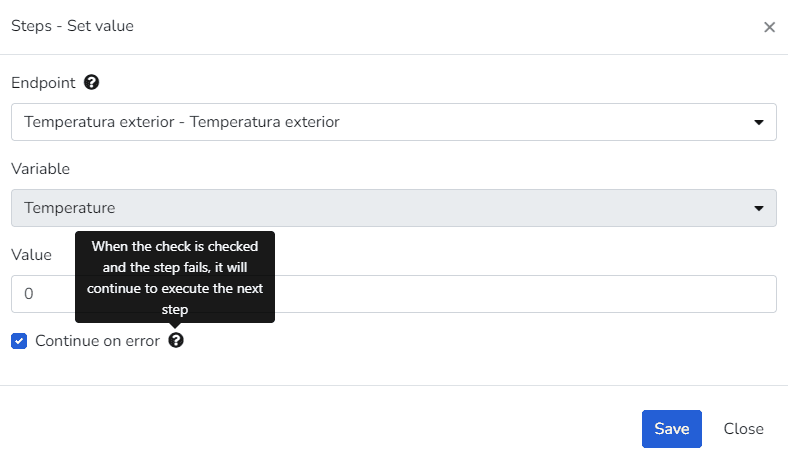
Regardless of the step type, for each step it is possible to indicate whether execution should continue in case of error, using the following attribute: Continue on error: this field indicates whether, in case errors occur when executing the step, the action should stop or continue to the next step. If this field is enabled, the error is logged, but the action continues with the execution of the next step. If the field is disabled, the error is logged and the action stops immediately.
Última atualização em
Excluir Script Comum
Na seção geral de Scripts Comuns, selecione os três pontos no lado direito da tela. O usuário deve Confirmar ou Cancelar a ação solicitada.
Verticals
The Gear Studio platform contains a series of verticals that can be leveraged directly, applying existing knowledge about the most important use cases...