

端点 Status Text
From the 视图 section in the Monitor panel, the user can view the states of a discrete or scalar variable associated with an endpoint. The 端点 status text element will display the preconfigured value based on the state reported by the endpoint.
This feature supports a list of operable sensors available 此处
- Add New Element:
- Manager > 视图 > Add an element of type 端点 Status Text.
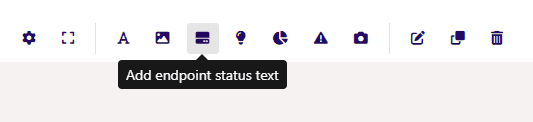
- 端点 选择ion & Image Upload:
- 属性 Tab > 选择 the 端点 > Only 端点 of the following types will be 选择able: Current 传感器, Flow 传感器 & Generic Flow 传感器
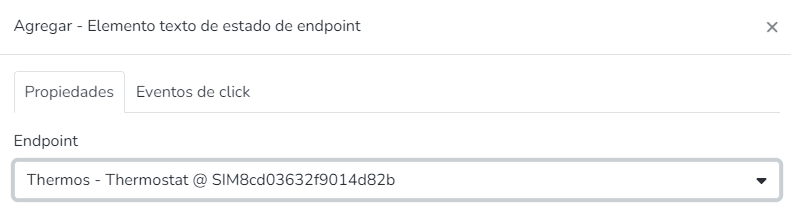
- Make 端点 Operable:
- 点击 Events Tab, within the 点击 Event Types list, an option called Operate will appear, which will allow the user to subsequently modify the 端点 from Monitor
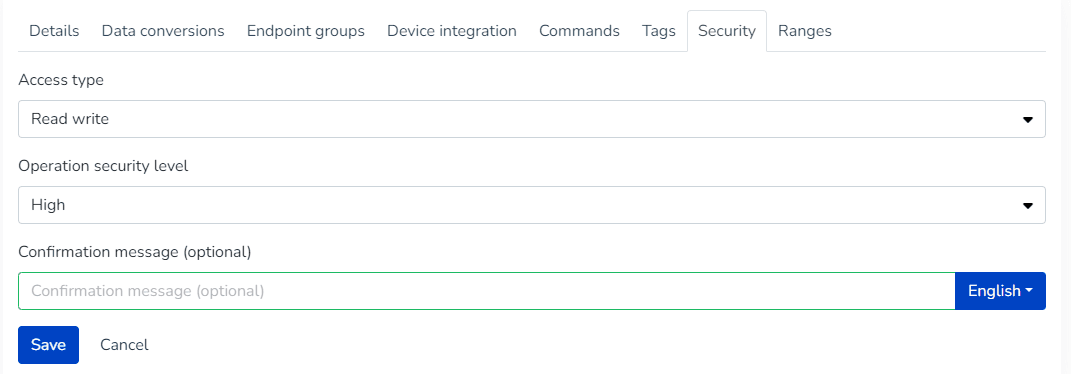
- This option will be visible if the 端点's 安全 section has the Read Write_ or _Read Write 命令 options 选择ed
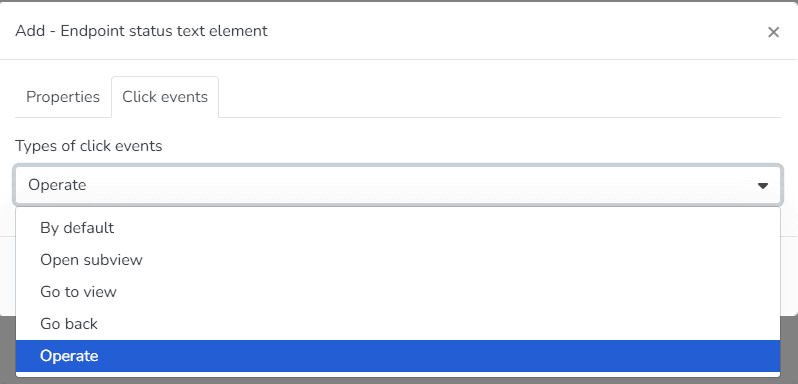
Define 端点 as Operable
- Edit, Clone, or Delete Element:
- The user can right-点击 to resize, Edit, Clone, or Delete the 选择ed element
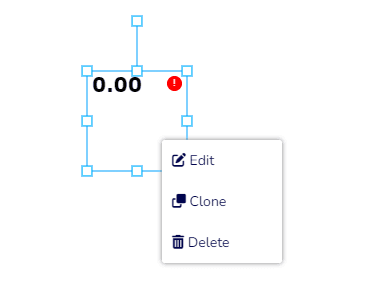
- Modify Element Values:
- Modify Element Values:
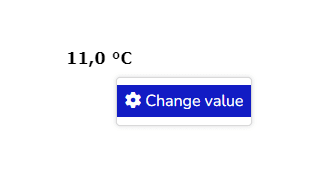
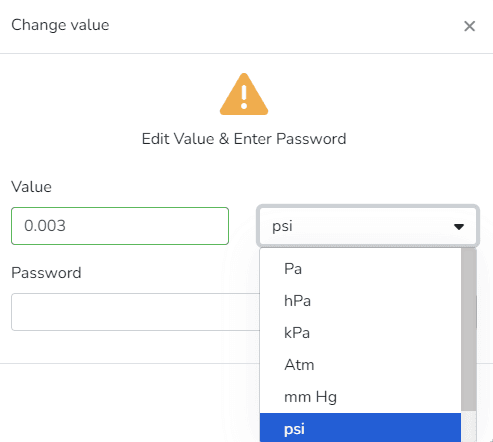
- Monitor Panel > 视图 > 选择 视图 > The user will see the added sensor(s), which can be modified from 此处 by 点击ing on the added text element and 选择ing "Change Value"
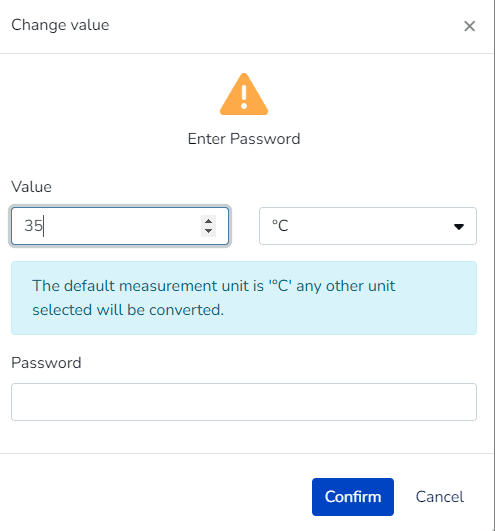
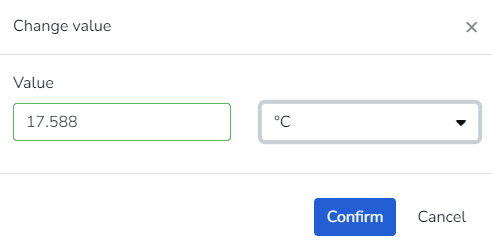
- Value > If the endpoint's variable type is scalar, an input field is displayed with the endpoint's state value that you want to modify.
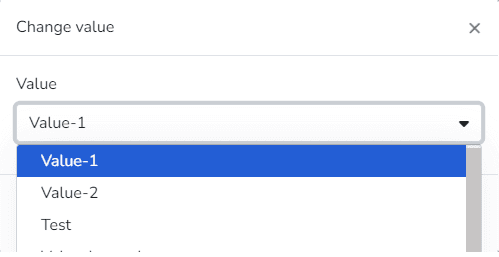
- If the 选择ed endpoint's variable type is discrete, a list of that variable's states is displayed.
- Unit > If the endpoint's variable type is scalar, a list of measurement units based on the magnitude represented by the endpoint's state is displayed.
- When the sensor's security level is Medium > The user can configure an optional alert message.
- When the sensor's security level is High > The user can:
- Configure an alert message (Optional)
- The user must 输入 the password when editing the 端点 to confirm the new value.
最后更新于