

端点 Status Image
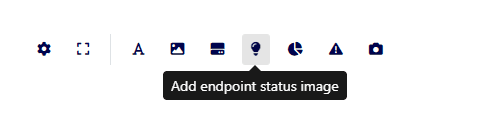
From the 视图 section in the Monitor panel, the user can view the states of a discrete or scalar variable associated with an endpoint. The 端点 status image element will display the preconfigured image based on the state reported by the endpoint.
If the value 输入ed by the user does not correspond to the variable's values, the 端点 will display the default image preconfigured in the element editing.
This feature supports a list of operable sensors available 此处
- Add New Element:
- Manager > 视图 > Add an element of type 端点 Status Image.
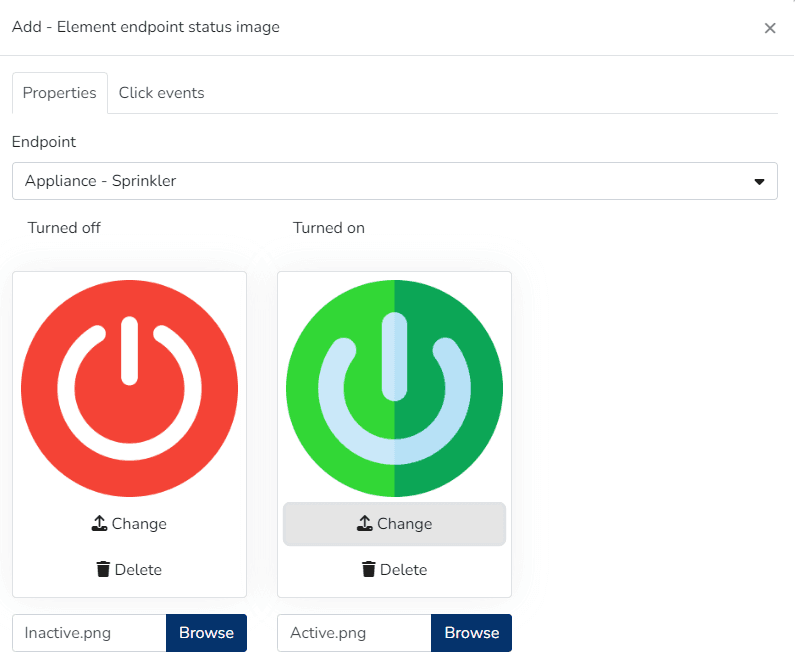
- 端点 选择ion & Image Upload:
- 属性 Tab > 选择 the 端点 > Only 端点 of the following types will be 选择able: IAS 传感器 (motion, occupancy, and binary sensors), Appliances & 端点 that have associated discrete variable types.
- Make 端点 Operable:
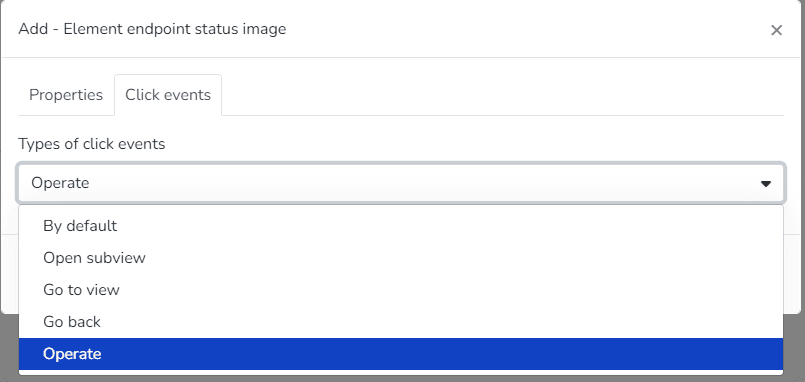
- 点击 Events Tab, within the 点击 Event Types list, an option called Operate will appear, which will allow the user to subsequently modify the 端点 from Monitor
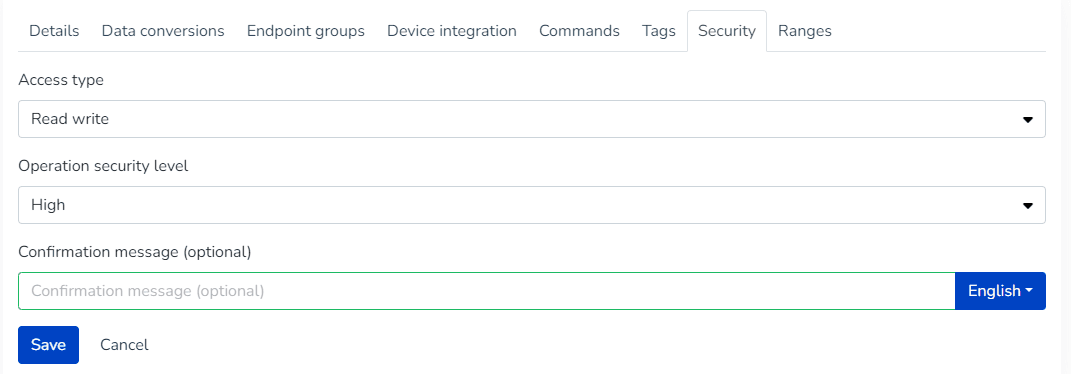
- This option will be visible if the 端点's 安全 section has the Read Write_ or _Read Write 命令 options 选择ed
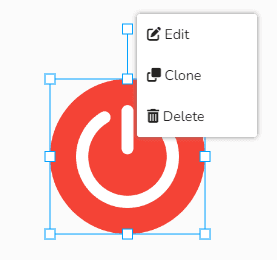
- Edit, Clone, or Delete Element:
- The user can right-点击 to resize, Edit, Clone, or Delete the 选择ed element
- Modify Element Values:
- Monitor Panel > 视图 > 选择 视图 > The user will see the added sensor(s), which can be modified from 此处 by 点击ing on the added image element.
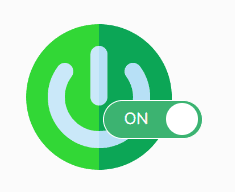
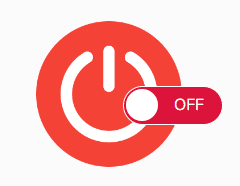
Appliances & ON-OFF devices
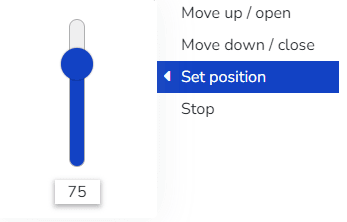
Curtains & Closure Control
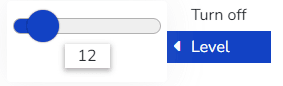
Update Dimmer
Update Thermostat
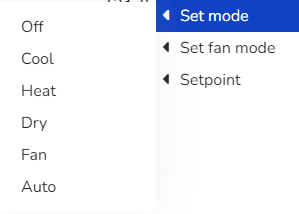
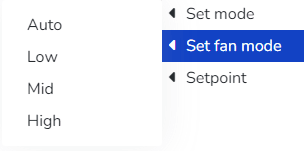
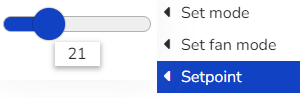
- When the sensor's security level is Medium > The user can configure an optional alert message.
- When the sensor's security level is High > The user can:
- Configure an alert message (Optional)
- The user must 输入 the password when editing the 端点 to confirm the new value.
最后更新于