

删除通用脚本
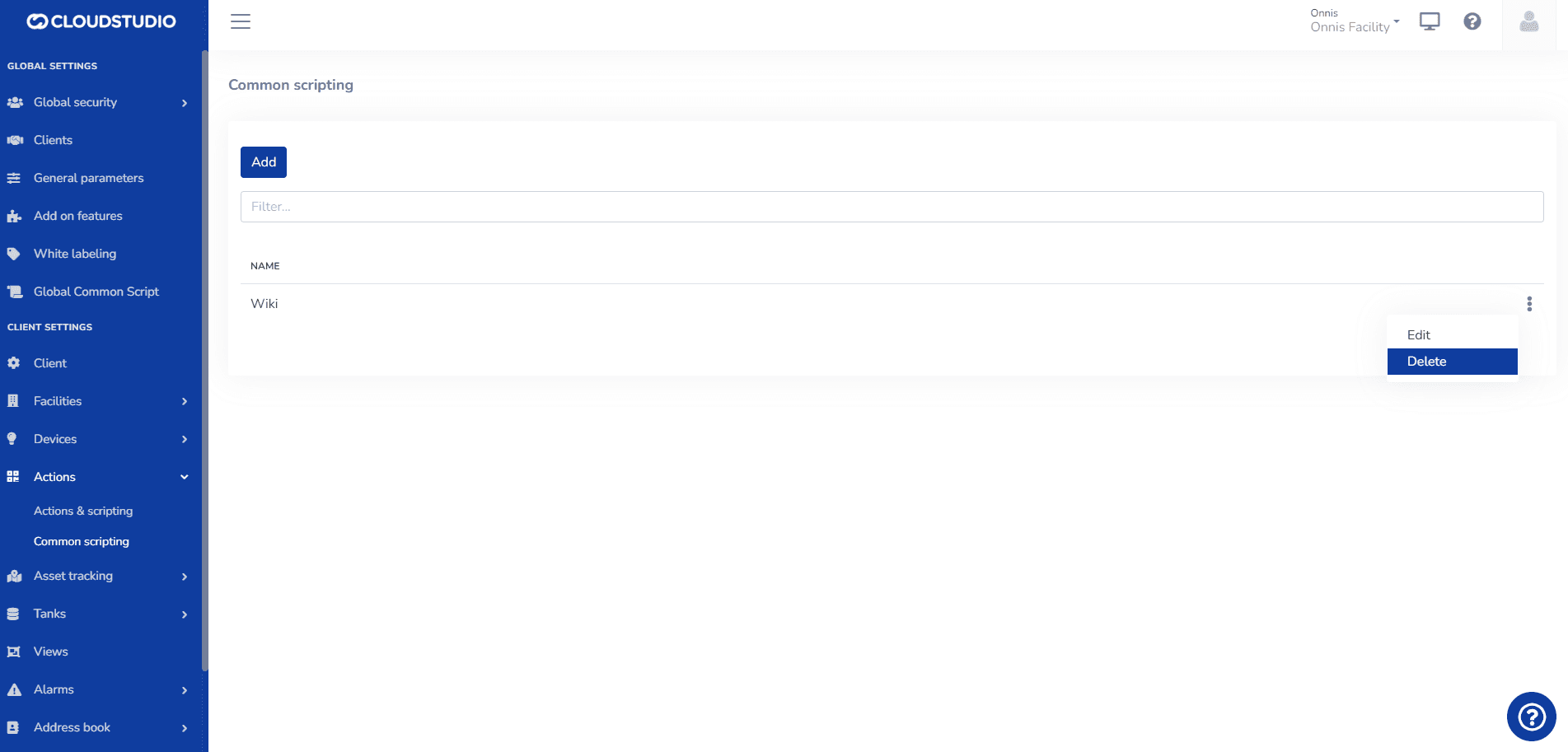
In the 通用脚本 general section, 选择 the three dots on the right side of the screen
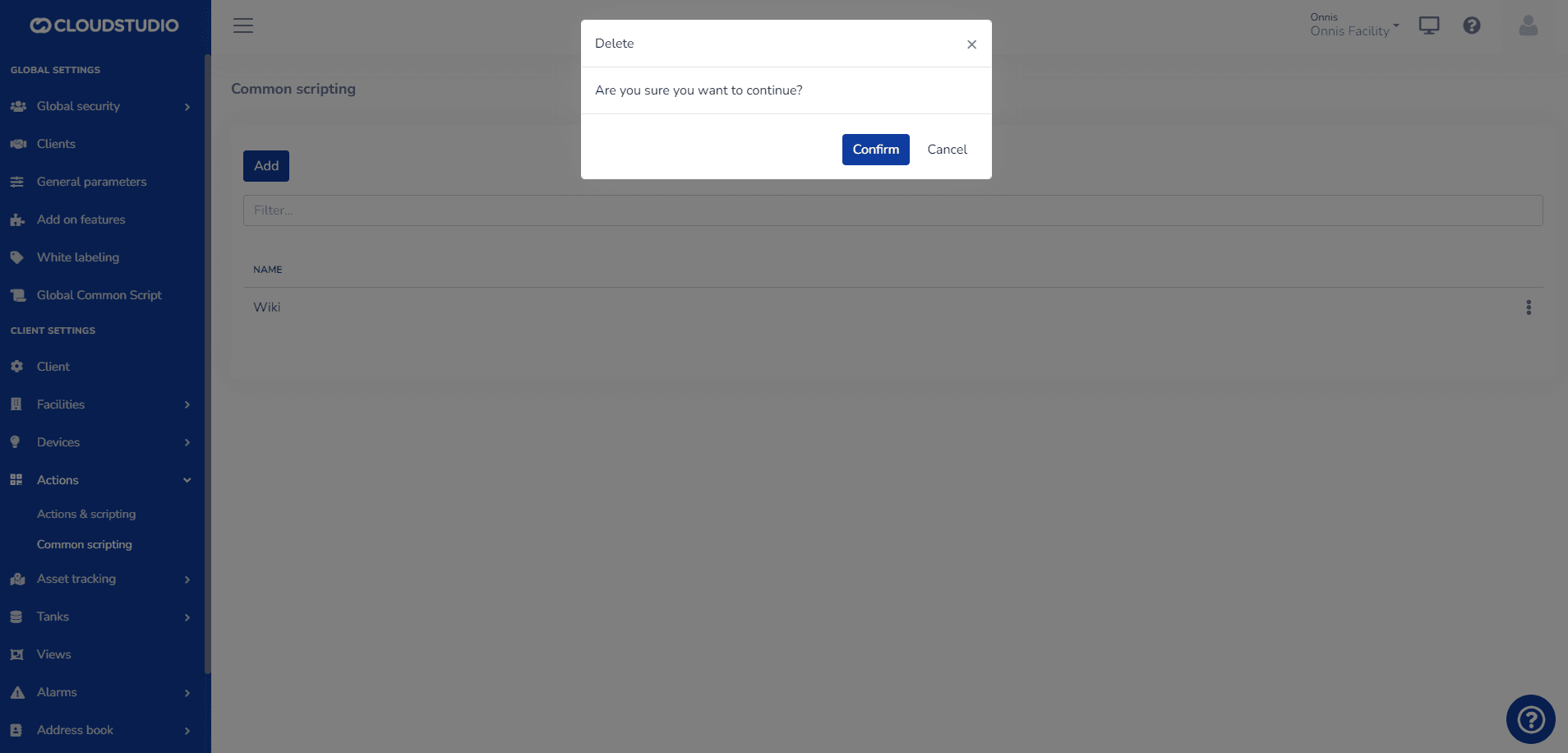
The user must Confirm or Cancel the requested action
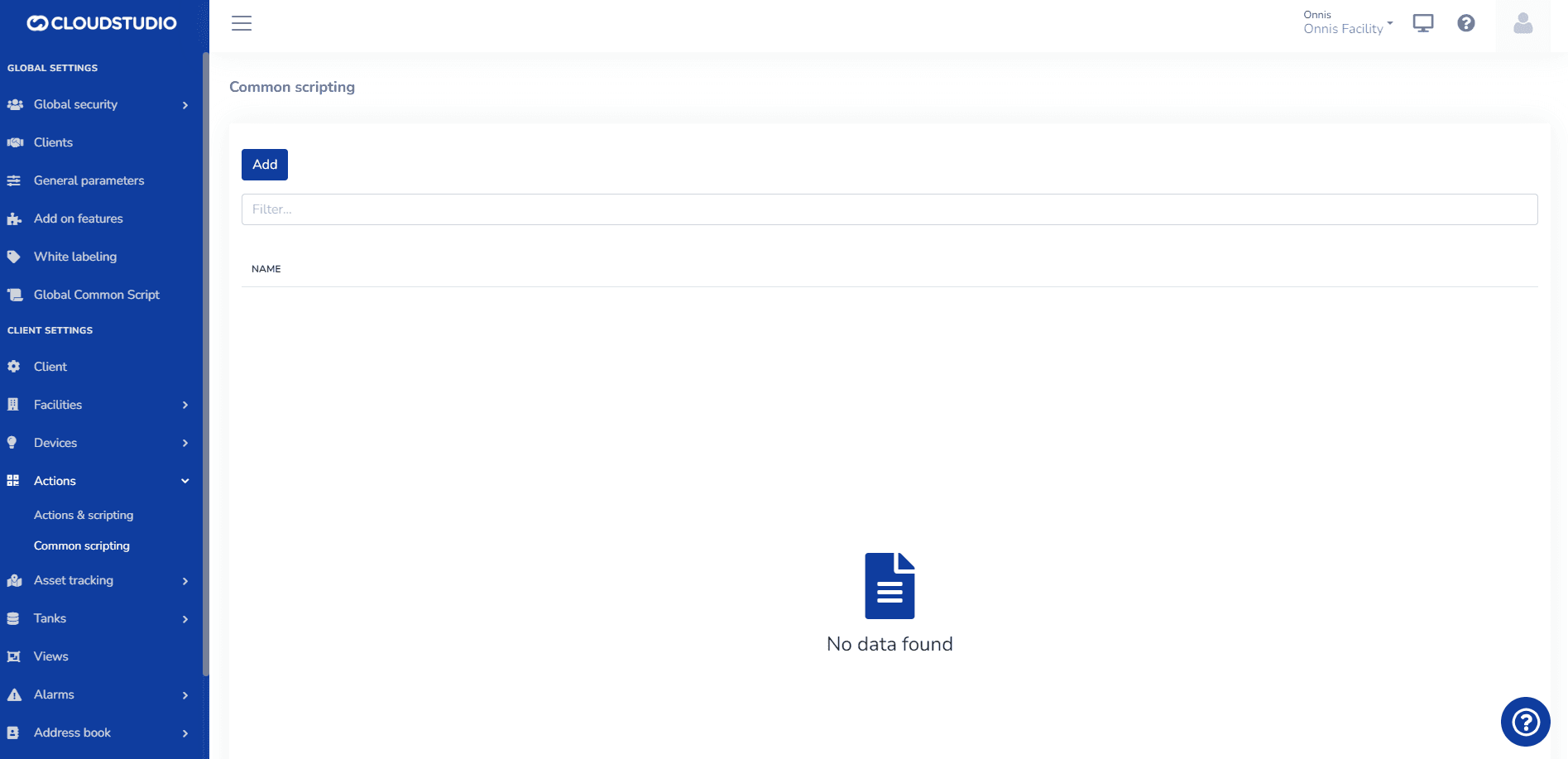
Upon confirming, the Common Script is deleted and the user is redirected to the general screen of that option.
最后更新于