

步骤
When creating a new step, it is necessary to indicate the step type and whether it should continue to the next step in case of error. Additionally, the required attributes for each particular type must be completed.
Regardless of the step type, for each step it is possible to indicate whether execution should continue in case of error, 使用 Continue on error attribute: this field indicates whether, in case errors occur when executing the step, the action should stop or continue to the next step. If this field is enabled, the error is logged, but the action continues with the execution of the next step. If the field is disabled, the error is logged and the action stops immediately.
步骤 are divided into the following types:
Set, Add and Subtract
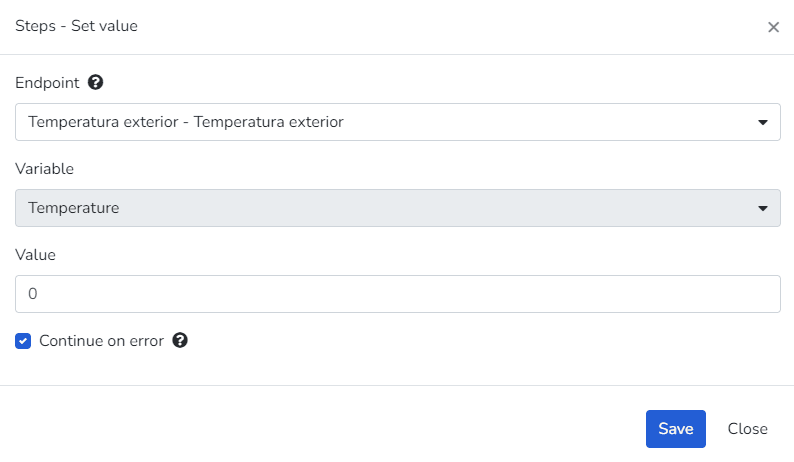
These three step types are represented with the same user interface, w此处 you can 选择 1 端点 to act on, 1 variable associated with the 端点, and 1 numeric value which will modify the state of this 端点.
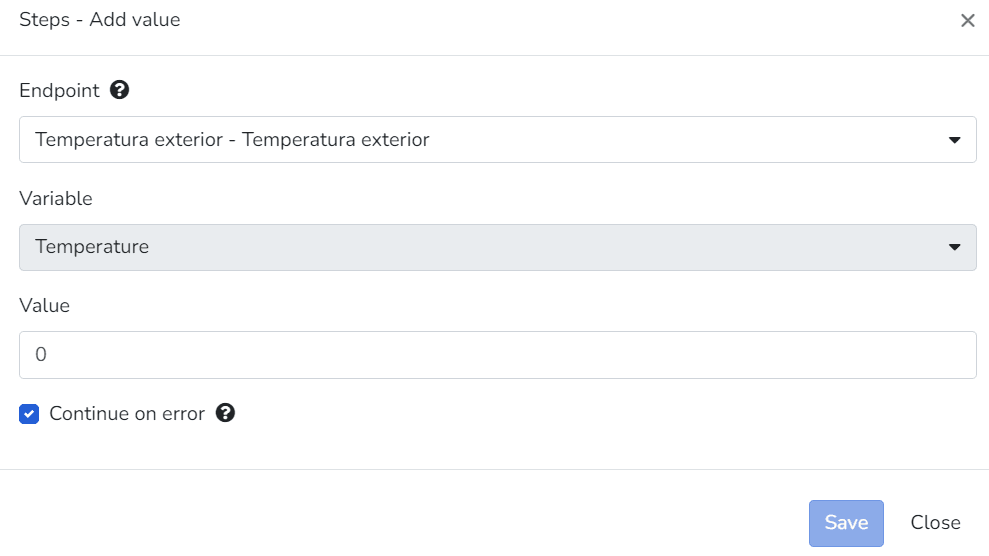
Add value
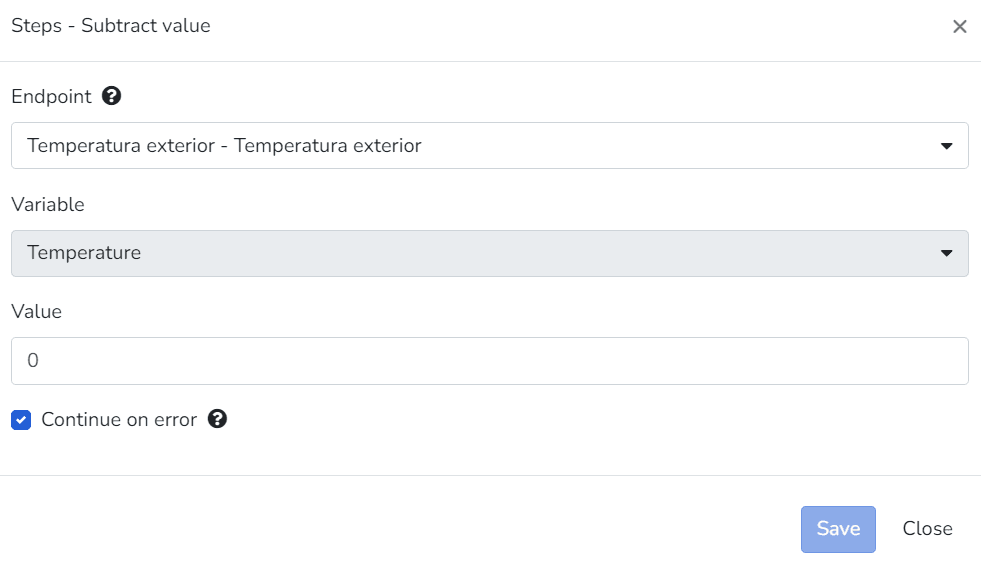
Subtract value
- 端点 that have access set to Read Only mode will not be visible for 选择ion for this step type. - By default, 端点 have access set to Read Only mode, and t此处 are cases w此处 this cannot be modified due to the 端点 type with which it was created. - If the 端点 type allows modifying access, this can be done by accessing the security tab within the 端点 configuration.
Turn On, Turn Off and Toggle
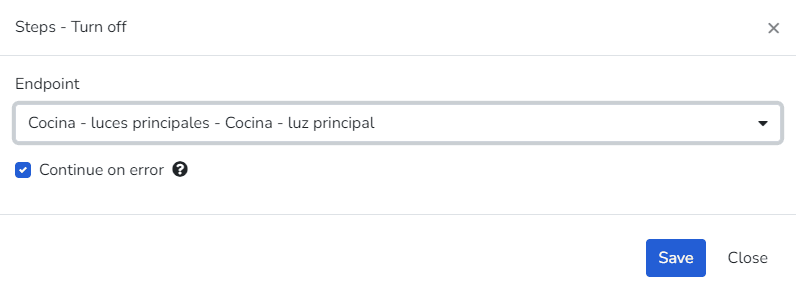
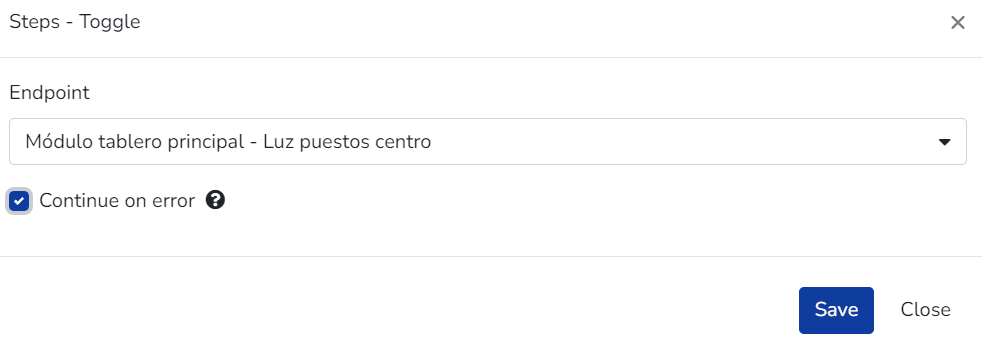
These three step types are represented with the same user interface, w此处 you can 选择 1 端点 to act on to change its state. They can only be used for 端点 of type Appliances, Dimmer, and Thermostat.
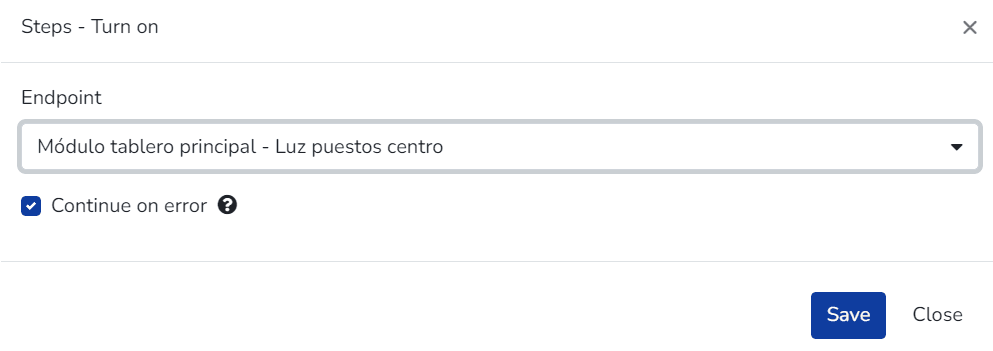
Turn On
Toggle
For the "Toggle" type, the behavior will be to toggle the state: if it was "on", this step will change it to off and vice versa.
Email, SMS and Voice Message
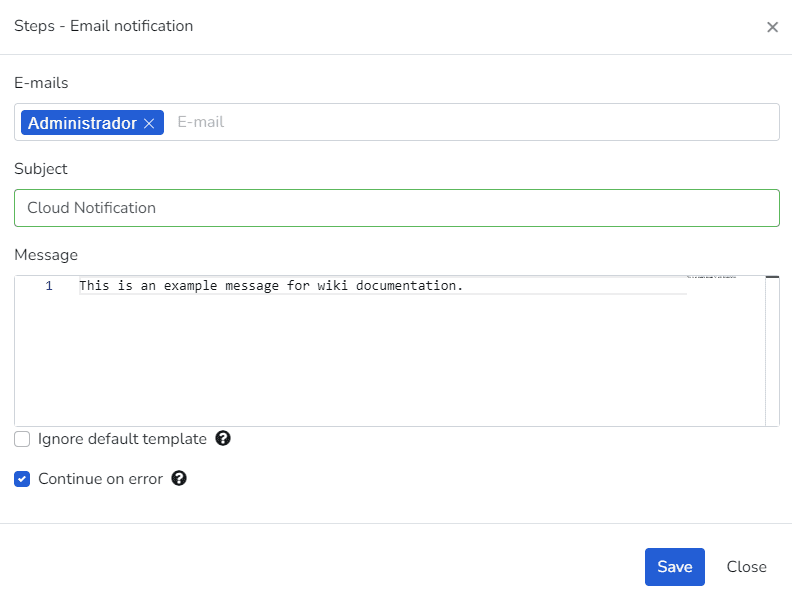
These three step types allow sending a notification via e-mail, SMS, or voice.
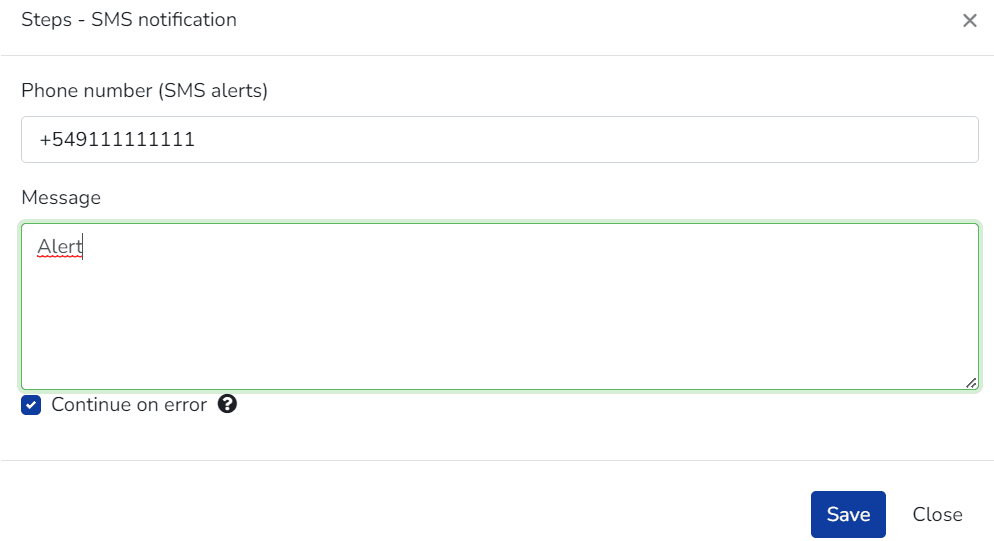
SMS Notification
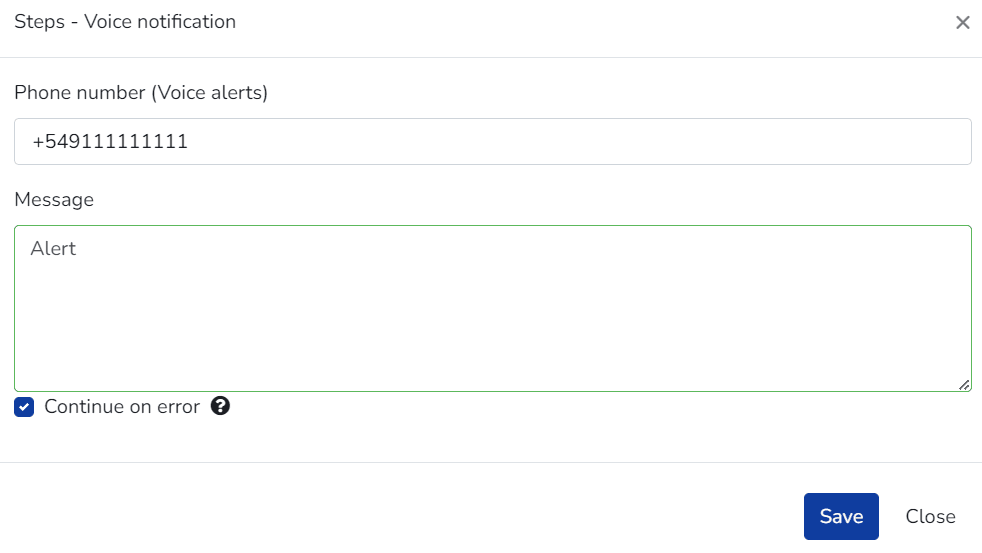
Voice notification
Script
A code fragment in an interpreted language (JavaScript) that is easy to understand, expanding the range of tools available when processing a specific business logic.
- Code tab: Allows editing the JavaScript code that the action step will execute. These scripts can also include methods from the Cloud Studio utility library for JavaScript.
- Test tab: Allows testing the execution of the action step's script, allowing modification of the event received by the action for testing purposes.
- Dependencies: Allows 选择ing scripts from the common and global script library that will be dependencies for the action step's script.
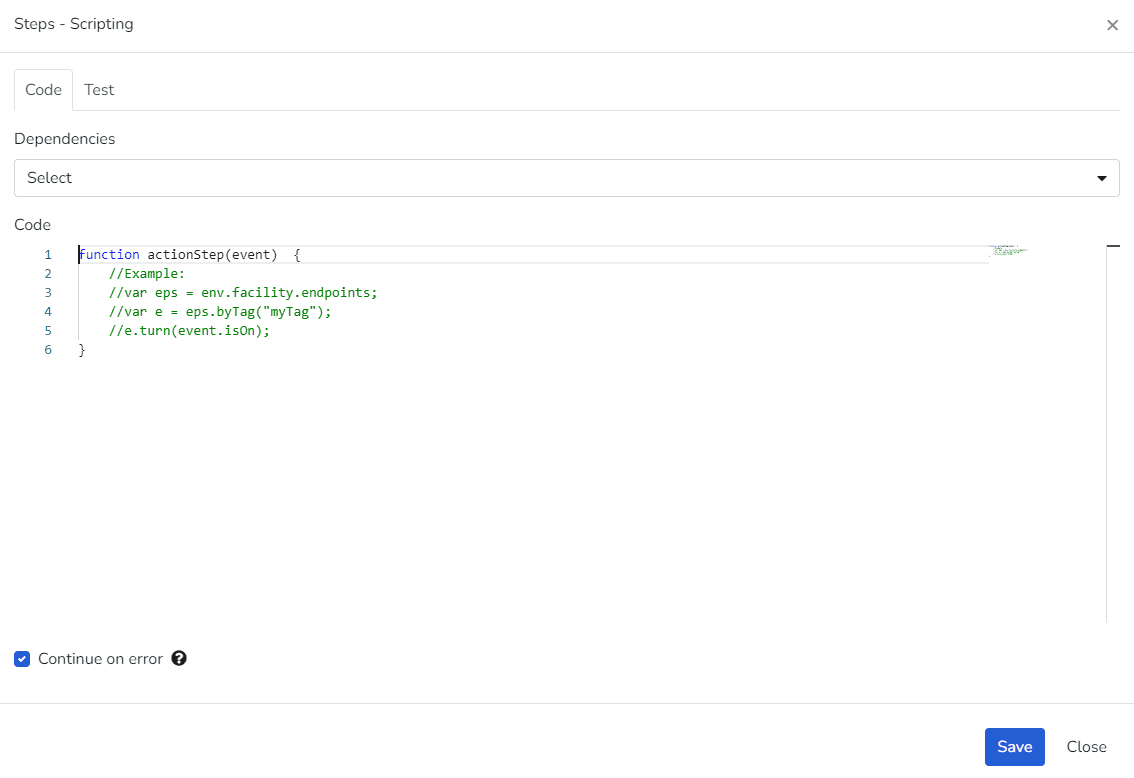
Scripting
最后更新于