Software
MQTT broker
An MQTT broker is the central server that receives messages from publishers and distributes them to subscribers by topic. Examples: Mosquitto, EMQX, HiveMQ.
An MQTT broker is the server at the center of an MQTT ProtocolMQTTThe standard pub/sub protocol of IoTView profile system: devices and applications connect to it and publish messages to topics, and the broker forwards each message to every client subscribed to that topic. Publishers and subscribers never talk to each other directly. For installation and a comparison of brokers, see the complete MQTT broker guide.
How an MQTT broker works
The MQTT specification calls the broker the Server: the program that sits between clients that publish messages and clients that have subscriptions. Each client opens a connection to the broker, usually over TCP. IANA has registered port 1883 for plain MQTT and port 8883 for MQTT over TLS. Mosquitto, EMQXETermEMQXEMQX is a highly scalable open-source MQTT broker (written in Erlang) for IoT production, with clustering and multi-protocol support.View profile and HiveMQ also accept MQTT over WebSocket, which is what browser applications use.
The broker also handles:
- Topic matching, with two wildcards for subscriptions: + matches one topic level and # matches any number of levels.
- Retained messages: the broker keeps the last message published on a topic and sends it straight away to each new subscriber.
- Persistent sessions: when a client reconnects, the broker delivers the QoSMTermMQTT QoSMQTT QoS (Quality of Service) defines a message's delivery guarantee at three levels: 0 (at most once), 1 (at least once) and 2 (exactly once).View profile 1 and QoS 2 messages it missed.
- Last Will: if a client drops without a clean disconnect, the broker publishes the will message that client registered when it connected.
Mosquitto, EMQX and HiveMQ
- Eclipse Mosquitto is lightweight and licensed under EPL 2.0 / EDL 1.0. It runs on anything from a single board computer to a full server, but it has no clustering.
- EMQX is written in Erlang and designed to run as a cluster. Versions up to 5.8 are Apache 2.0; since 5.9 (May 2025) it uses the Business Source License 1.1, which allows one node free in production and requires a commercial license for a cluster.
- HiveMQ Community Edition is written in Java, licensed under Apache 2.0 and has no clustering; the commercial HiveMQ editions add it.
MQTT broker in Cloud Studio IoT
Each Cloud Studio IoTITermIoT (Internet of Things)The IoT (Internet of Things) is the network of physical objects with sensors, software and connectivity that collect and exchange data and act autonomously.View profile instance has its own MQTT server, with TLS on port 8883. Devices authenticate with a username and password managed in Gear Manager (Security > MQTT Configuration), publish to {MQTTUserID}/uplink/{DeviceAddress} and subscribe to {MQTTUserID}/downlink/{DeviceAddress} to receive commands. The MQTT integration docs walk through the setup. If you already run Mosquitto or EMQX, you can bridge it to the instance's MQTT server, as described in the EMQX integration.
Frequently asked questions
What is the difference between MQTT and an MQTT broker?+
MQTT is the protocol: the packet format and the rules for connecting, publishing, subscribing and acknowledging. An MQTT broker is the server software that implements the server side of that protocol and routes messages between clients.
What is the Mosquitto broker?+
Eclipse Mosquitto is an open source MQTT broker that implements MQTT 5.0, 3.1.1 and 3.1. It is light enough for a single board computer, but it does not support clustering.
Can I use a public MQTT broker in production?+
No. On public test brokers such as test.mosquitto.org, broker.emqx.io or broker.hivemq.com, anyone who subscribes to the same topic can read what you publish. Use them for tests and send production traffic to a broker you control, with TLS and authentication.
Related terms
Related articles

OPC UA vs MQTT: How to Bridge the Plant Floor and the Cloud
OPC UA vs MQTT is the wrong framing for most plants: OPC UA describes what the data means, MQTT moves it, and most cloud projects end up needing both.
Oct 20, 2026

IoT Scalability: How to Go From 100 to 10,000 Devices
IoT scalability is never proven by the pilot: a 100-sensor deployment has nothing in common with a 10,000-device one, and the pilot works perfectly right up to
Oct 15, 2026
IoT Device Management: Provisioning, OTA, and Lifecycle
IoT device management starts to hurt the day a project stops being a pilot, and it always arrives as the same question: who holds the list of installed units, a
Oct 6, 2026

IoT Platform API: Connect Your Data to ERP, BI, and GIS
An IoT platform API decides whether sensor data stays on a dashboard or reaches the ERP, BI, and GIS tools where your client makes its decisions.
Sep 29, 2026
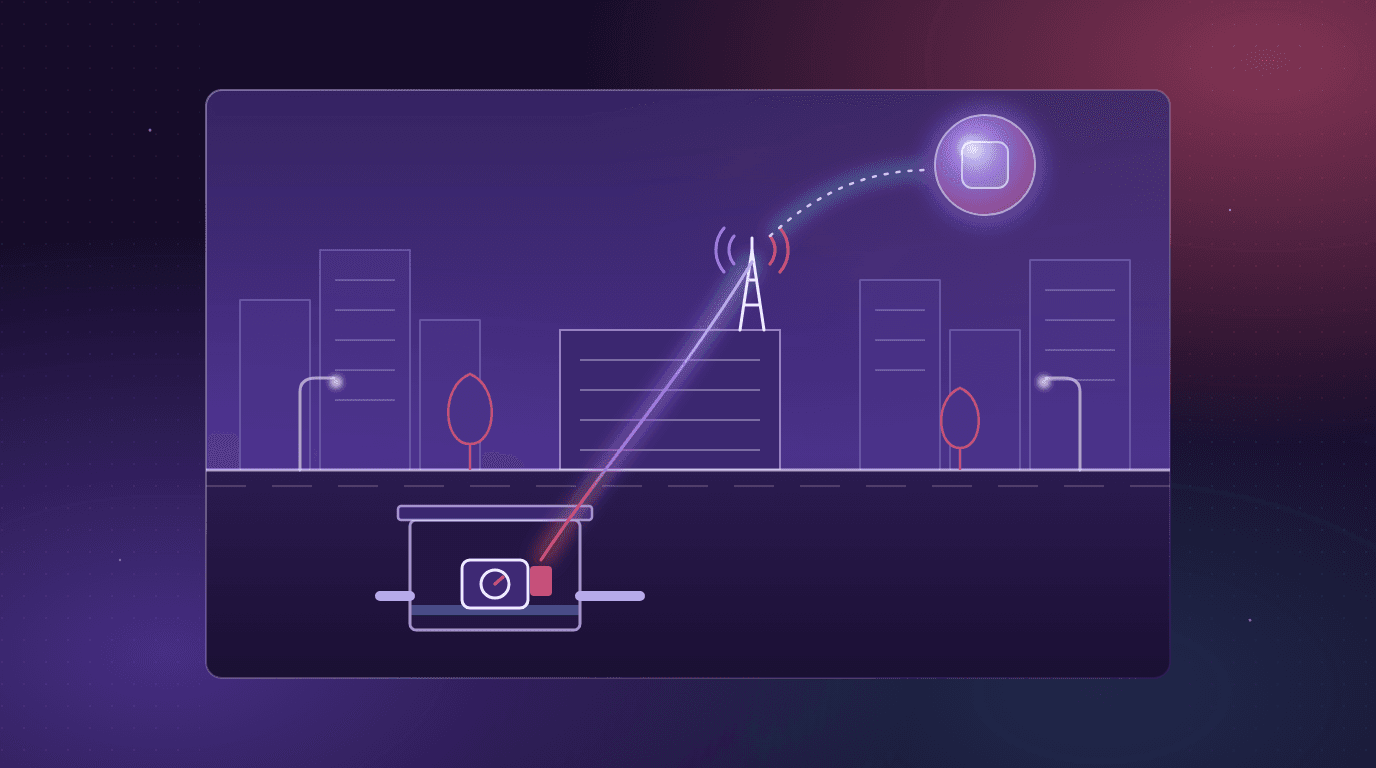
What Is NB-IoT? How Narrowband IoT Works and When to Use It
NB-IoT (narrowband IoT) explained: how it works, PSM and eDRX, NB-IoT vs LTE-M vs LoRaWAN vs Sigfox, operators in the US, Mexico and Spain, and when to use it.
Sep 22, 2026
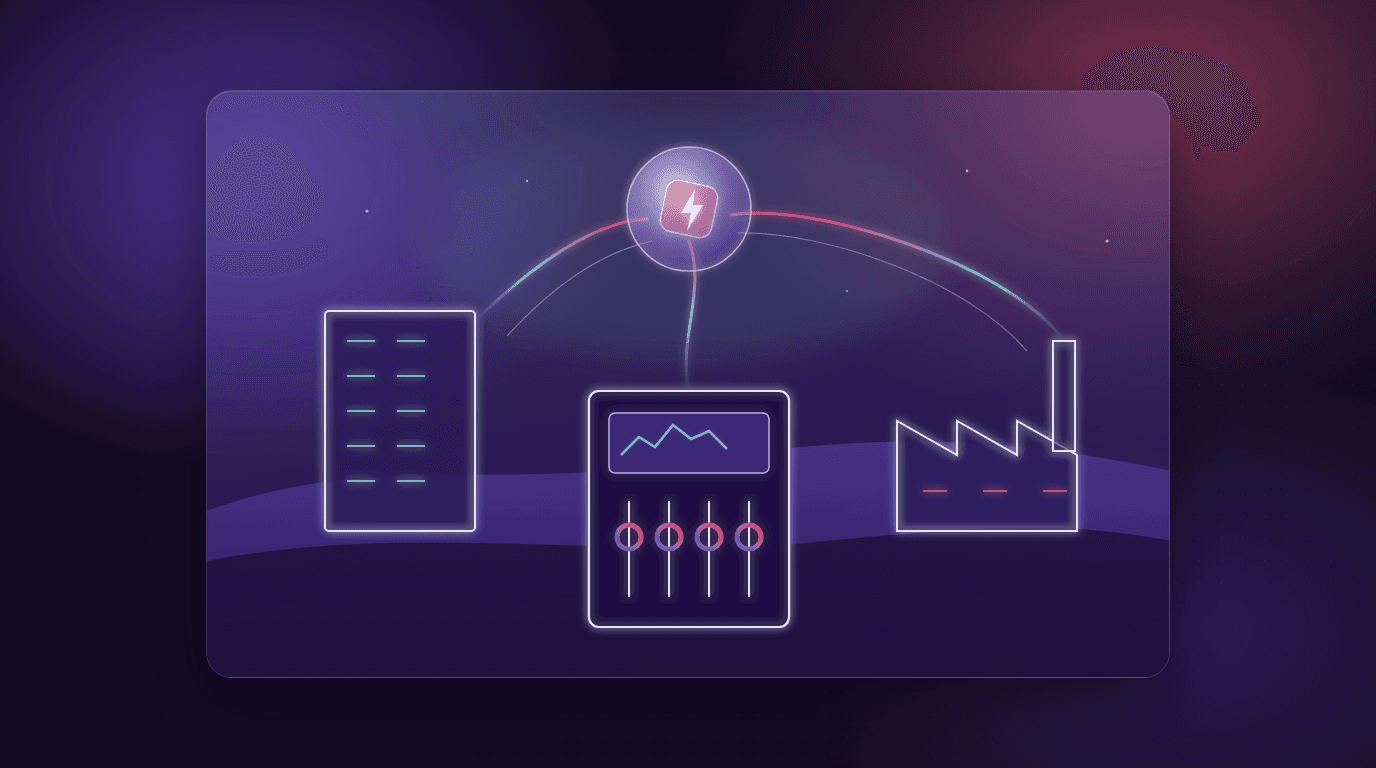
Energy Monitoring System: How It Works and Submetering
What an energy monitoring system is, its parts (meters, submeters, CT clamps, Modbus, gateways), what submetering is, key metrics, and how to start one.
Sep 22, 2026