

Create an endpoint
IMPORTANT: as a general rule, endpoints can only be created on devices that correspond to user-defined device models. This is because when creating devices that correspond to models built into Gear Studio, the platform automatically creates all necessary endpoints.
When adding a new endpoint, the following fields must be completed.
- 说明: Defined by the user, represents a description used to name the endpoint being created.
- Address: Defined by the user, represents the unique identifier of the endpoint.
- Type: Dropdown list for 选择ing the device type for which the endpoint is being created.
- Subtype: Based on the 选择ed device type, this dropdown list allows 选择ion of the corresponding subtype.
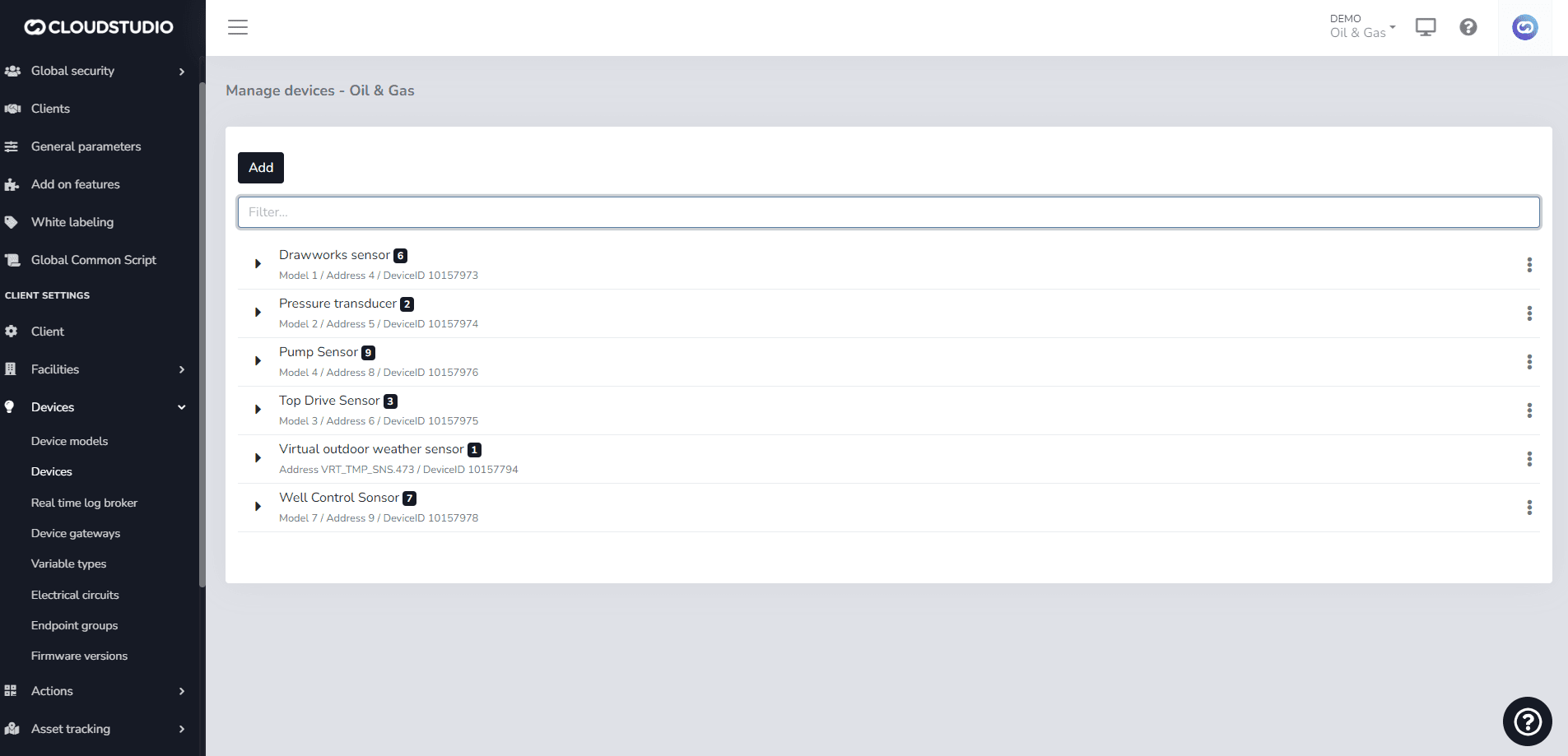
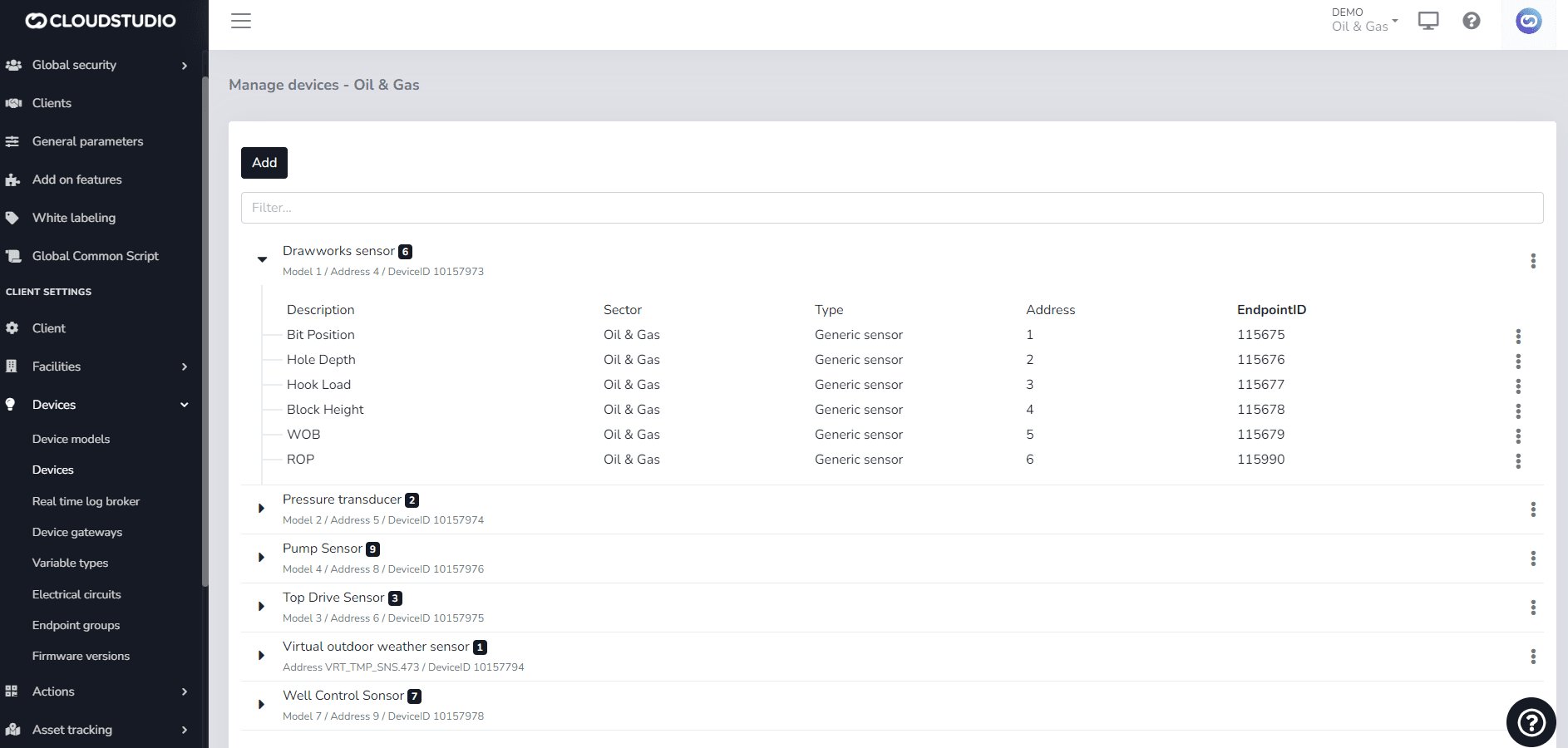
Once the endpoint has been created for the user-defined device model, the created endpoint can be found with its details, giving you the option to edit or delete it as needed.
When editing it, you can change the 说明 and, in the case of this endpoint, modify the 端点 subtype with which it was originally created.
最后更新于
端点
A device can have multiple sensors, functions, or channels. For example, a dimmer capable of controlling four light circuits can be said to have four distinct functions or "channels". When a user interacts with the device, they are actually interacting with one of those channels, not the entire device.
端点 tagging
The goal of this feature is to allow dashboard definitions that can be used across multiple facilities, or even different clients, without the need to create independent copies.