

地图 配置
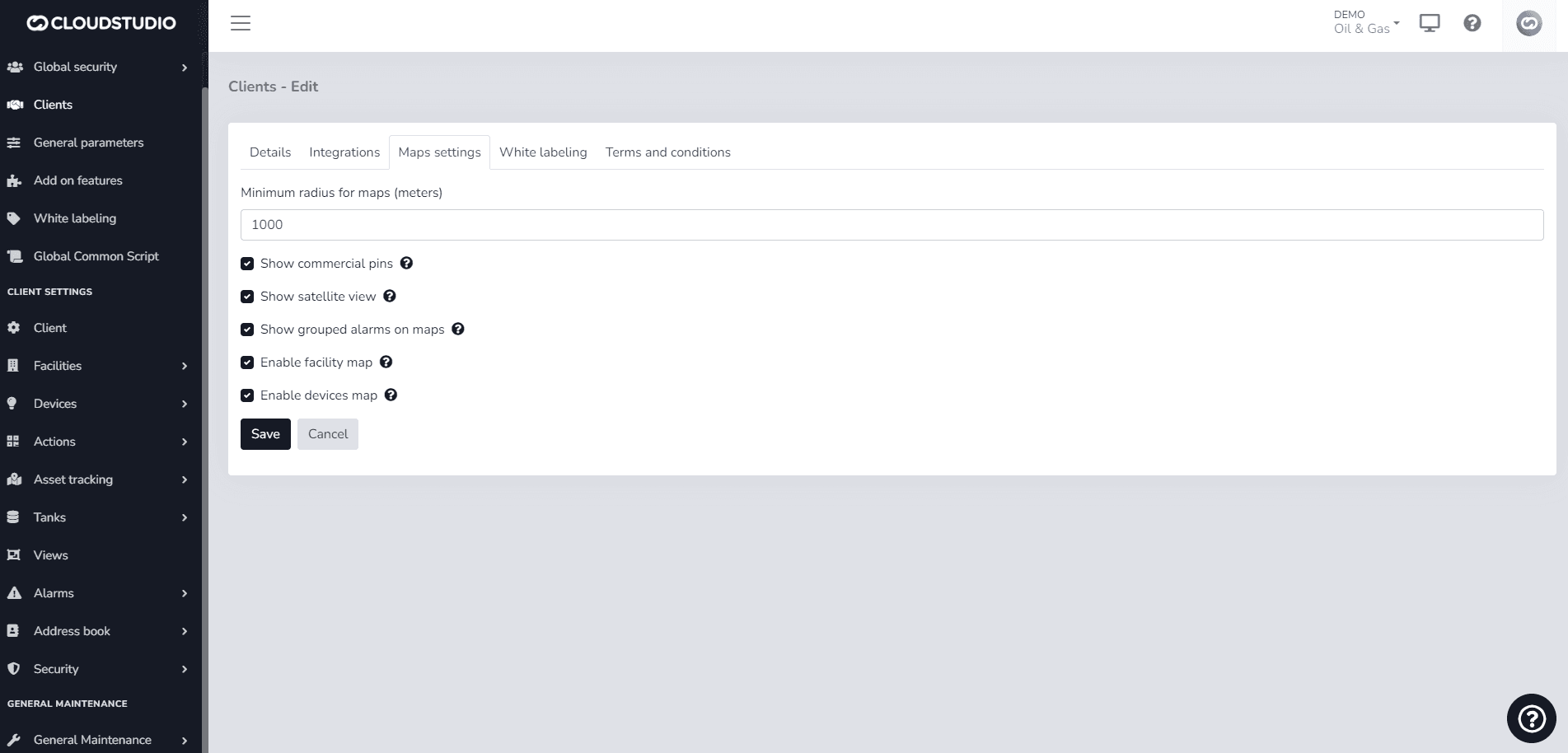
Within the client configuration, t此处 is a field that refers to the minimum radius for maps.
It specifies a distance in meters to which the maps will adjust to the North, South, East, and West.
Although the configuration refers to Radius, it actually refers to the rectangle that composes the map.
The client configuration is initialized with a radius of 1000 meters but can subsequently be modified, 使用 new value.
示例
By default, a client will have a minimum map radius of 1000 meters, as shown in the following image:
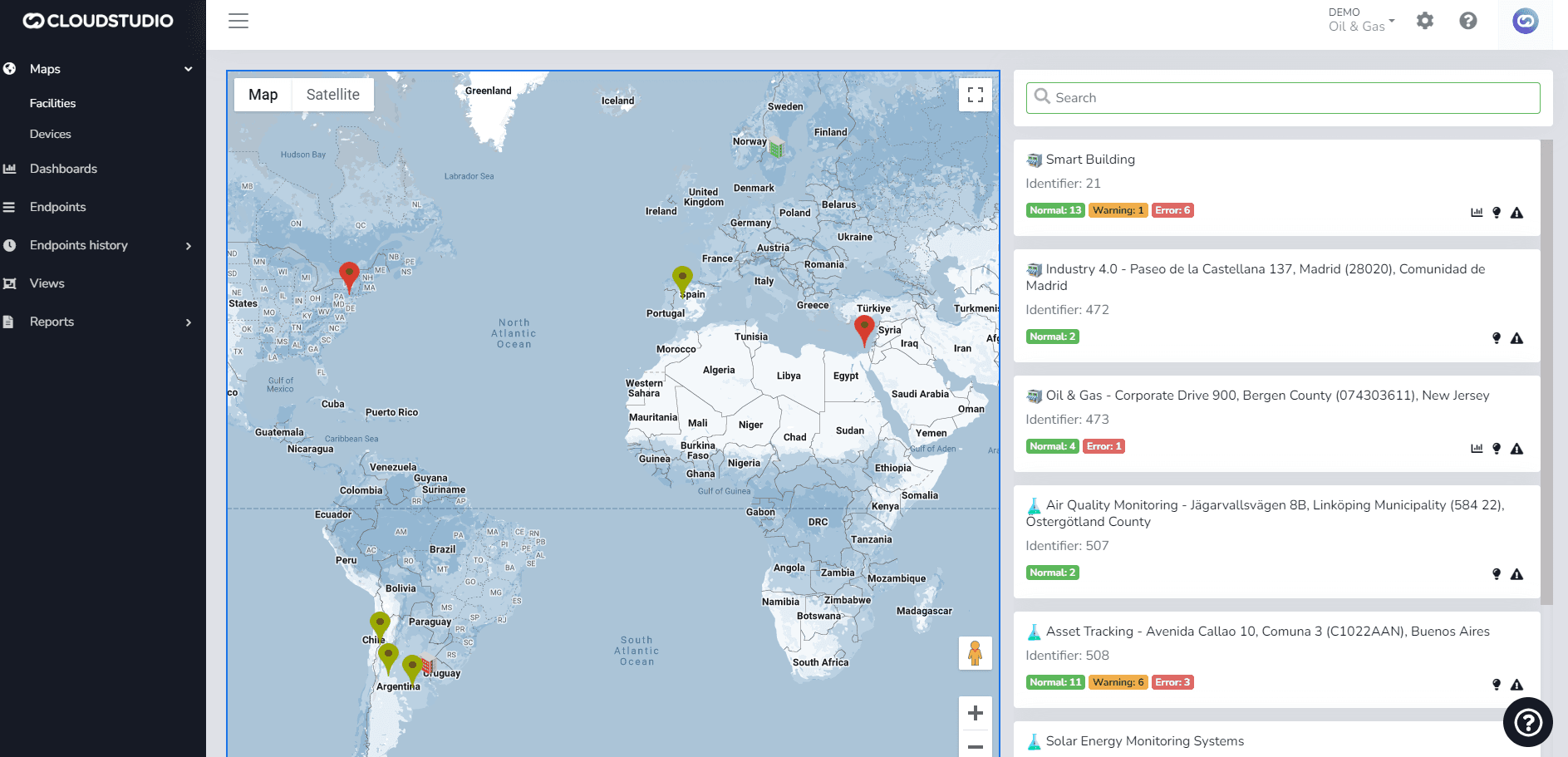
It will be displayed as follows:
最后更新于