

Alerts
Alerts are applied to endpoints and allow you to define acceptable value ranges so that alarms are automatically generated when values fall outside these thresholds. To set up an alert, use the alerts screen, where you select the alert type, the endpoint it will apply to, the threshold value, and optionally, a minimum duration the condition must persist before the alert generates the corresponding alarm.
Users can use all available variables that have been enabled in their instance and can also customize alert subjects.
For more information about the allowed subject variables, review the documentation
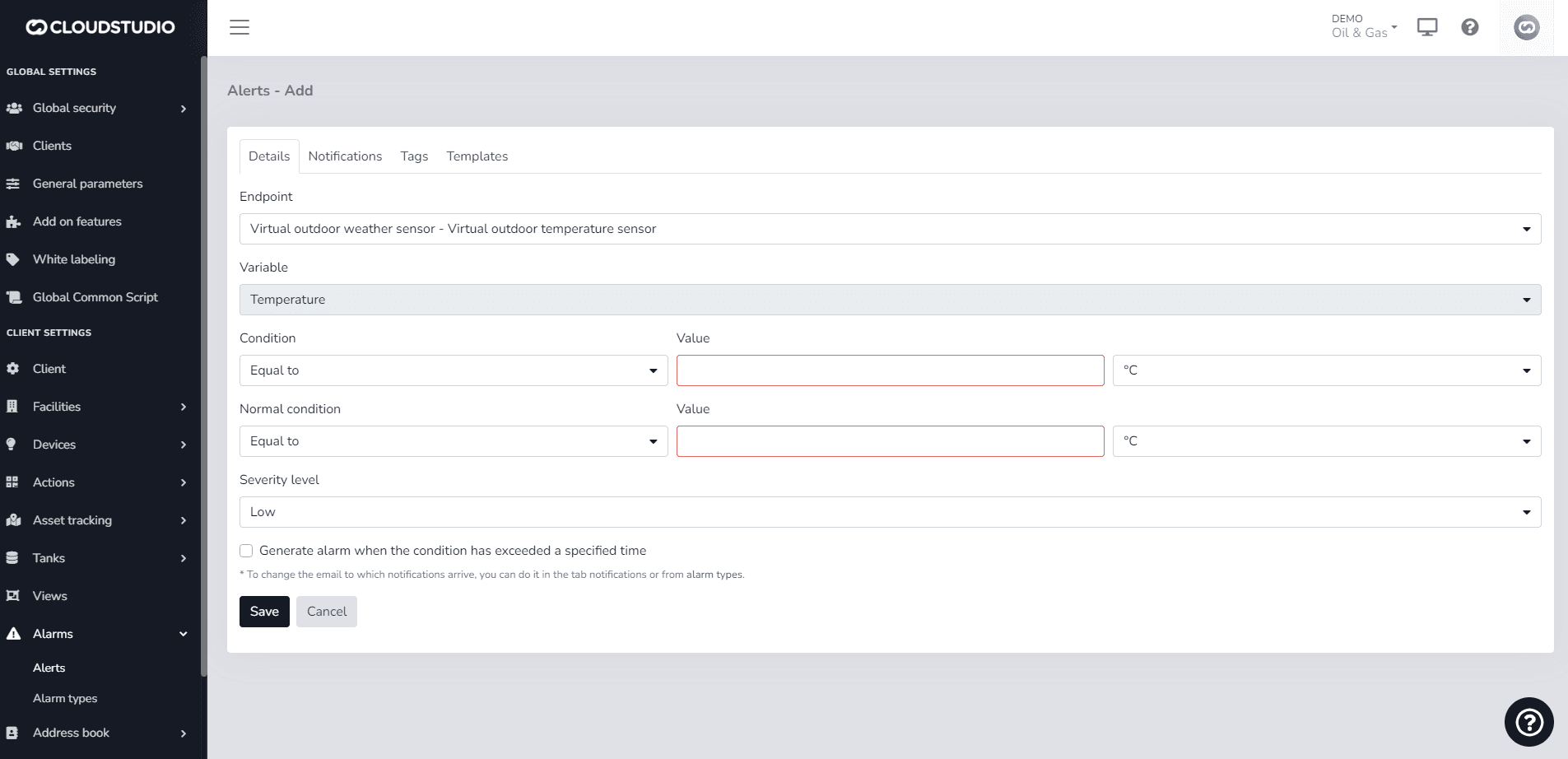
These are the allowed parameters (Variables):
| Variable | Comments |
|---|---|
| {CLIENT_ID} | Unique client identifier |
| {CLIENT_NAME} | Client name/description |
| {FACILITY_ID} | Unique facility identifier |
| {FACILITY_NAME} | Facility description |
| {DEVICE_ID} | Unique device identifier |
| {DEVICE_NAME} | Device description |
| {ENDPOINT_ID} | Unique endpoint identifier |
| {ENDPOINT_NAME} | Endpoint description |
| {DEVICE_OR_ENDPOINT_NAME} | Endpoint description. If not valid, the device description will be shown. |
| {ALARM_TEXT} | Alarm description |
| {ALARM_DETAILS} | Alarm details |
Last updated on