

Fundamental Concepts
This is where we'll break down the key terms that will make you a master of our platform. We know you're already an expert, but even geniuses need a solid foundation.
Instance
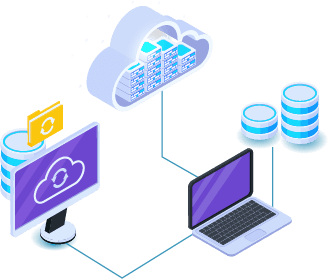
An instance is a virtual server that provides online services. Unlike maintaining your own physical server, which is costly and inefficient, cloud providers maintain the hardware in their data centers and provide virtual access to resources through a cloud instance. These resources can be used to run compute-intensive tasks, such as containers, databases, microservices, and virtual machines.
Clients
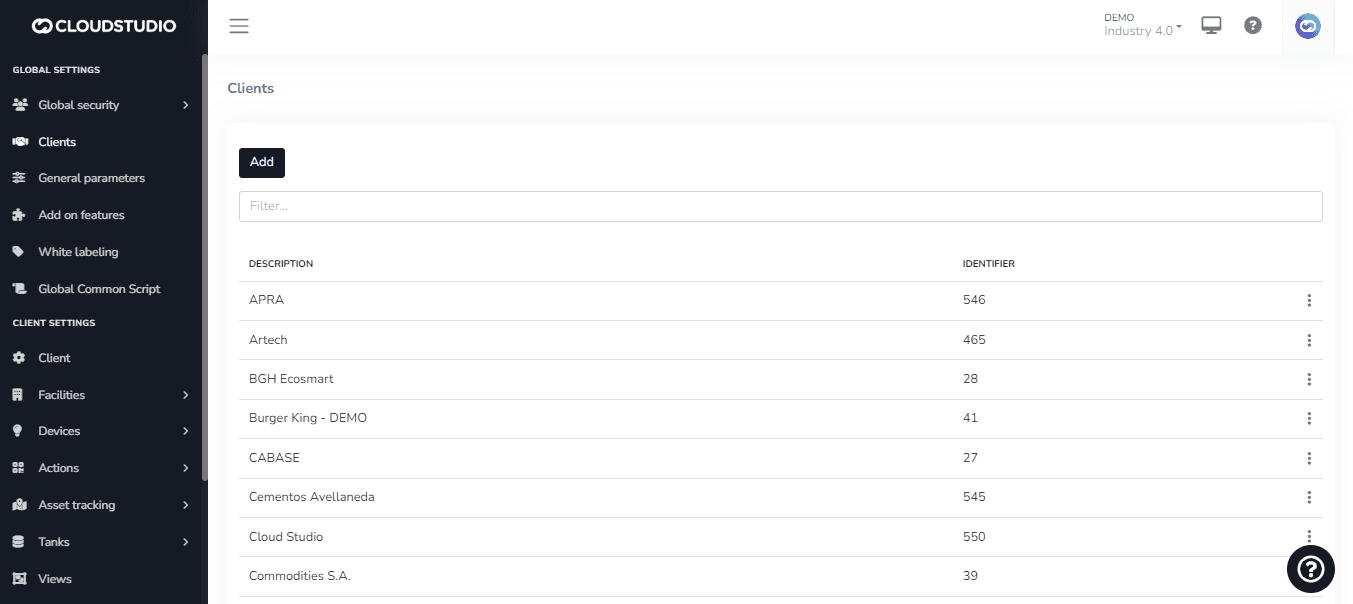
The platform is multi-tenant, meaning it allows the coexistence of multiple clients, each monitoring their own infrastructure, in virtually independent installations. However, with the appropriate permissions, the operator can access different clients' installations to facilitate support, configuration, and platform maintenance.
The multi-tenant architecture also maximizes data center infrastructure by hosting multiple clients on the same servers and minimizing associated maintenance tasks.
Find more information about how to manage your clients here.
To use the white labeling feature, follow the steps described in this section.
Facilities
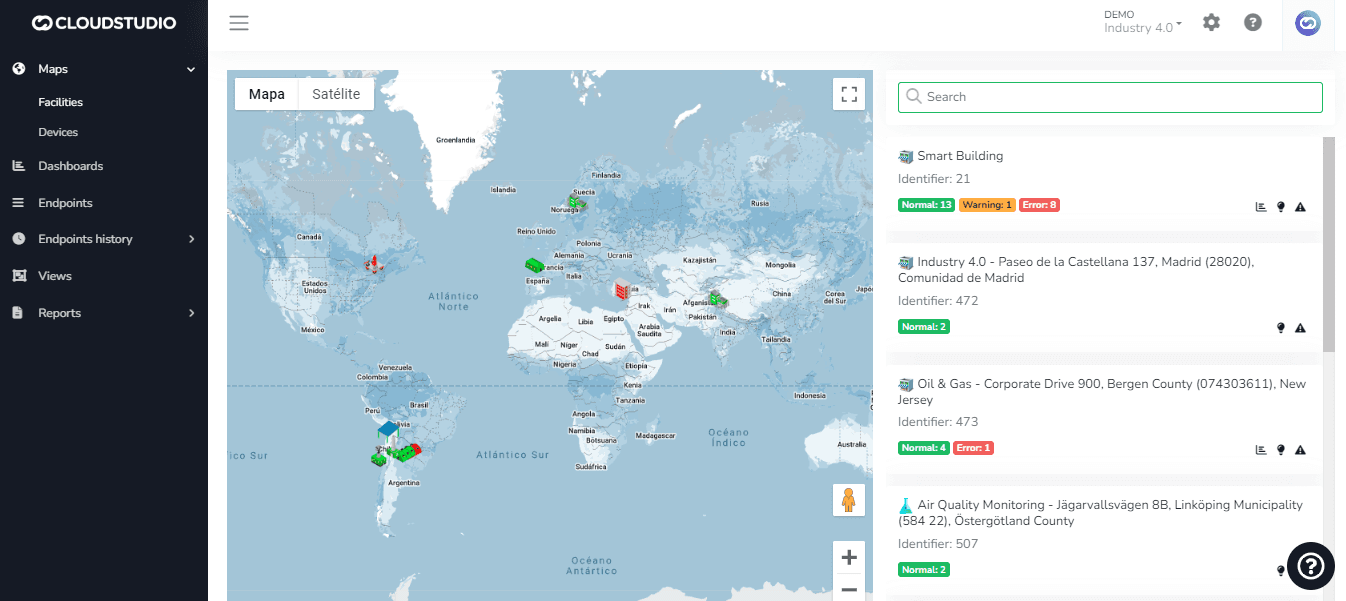
Each client can have their own facilities (branches, buildings, etc.), which can in turn be grouped into facility types (stores, residences, or any other categorization). The type classification can be used to present information in Dashboards. It is possible to associate an image for each facility type; these images will be reflected in the list on the right side of the monitor map.
Want to start creating facilities on the platform? Check this section. (To be created)
Devices
In the IoT ecosystem, a device refers to any object or thing that has the ability to connect to the internet and communicate with other devices or systems. IoT devices can be physical devices such as sensors, cameras, smart lights, appliances, vehicles, medical devices, etc., or virtual devices such as online applications and services.
Learn about the entire device integration process here.
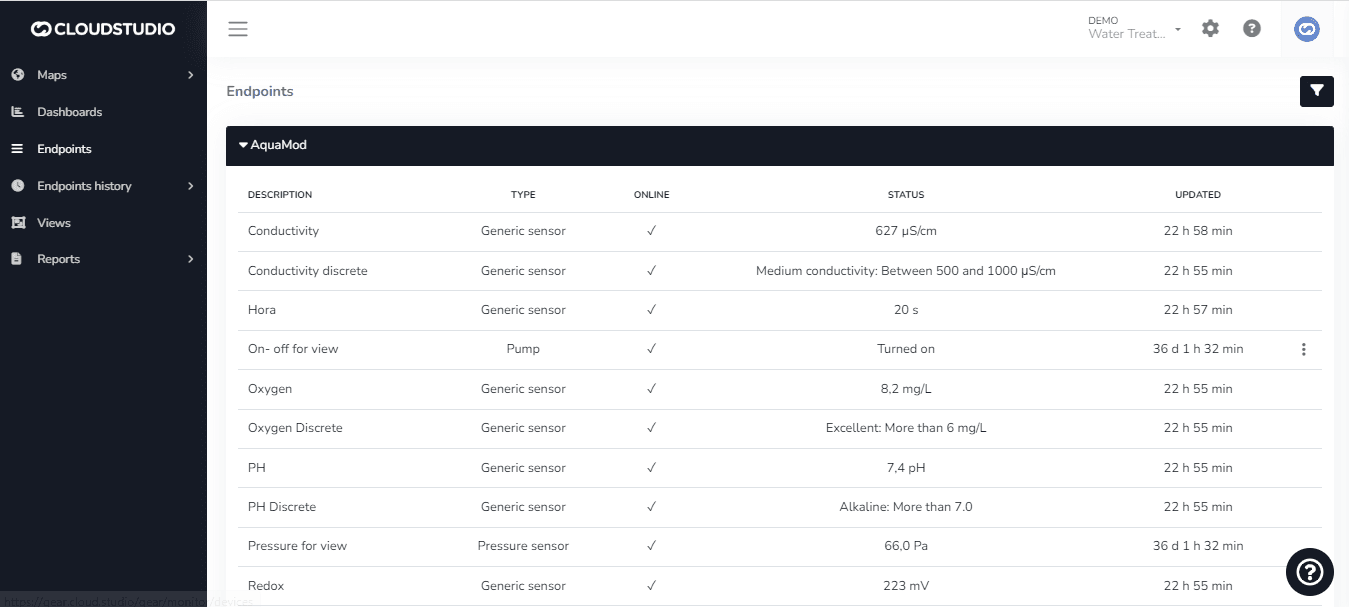
Endpoints
Endpoints are the variables associated with a specific device. A device can have one or many endpoints, which it can report jointly or independently to the platform.
We expand on endpoint information on this page.
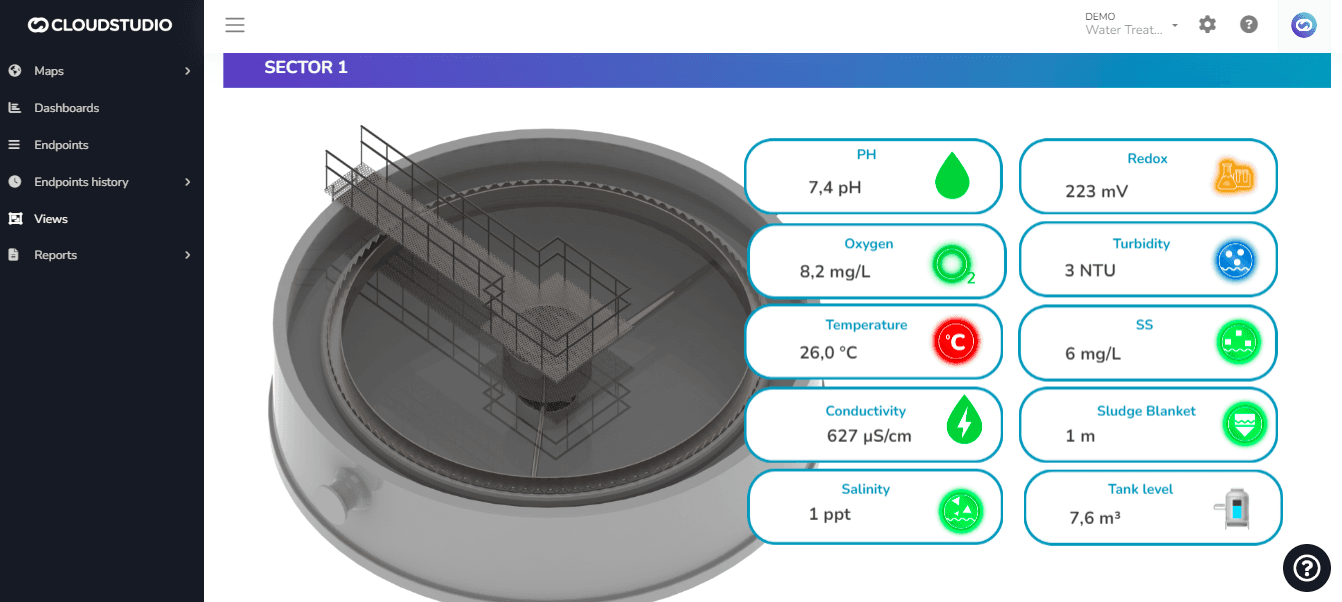
Tanks
Tanks are entities within the platform used to quickly, simply, and accurately represent the operation of this type of asset in the field. This entity has associated volume, weight, and flow sensors, and allows defining the contained material, total capacity, as well as alert thresholds.
Learn more about tanks here.
_e5fc.png&w=1920&q=75&dpl=dpl_87LH5cJ2L3jjsAK3mA5aYAZuUopg)
Dashboards
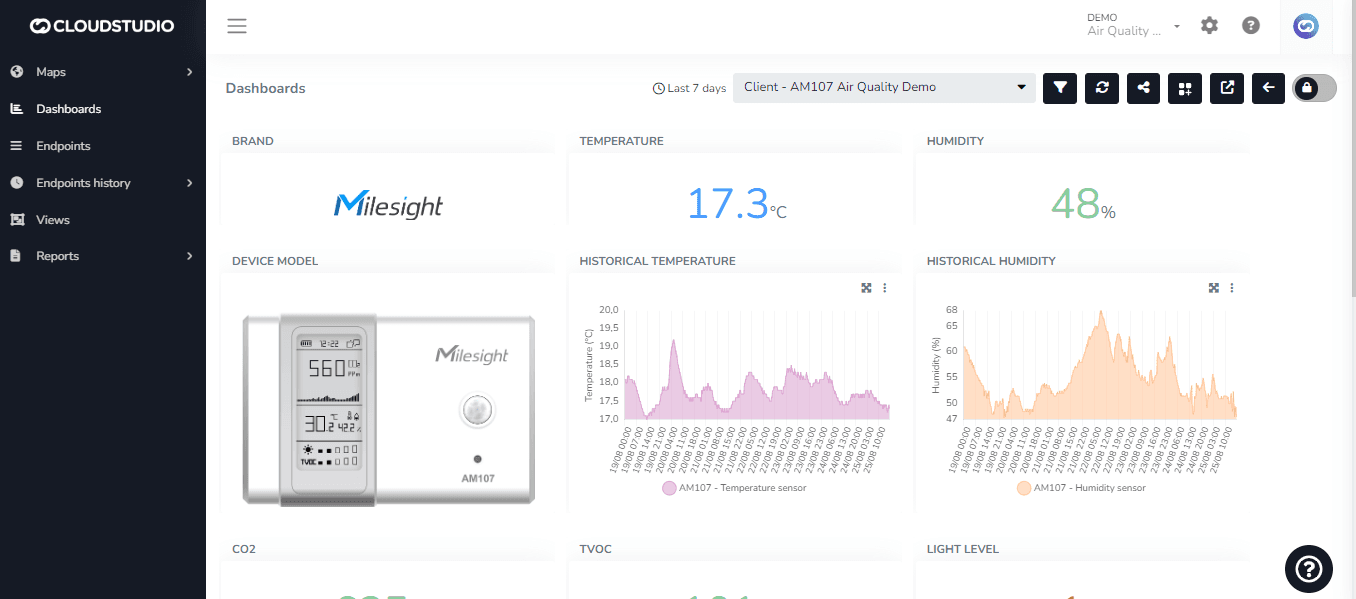
A dashboard refers to a visual interface that displays real-time information about the performance and status of IoT devices and systems. It can provide information about a variety of metrics, such as energy consumption, temperature, humidity, pressure, speed, location, among others.
They are typically presented in the form of charts, tables, maps, and other visual elements, allowing users to understand and analyze information quickly and effectively. Some dashboards may also include alerts and notifications to indicate performance issues or anomalies, enabling users to take timely corrective action.
They are commonly used in a variety of applications, such as smart building management, industrial production monitoring, vehicle fleet management, smart agriculture, among others. In summary, an IoT dashboard is a valuable tool for visualizing and analyzing information collected by IoT devices and systems in real time.
_60d3.png&w=1920&q=75&dpl=dpl_87LH5cJ2L3jjsAK3mA5aYAZuUopg)
Go to this page to explore more about dashboards.
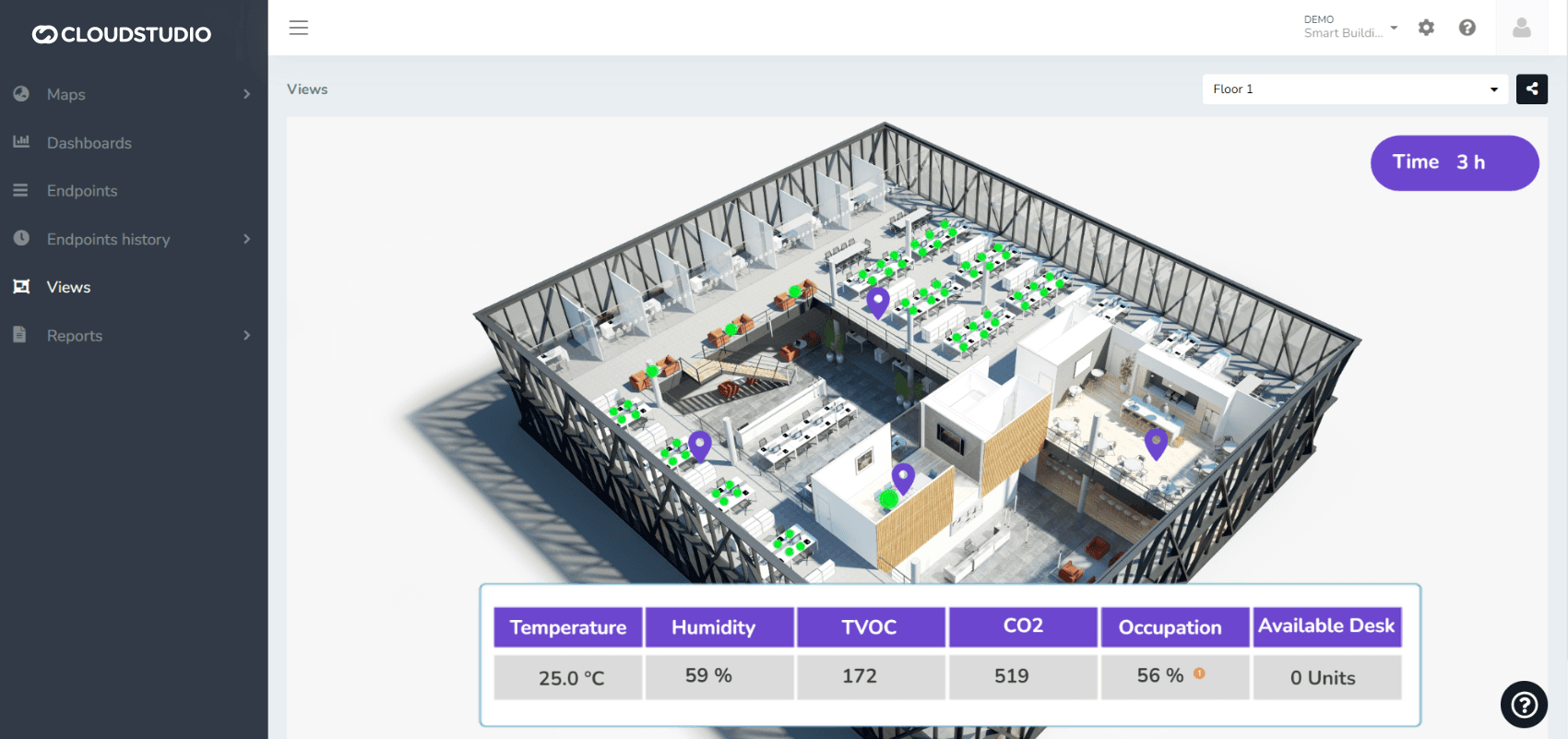
SCADA-Type Views
These are SCADA-type visualizations that allow using a background image and then inserting data, graphic elements, alerts, and other components to create a highly useful visual tool for supervising and controlling an operation or production process.
Have questions about how to use SCADA-type views? Check this section.
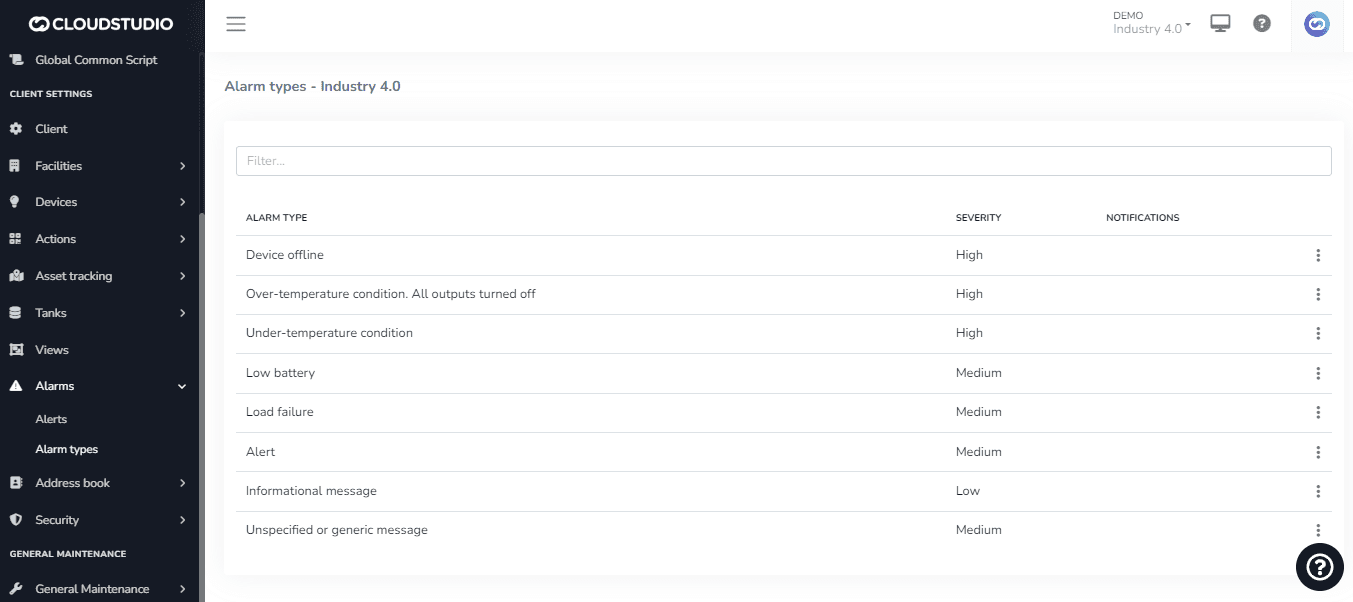
Alerts and Alarms
The platform is capable of receiving any alarm openings and closures. Additionally, the platform allows the creation of alerts, which can be configured to send notifications when the variable in question is outside the established parameters.
The system has different types of alarms for your devices, which can be configured to receive notifications via email, SMS, and voice calls.
It is worth noting that the alarms module can leverage all functionality related to Geozones, geolocation data, and instantaneous speed of vehicles with an installed tracker, as well as the time/duration factor, to generate specific alerts for each required use case.
Learn more about this feature here.
Actions
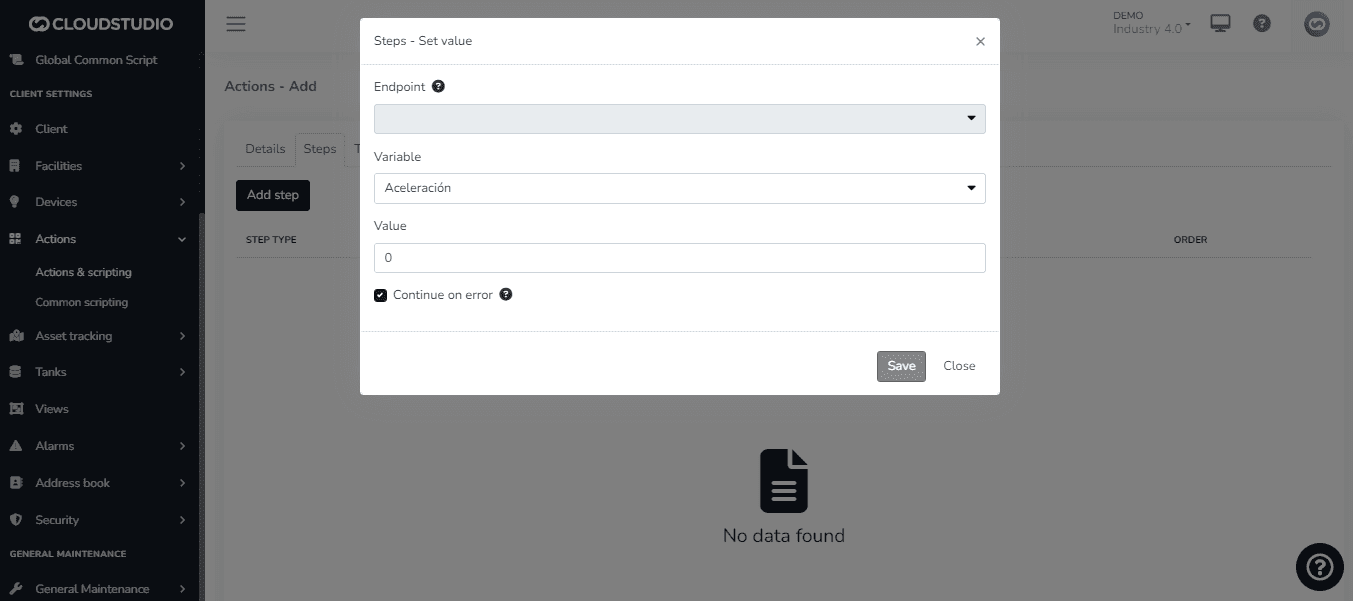
The platform enables the application of automation rules to optimize processes and resource usage. These are applied by modifying the state of a device in response to an event. Events can be calendar-based (hour, day, month) or variations in temperature, humidity, light level, device on/off, or any other variable being reported to the platform. The engine can be used to manage energy modes, trigger actions, or fire alerts.
It allows executing complex actions with code fully definable by the user.
Access to all devices, endpoints, etc., according to each user's rights.
Learn to configure actions here.
Scripting
The platform includes an internal scripting engine that allows extending existing functionality, as well as modifying its behavior, when it is necessary to add support for unsupported devices or create complex business rules. (Yes, you can create your own rules.)
Access all available scripting resources here.
Notifications
The platform includes a module responsible for configuring and sending notifications, such as emails and text messages. It handles sending email notifications to users for various reasons, such as open or closed alarms, scheduled reports, etc.
Access Tokens
When integration of platform services by external applications is required, access to the services requires obtaining a token known as an Access Token. It is possible to generate as many tokens as needed and assign the necessary permissions to each one. Likewise, it is possible to set the duration of Access Tokens and delete them if necessary.
Check this page to learn how to create Access Tokens.
Geozones
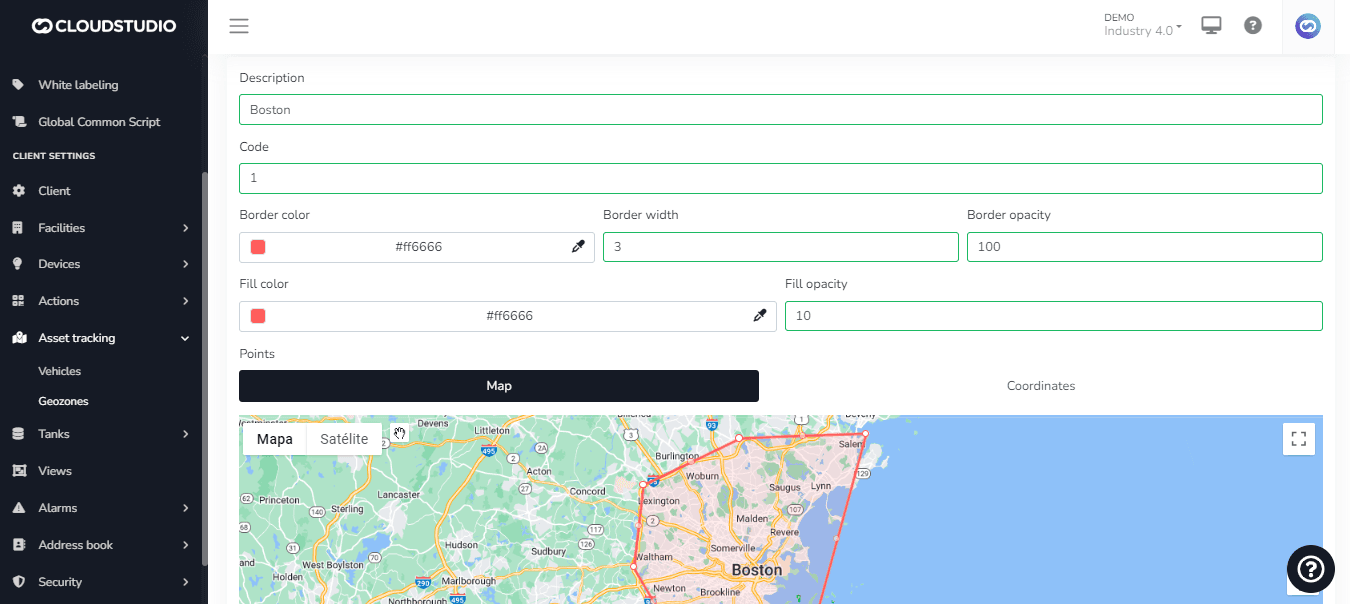
This module allows the creation and management of geozones from the map tool or using coordinates (or both for greater precision). The geozone has an associated description, code, color, border thickness and opacity, and fill color and opacity. The geozone can be edited later.
It is possible to create "nested" geozones within larger geozones, or generate "overlapping" geozones and set alert rules that take into account the overlapping zone.
Go to this page to learn more about geozones.
Maps
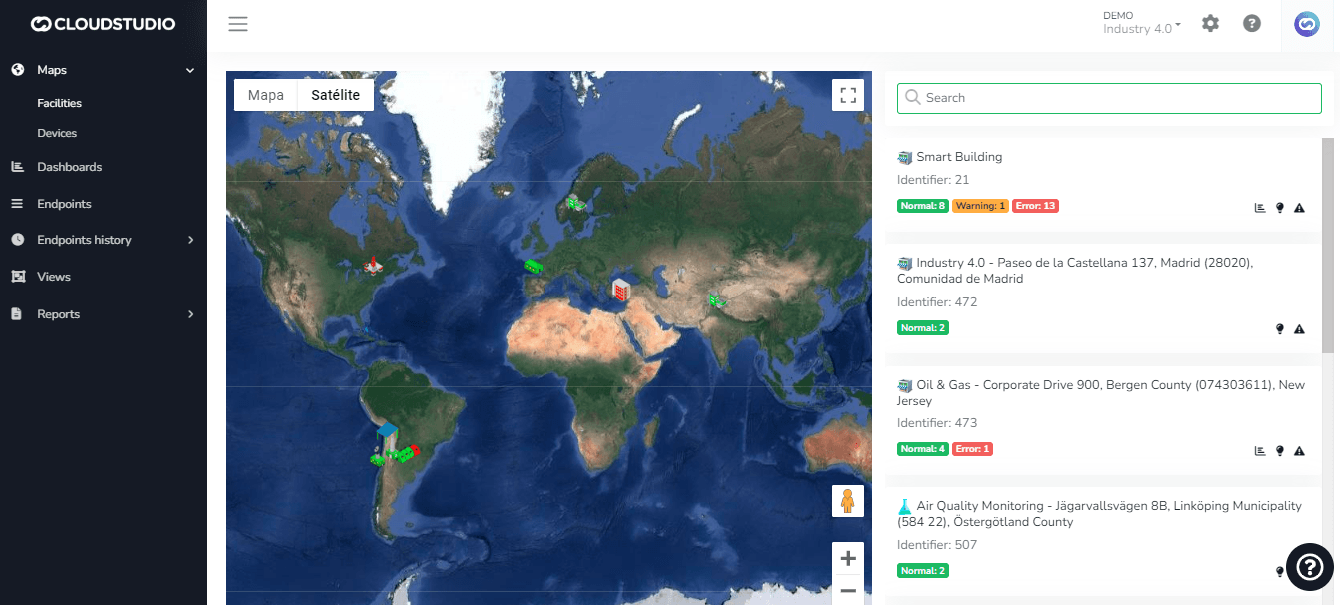
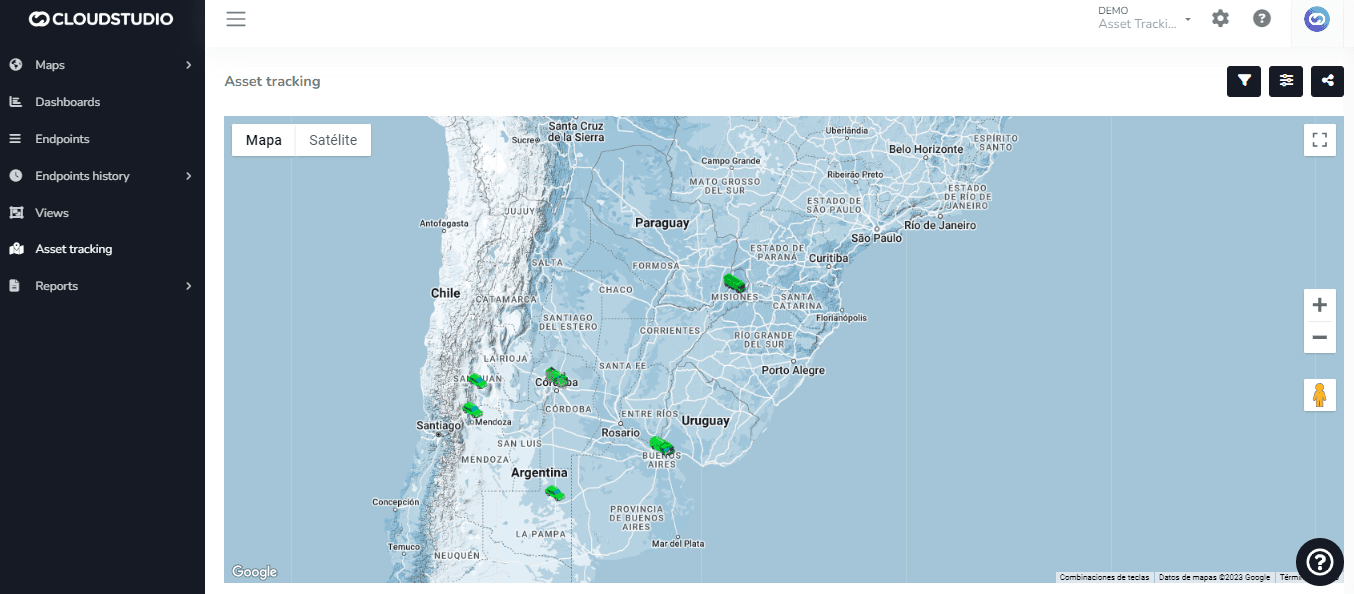
Our platform leverages the powerful Google Maps interface to provide you with an unparalleled location experience. We offer three distinct map types:
- Device Map: Here you can intuitively view the location of devices connected to our platform. This view provides a clear snapshot of how your devices are distributed across the terrain.
- Facility Map: This map allows you to explore the location and real-time information of facilities in detail.
- Real-Time Tracking Map: With this feature, you can track any type of moving assets in real time.
These maps, integrated with Google Maps functionality, are not only informative but also highly functional, allowing you to interact with your data efficiently and precisely.
Reports
At the Core level, the platform provides a series of basic reports, which can then be extended in each vertical. In Cloud Studio, in particular, a large number of reports related to energy, inventory, etc. are added. The core reports module offers all the basic functionality of server-side pagination, tabular data downloads, PDF conversion, scheduled reporting (automated scheduled reports), and much more.
Learn more about reports here.
Users and Permissions
Users belong to one or more groups that have associated permissions. This way, groups can be created that have exclusive access to certain sections and not others. These same permissions can be granted individually to each user.
Learn more about permissions here. To understand user creation, you can access this section. (To be created)
To audit your users' activity, you can use this tool. (To be created - User activity log)
Need a report sent to someone who isn't a user? Go here.
Learn to create an address book of contacts on this page.
Couldn't find the information you needed? Contact us
Last updated on