

Endpoint States with Image Associated to Discrete Variables
It is possible to associate discrete variables to the states of a Custom Endpoint, to subsequently associate those Endpoints to the Endpoint status image element. If no image exists for a value, a default image will be displayed.
Example
For the endpoint, we choose the images we want to assign to those states. In this case: 0 Off, 1 On, and a default image for any other number.
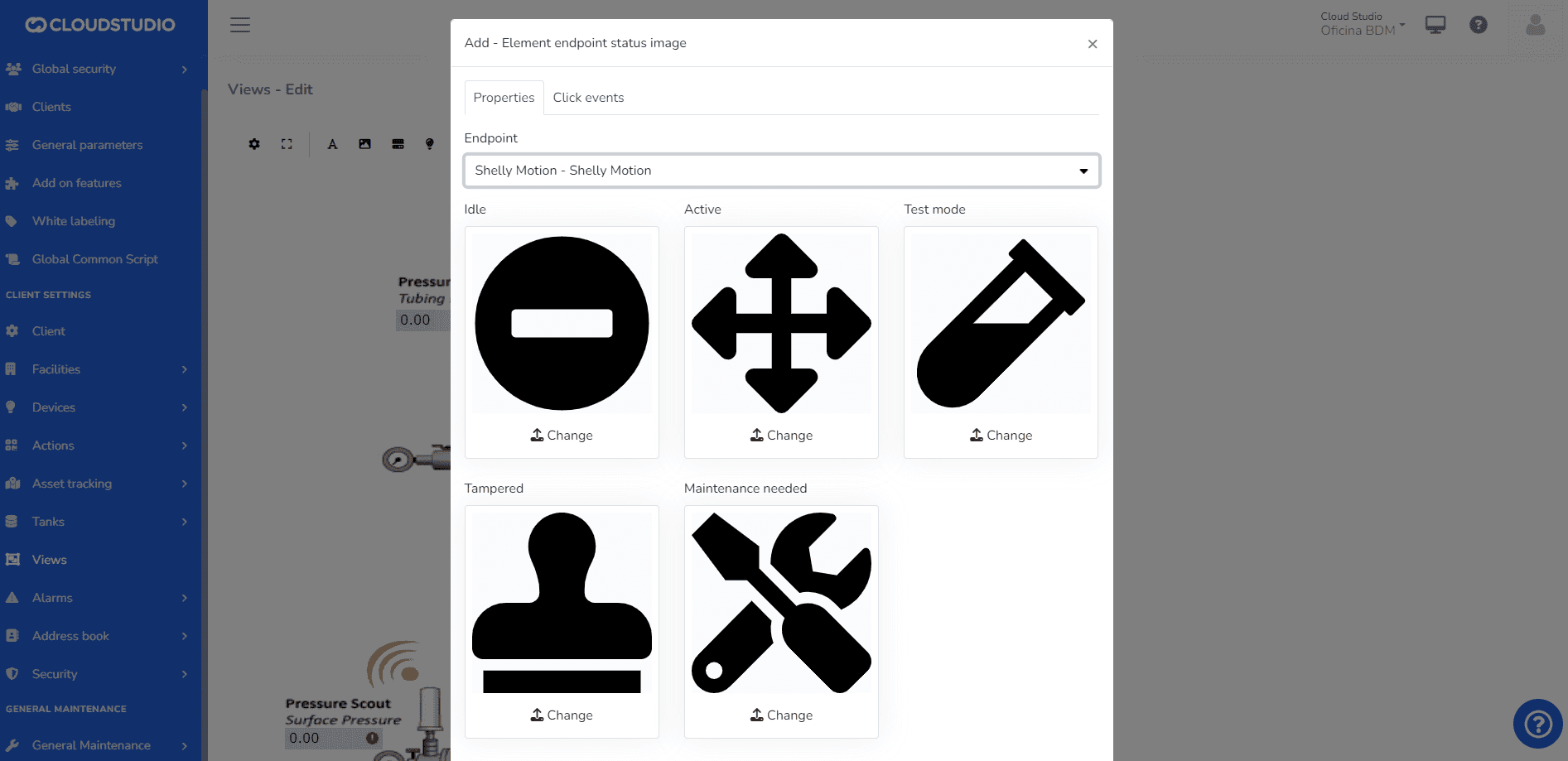
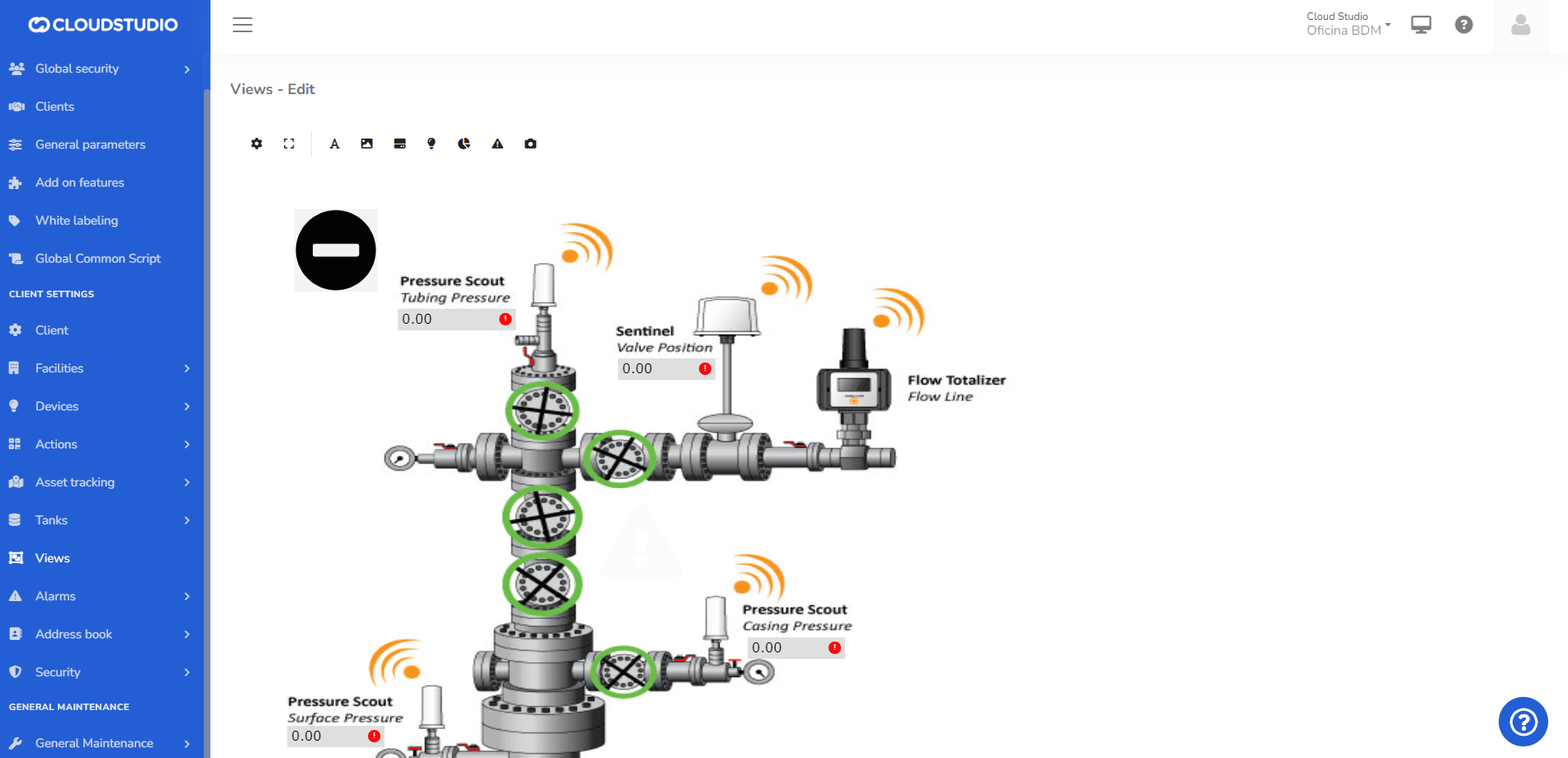
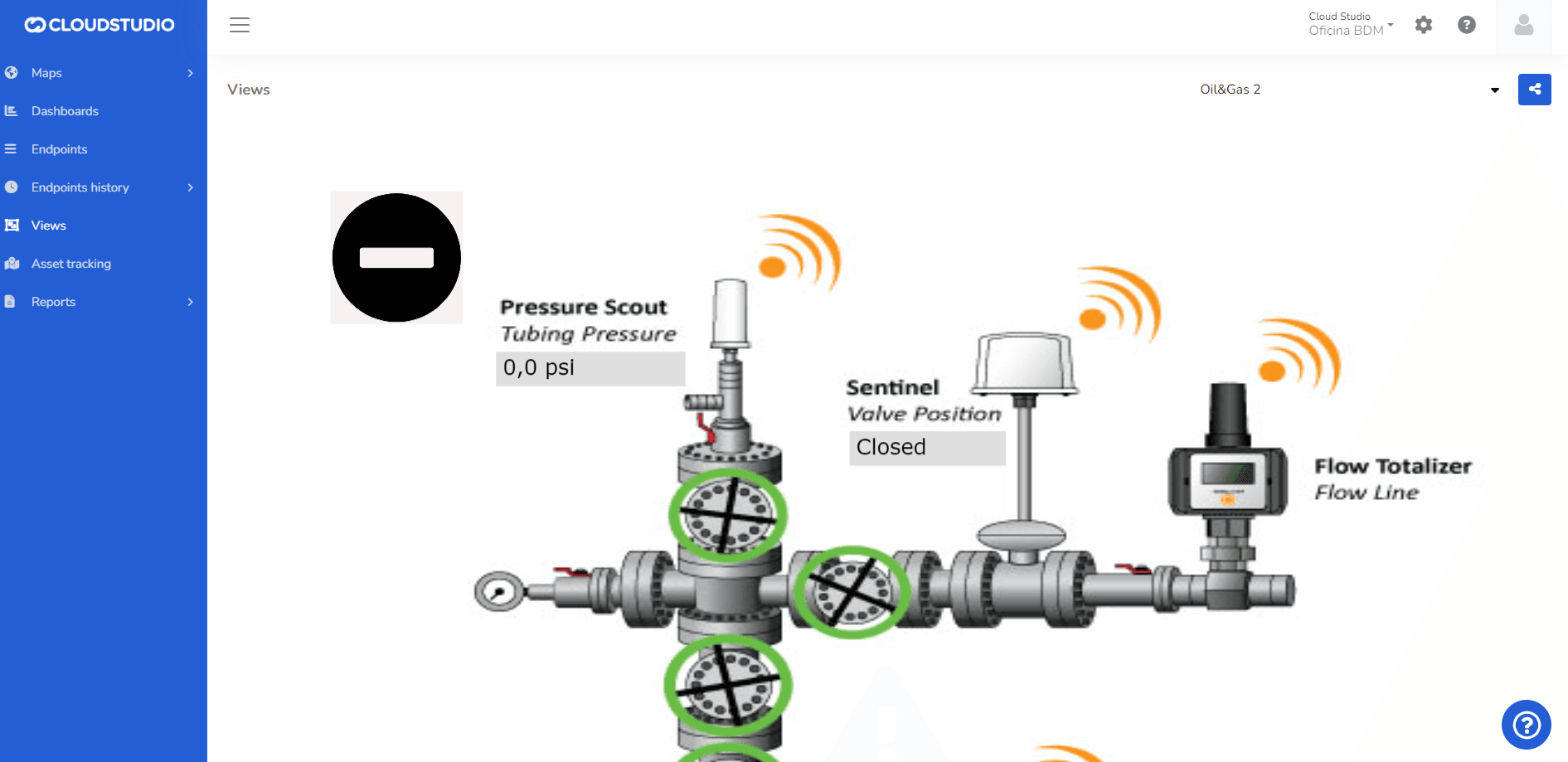
The states can be modified with images such as off/on.
Last updated on