

History - Disconnection Time
There are occasions when a device disconnects but measurements continue to be generated. When the device reconnects, the stored measurements from that device are automatically synchronized with the system, allowing the user to see the complete data sequence without manual intervention.
These measurements can be viewed in the History Widget and the Comparative History Widget. The selection to show or hide offline measurements can be made individually for each Endpoint. These measurements are displayed as dashed lines in the Widget to distinguish them from received measurements.
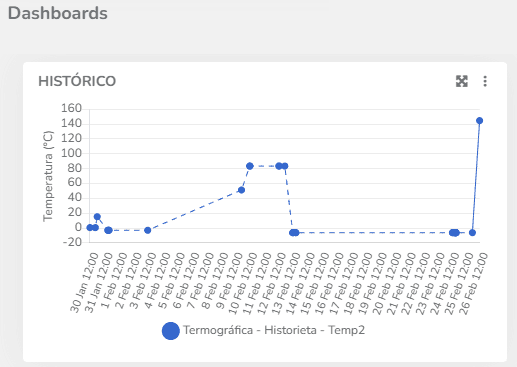
The configuration for displaying offline measurements is done through the Widget Settings, in each Endpoint's configuration by checking or unchecking the 'Show offline periods' field.
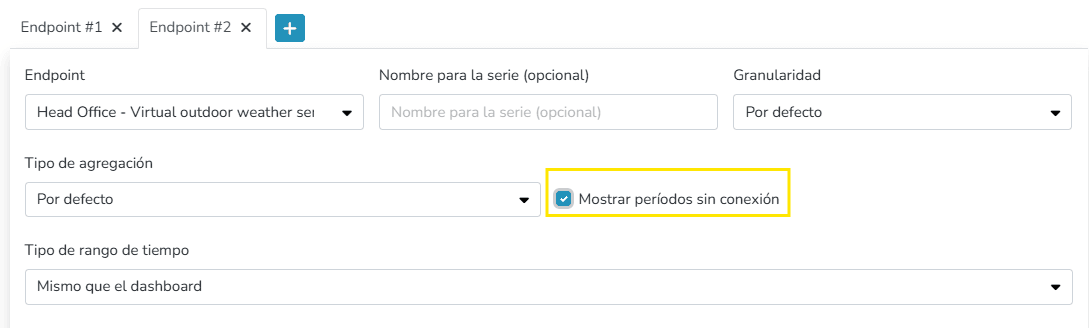
Similarly, this can be configured for different variables on both axes in the Comparative History Widget, individually for each Endpoint.
Last updated on