

History - Grid
The platform includes predefined widgets that facilitate data presentation in dashboards. Among them are the history and comparative history widgets.
They allow viewing the evolution of Endpoint measurements over time.
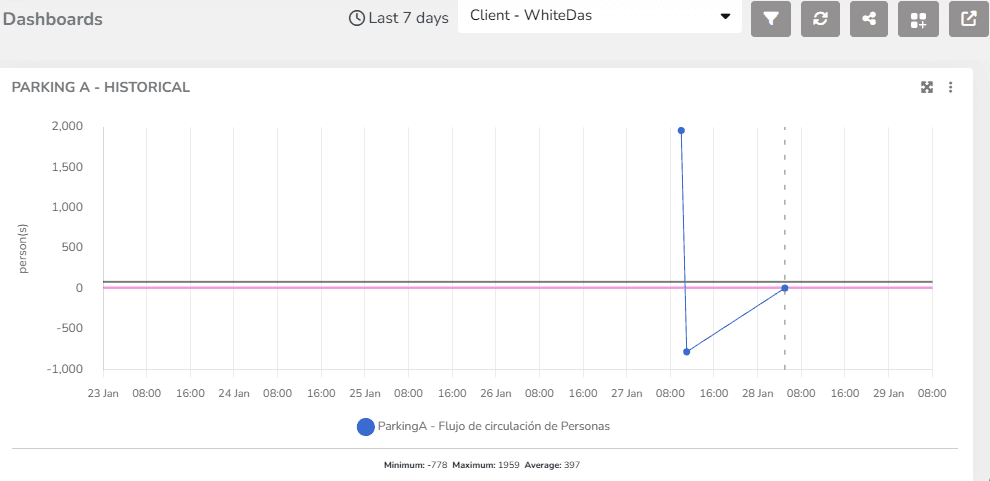
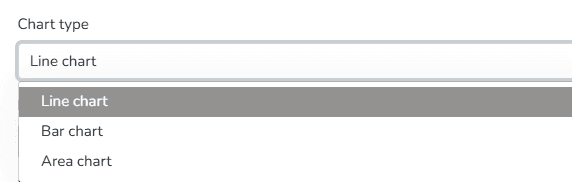
Among the display options for this widget, you can select the chart type for data visualization: line, bar, or area format.
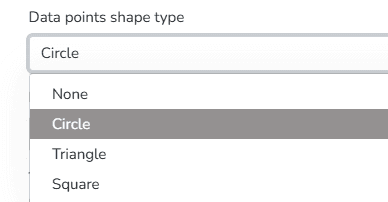
You can also choose the Data Point Shape Type from the following options: Circle, Triangle, Square, or none.
Additionally, you can set the orientation of the chart grid lines. Available options include Horizontal, Vertical, or Both.
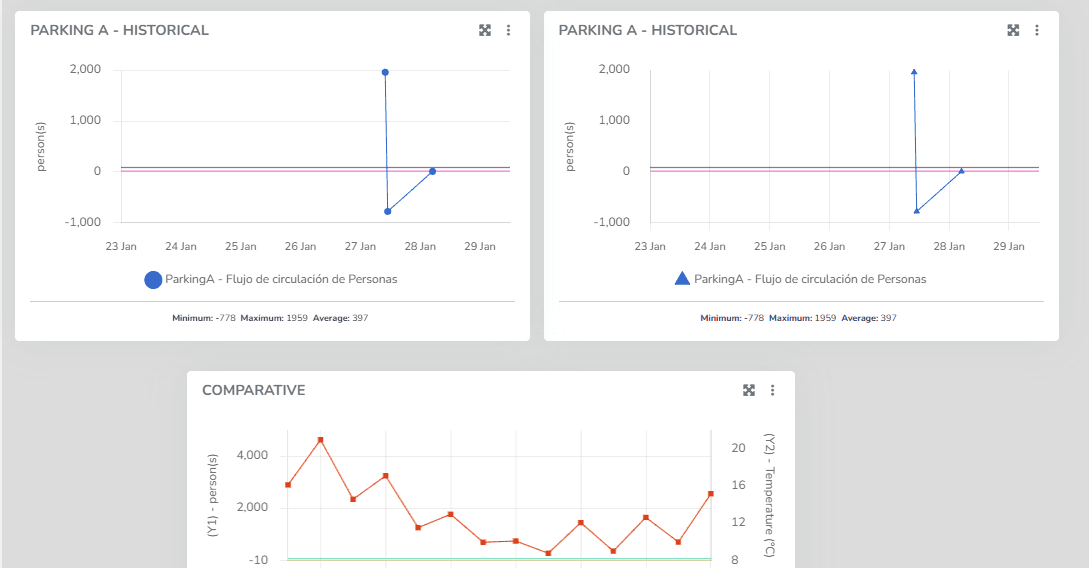
These features are available for both the History widget and the Comparative History widget. In the latter, the same chart can display measurements for two different variable types, one per axis.
Last updated on