

Custom Filters
Within the History Widget, you can use the Custom Filters option to adapt the view according to your needs. This feature allows you to select from different preloaded filters and apply them to refine the displayed information.
Preloaded Filters are preconfigured sets of filtering criteria that facilitate the quick selection and application of specific filters without having to configure each criterion manually.
In the History Widget, check the 'enable custom filters' option.
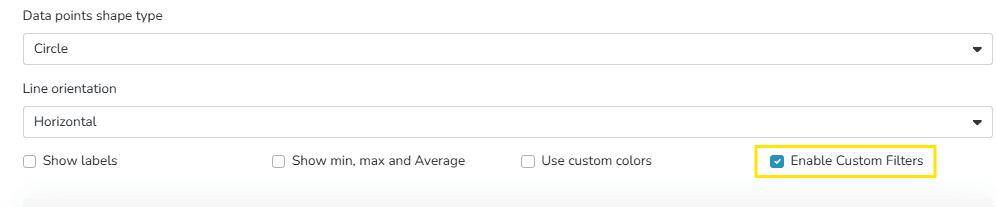
This enables the section to choose filters.
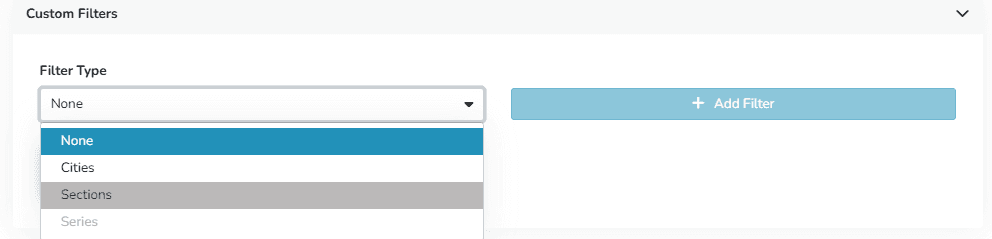
Once selected, they are displayed as follows within the widget:
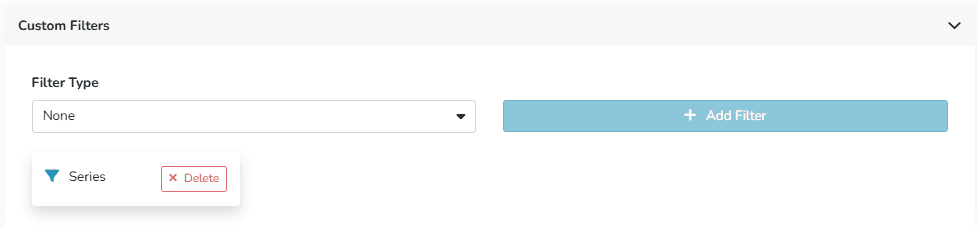
The widget view will update automatically, showing only the information that meets the selected filter criteria.
Its benefits include:
- More relevant information visualization
- Combination of filters for more specific results
- Easy to apply
Last updated on