

Filters
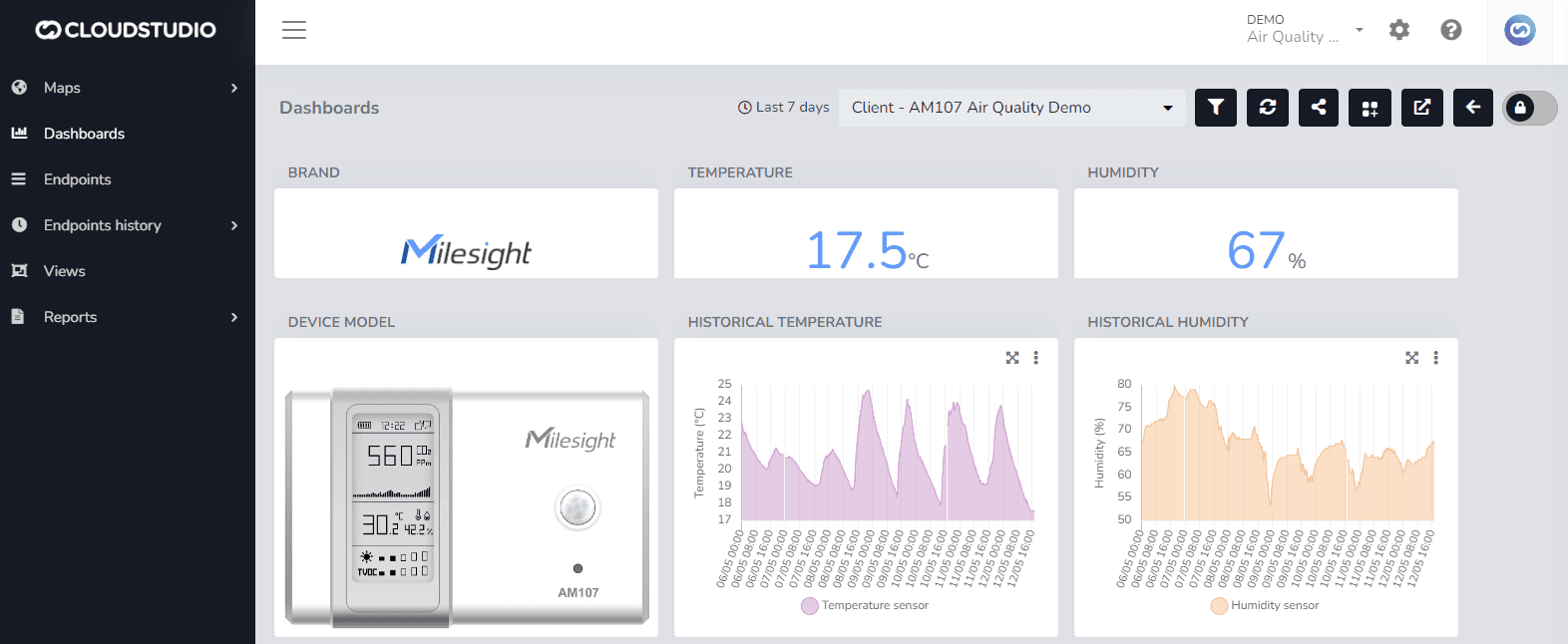
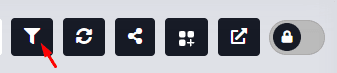
The user can use the filter icon to perform a specific search within a defined time period, in order to obtain the data that devices recorded during the selected dates.
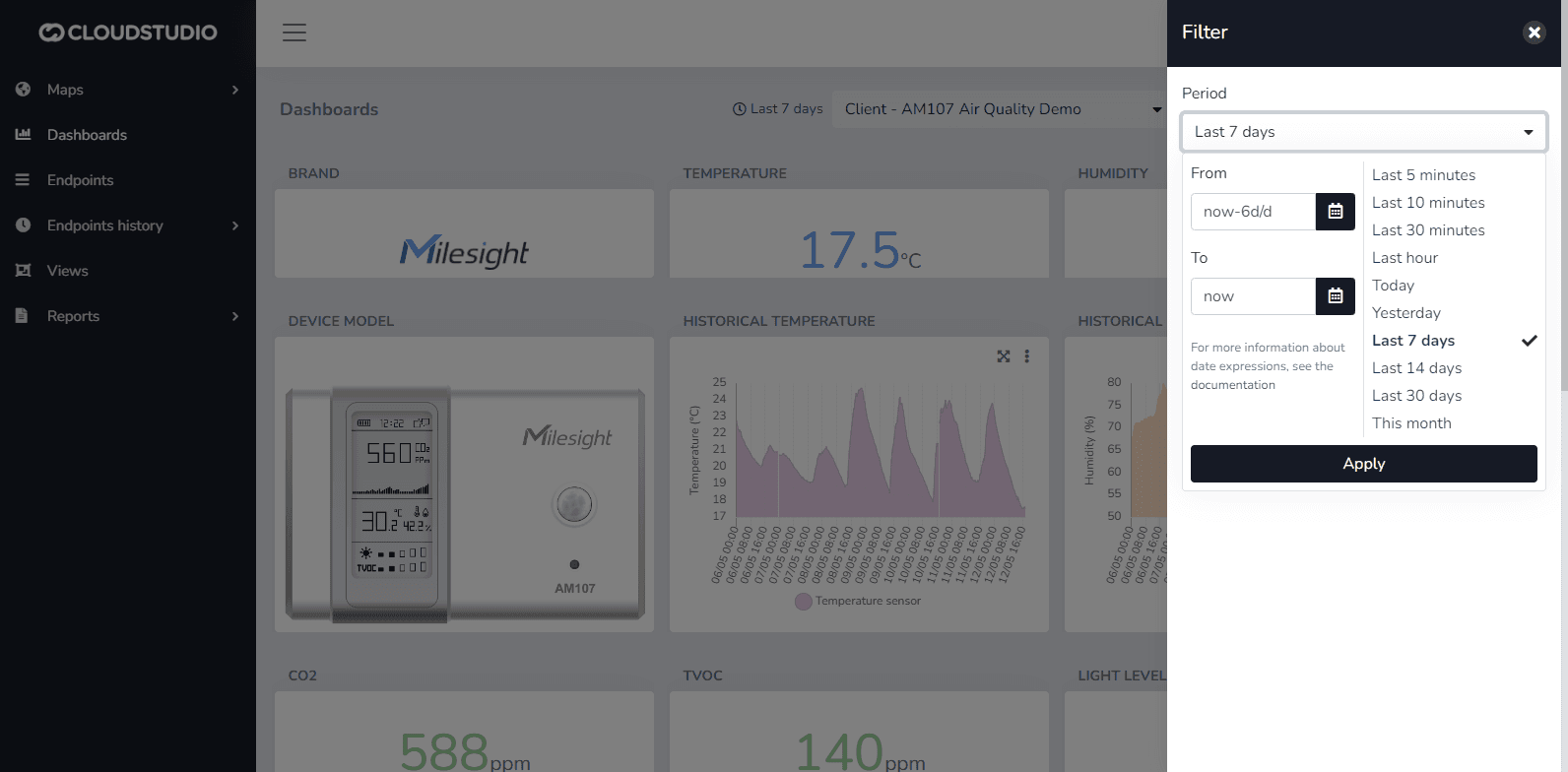
Remember to press the "Apply" button before closing the filter menu so that the selected dates are applied correctly.
Last updated on