

Create Dashboards
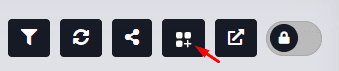
To create a new dashboard, navigate to the Dashboards menu in the Monitor and press the Add Dashboard button.
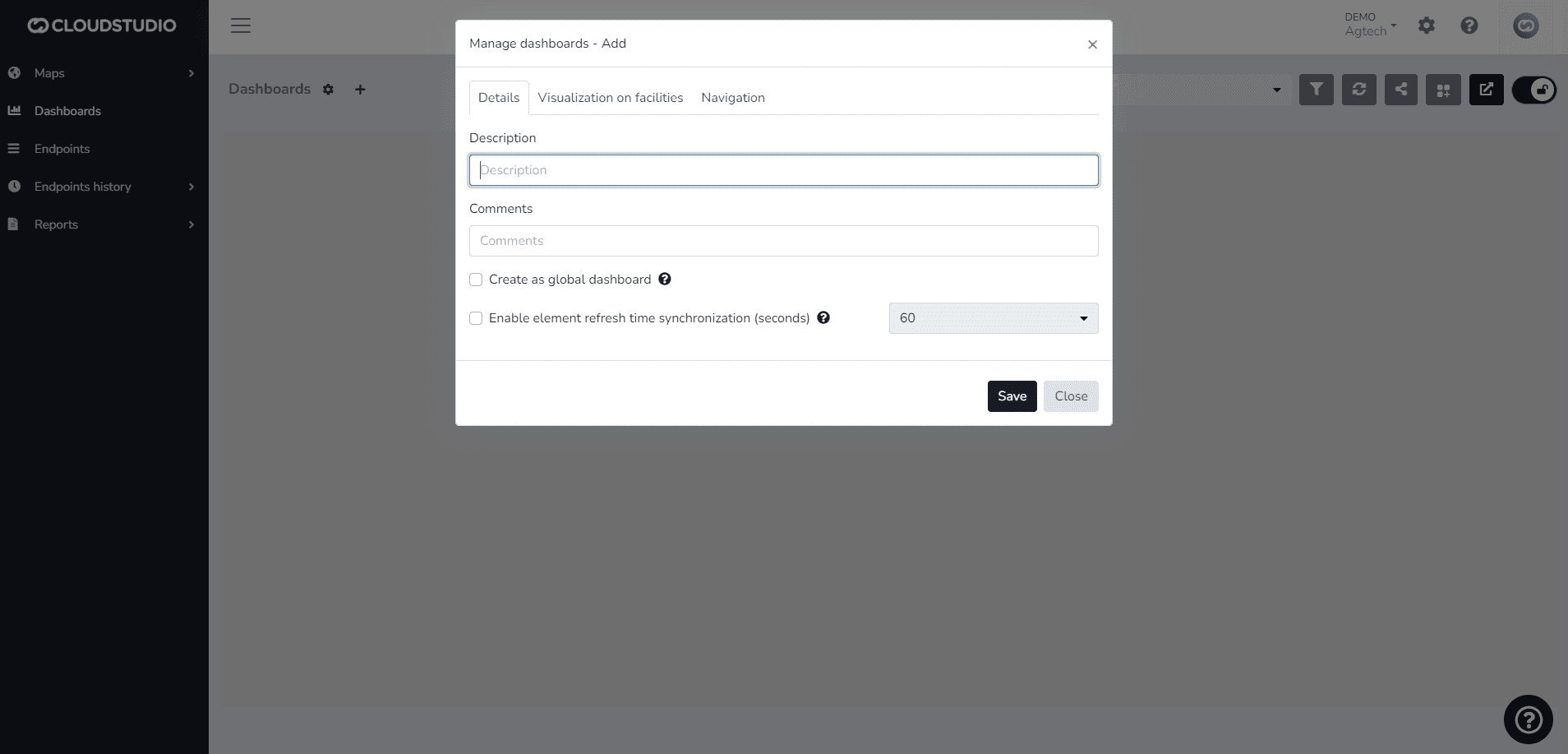
The user can add a Description and Comments in the Details tab as needed.
The description will serve as the dashboard's identifying name.
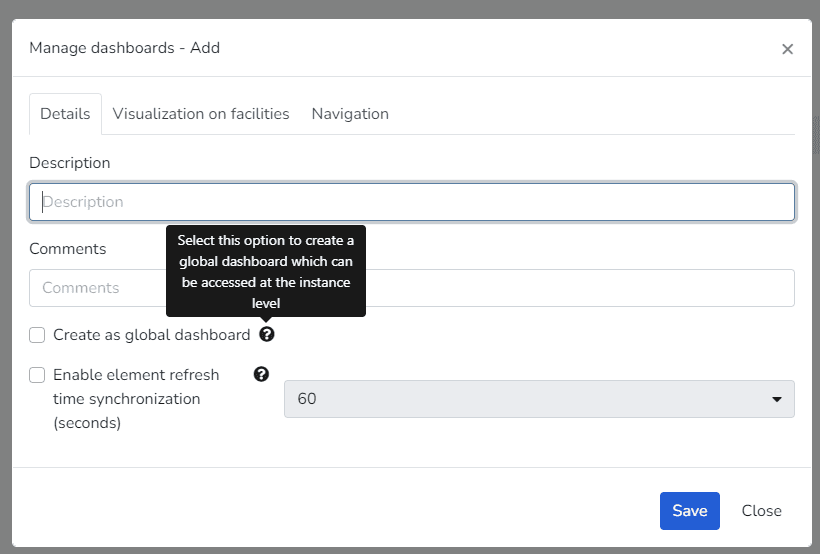
You can also decide whether to create it as Global. If not, the dashboard will only be visible in the Client instance.
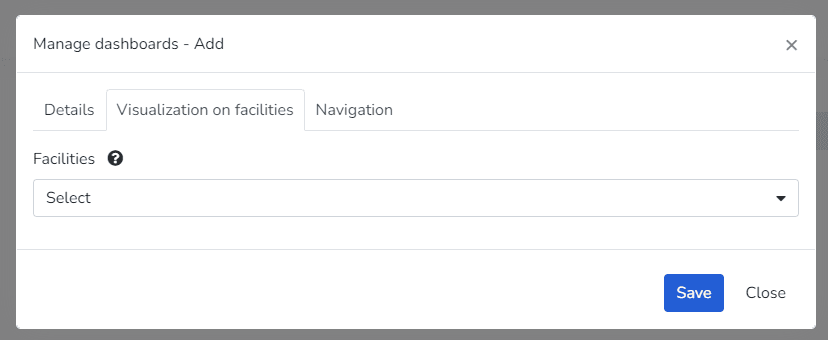
The Facility Display tab allows you to select whether it should be visible in a specific facility, all facilities, or none. This option is not mandatory.
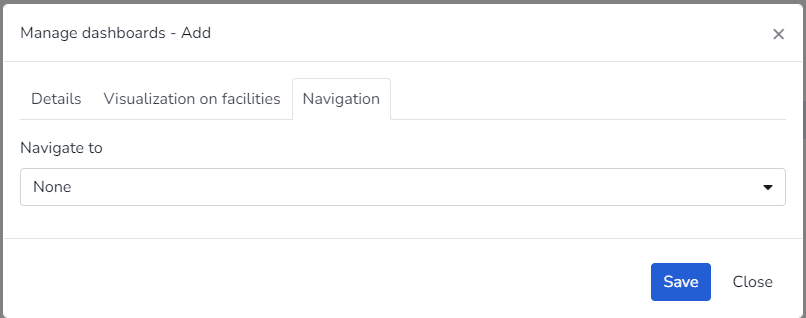
The Navigation tab enables the option for the user to define whether viewing the dashboard should redirect to another one. This option is not mandatory.
Last updated on