

Share Dashboard
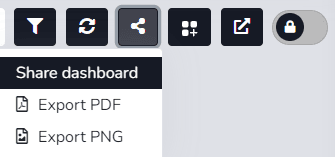
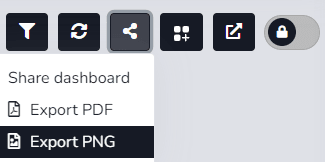
The user can use the corresponding icon to share the Dashboard and/or download it in two formats.
When accessing the Dashboard from the Dashboard List and editing is required, the Share option will not be enabled until edit mode is closed.
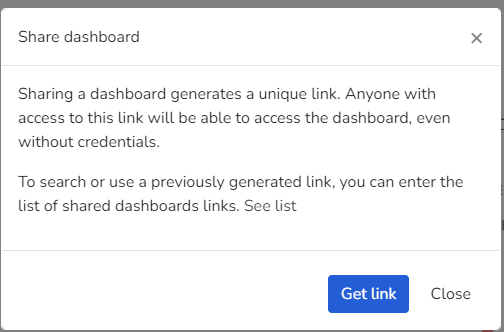
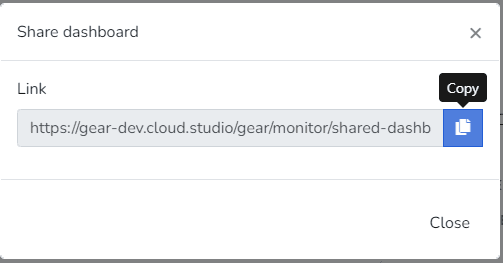
1- Share Dashboard: By selecting the Get Link button, the user will generate an access link to the dashboard they want to share. This link can be opened and viewed in a browser without needing access to the platform.
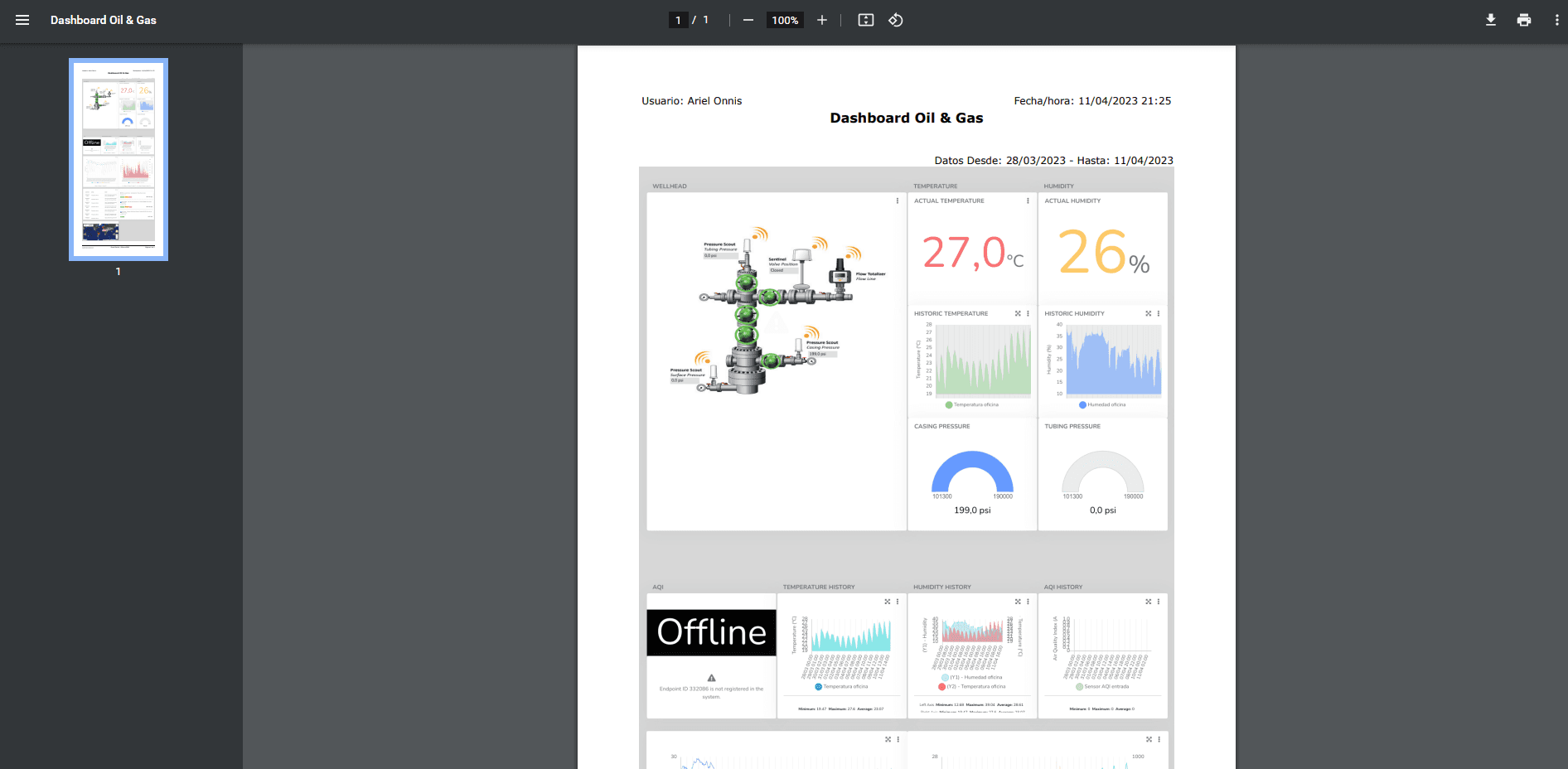
2- Export PDF: Here the user can download the dashboard in Portable Document Format (PDF) according to the applied filter.
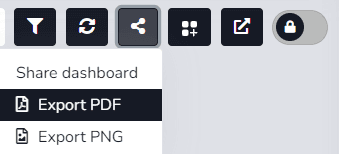
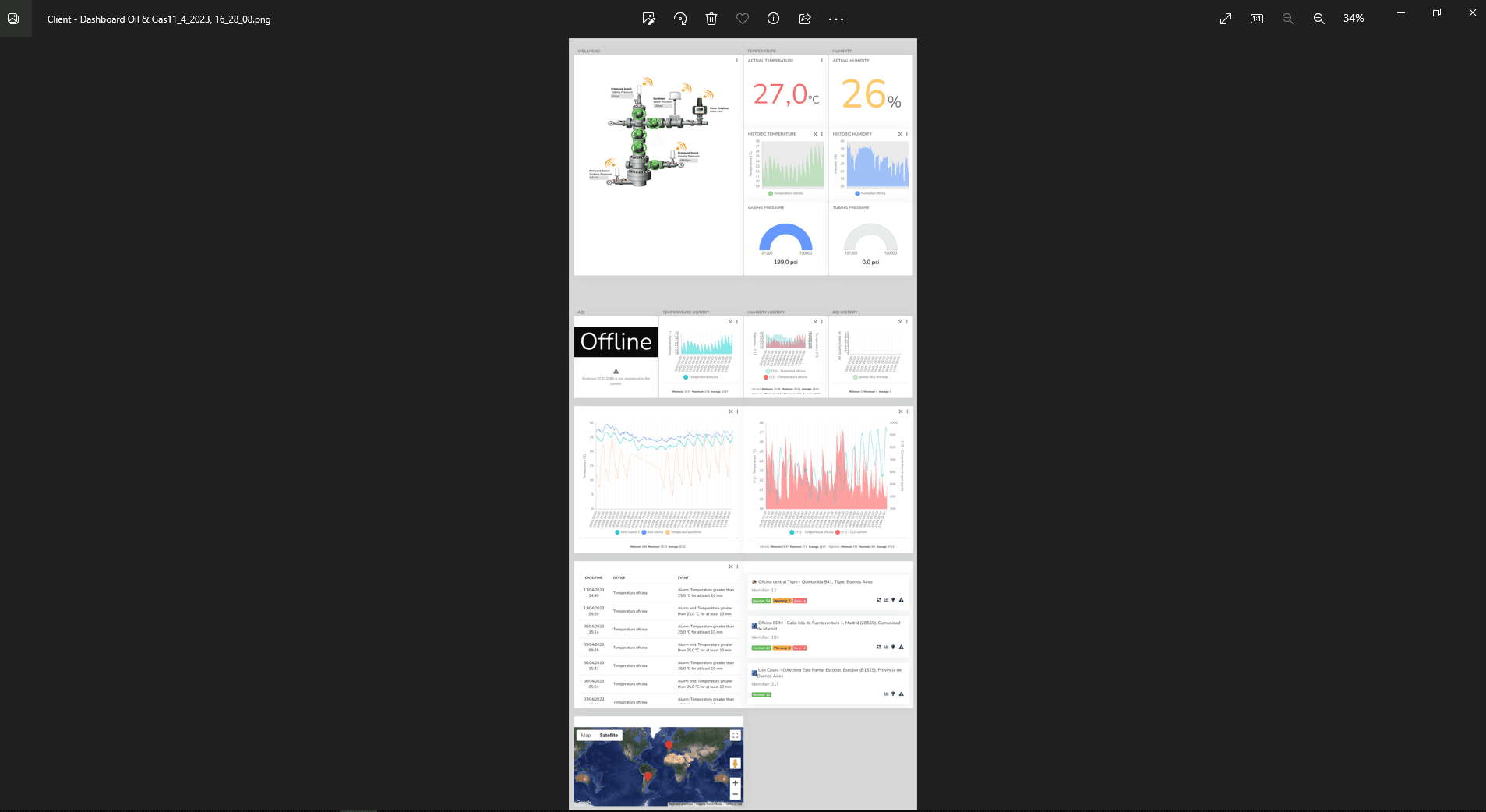
3- Export PNG: The user can download the dashboard in Portable Network Graphic (PNG) format according to the applied filter.
Last updated on