

User Activity Log
The user activity log report (User Activity Log) provides a clear and concise view of user interactions within the platform. It offers detailed visibility into actions performed by users with the different applications and available environments, serving as a key tool for auditing, control, and operational analysis.
To run this report, you must specify the activity date parameters, which -- as with all reports -- can be set to a from and to date, for today, the previous day, the last 7 days, the last 14 days, the last 30 days, or the current month) and the activities you want to list.
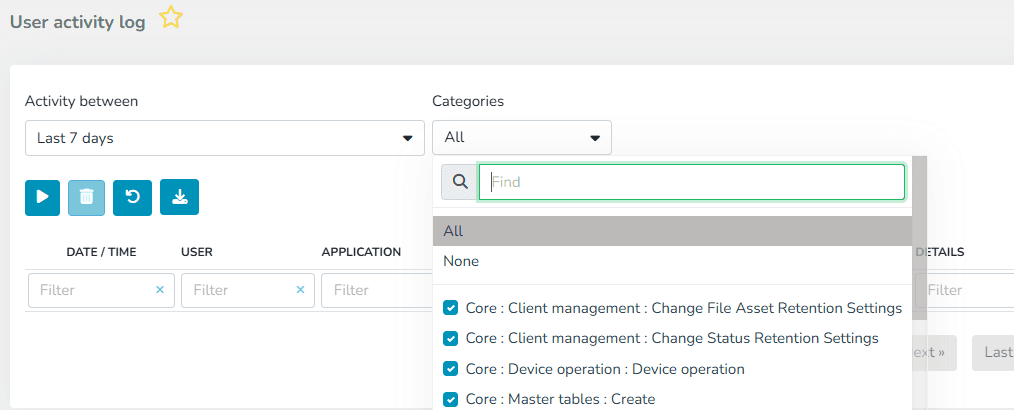
Once the query is executed, results are displayed in a table with the following information:
Date/Time: The moment the event was recorded.
User: Identifier of the user who performed the action.
Application: Module or application where the action was performed.
Client: Identification of the client where the action was performed.
Facility: Identification of the client's Facility where the action was performed.
Category: The event performed.
The report results can be exported in the following formats:
- Excel (.xlsx)
- PDF (.pdf)
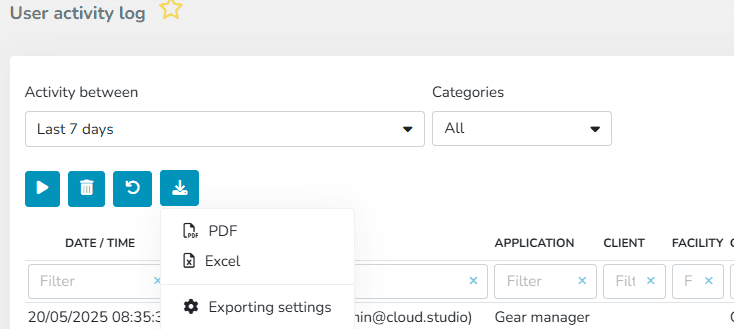
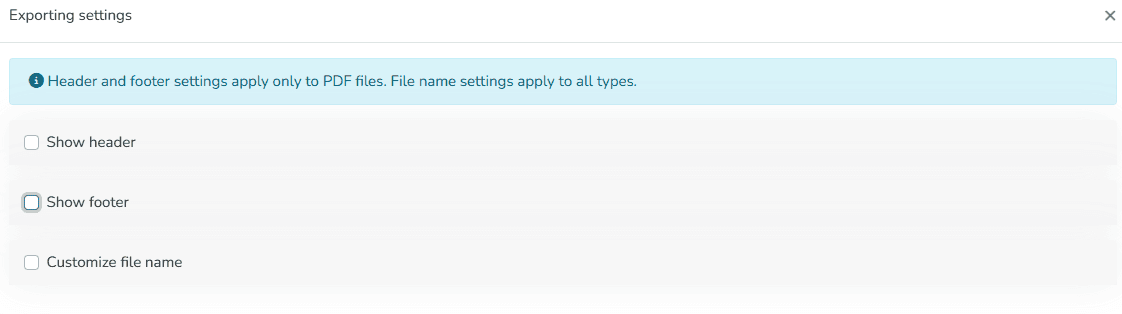
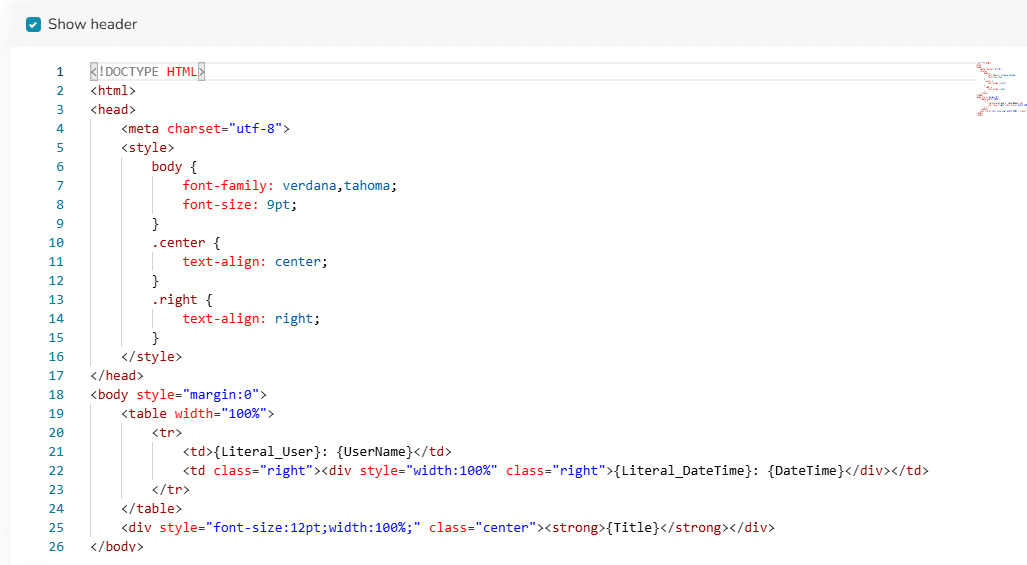
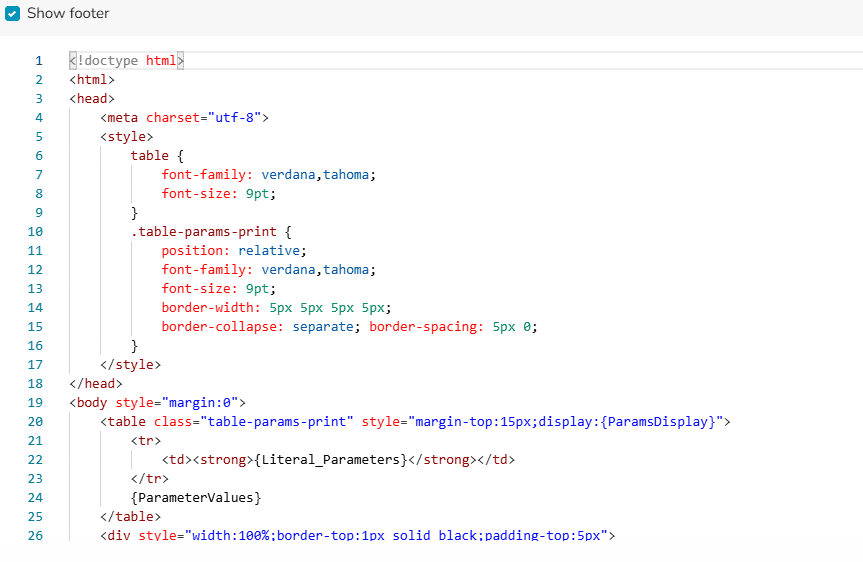
Additionally, a report header and footer can be configured, as well as the file name.

Last updated on