

Security
Within "Client Configuration" in the Manager panel, you will find the Security option. Here you can add users, edit them, set a password, delete them, and also suspend them.
Security Screen
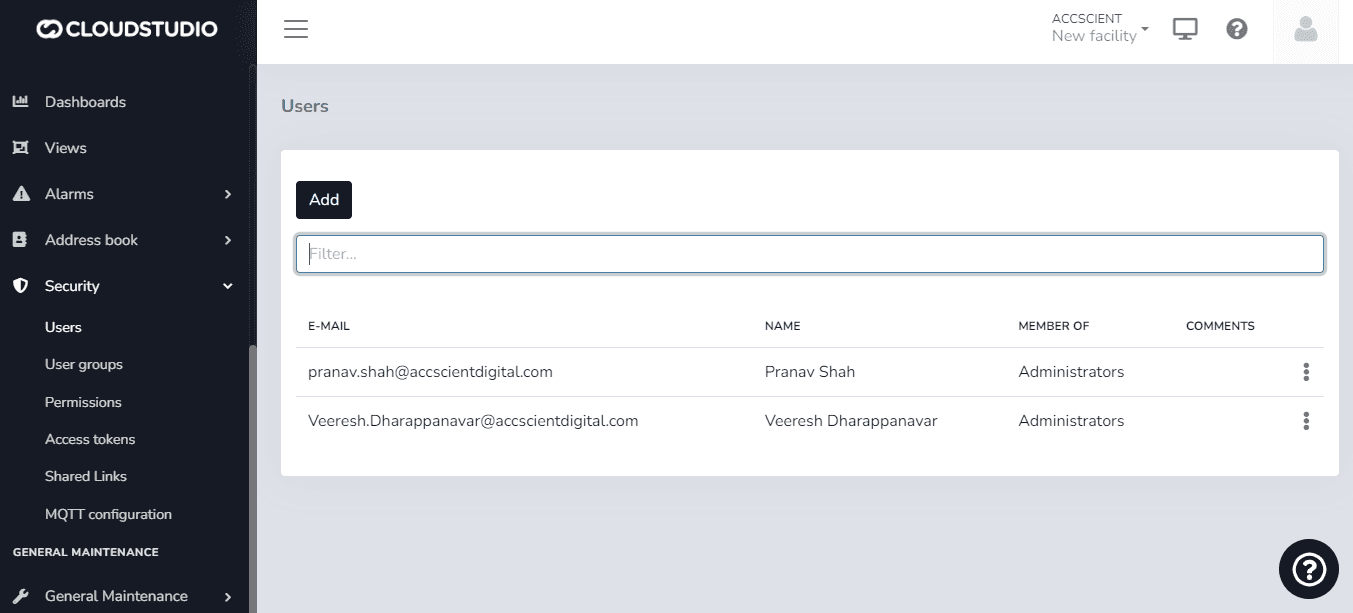
When Adding a user, you can assign them to a particular User Group, assigning them special roles such as Administrator, Operate-only, and View-only functions, among other pre-configurable options.
User Groups Screen
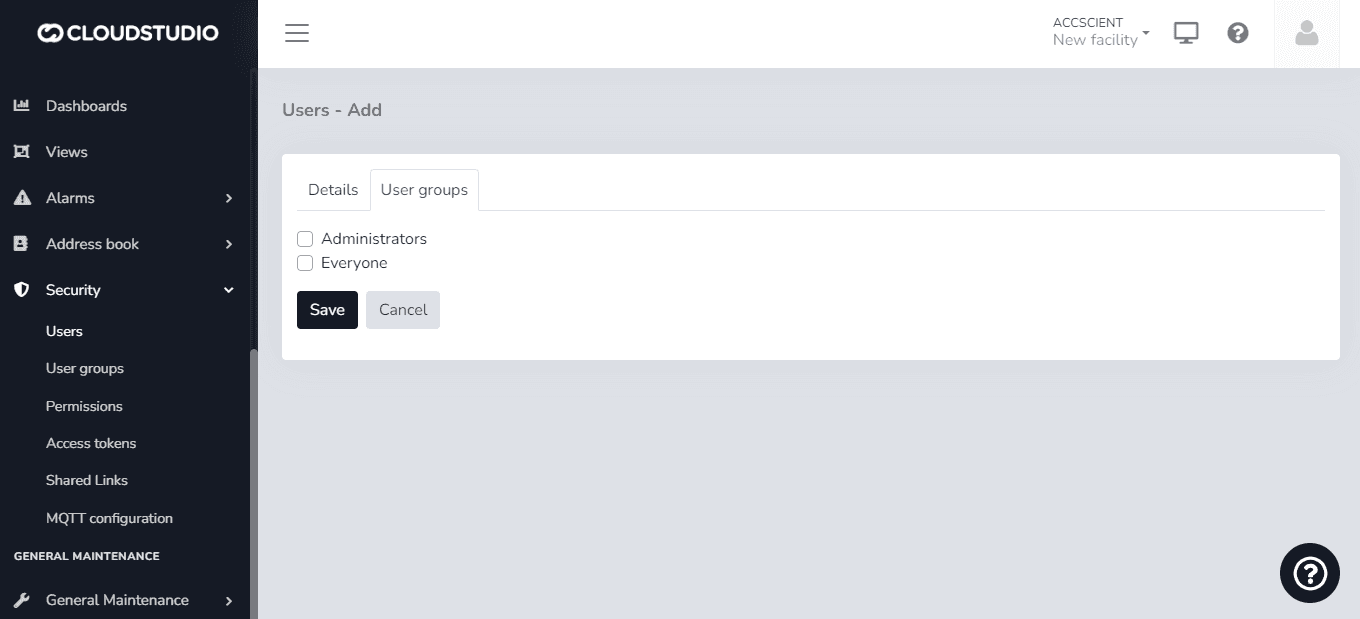
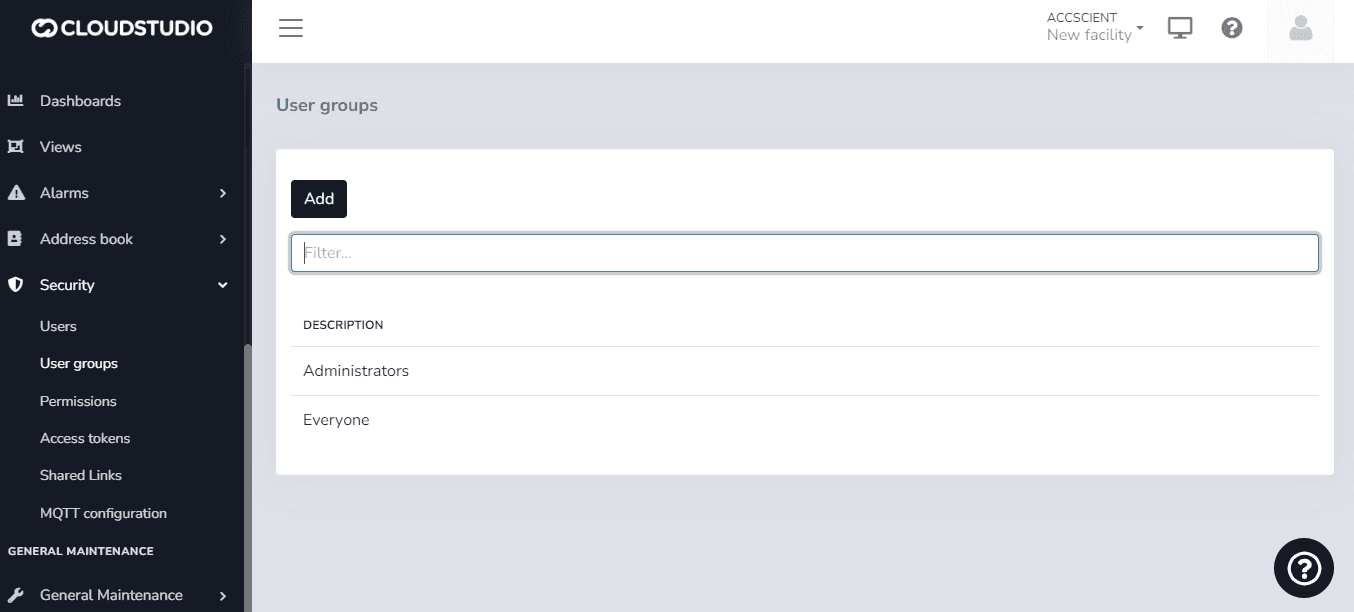
In the User Groups sub-option, you can add new specific groups and then assign users to those groups.
Groups can be Edited and/or Deleted from the main screen by clicking the three dots on a group.
Screen for Creating New User Groups
Below that is the Permissions option. Here users can assign permissions to special features.
Permissions Screen
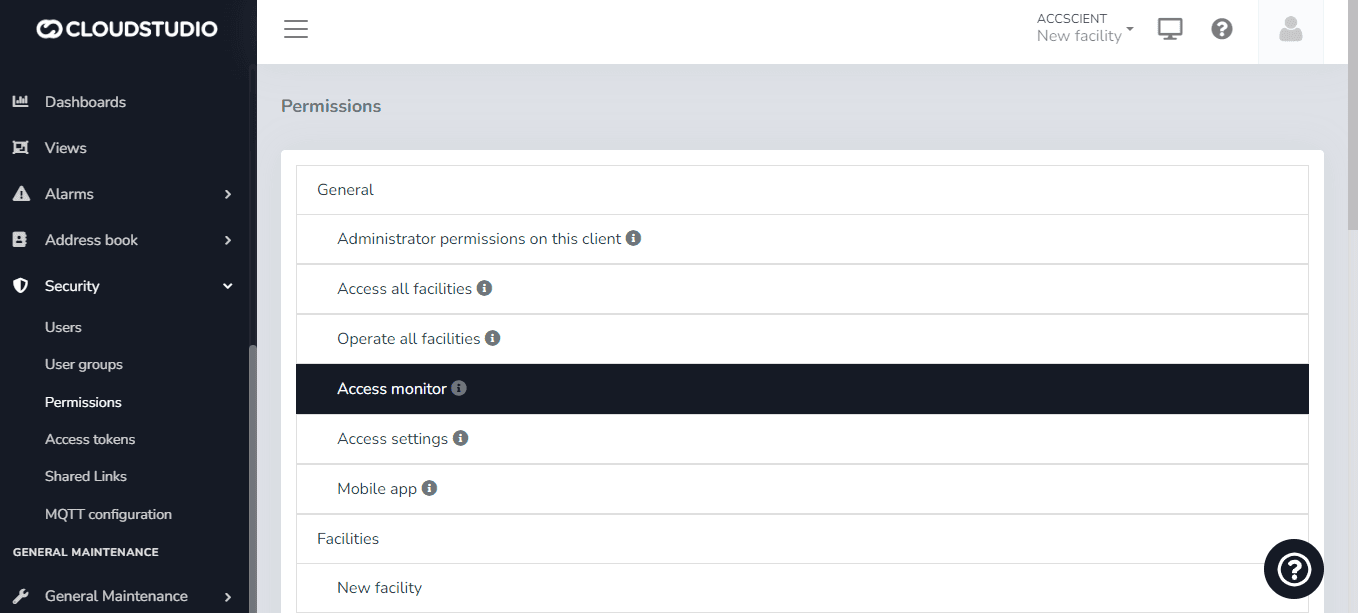
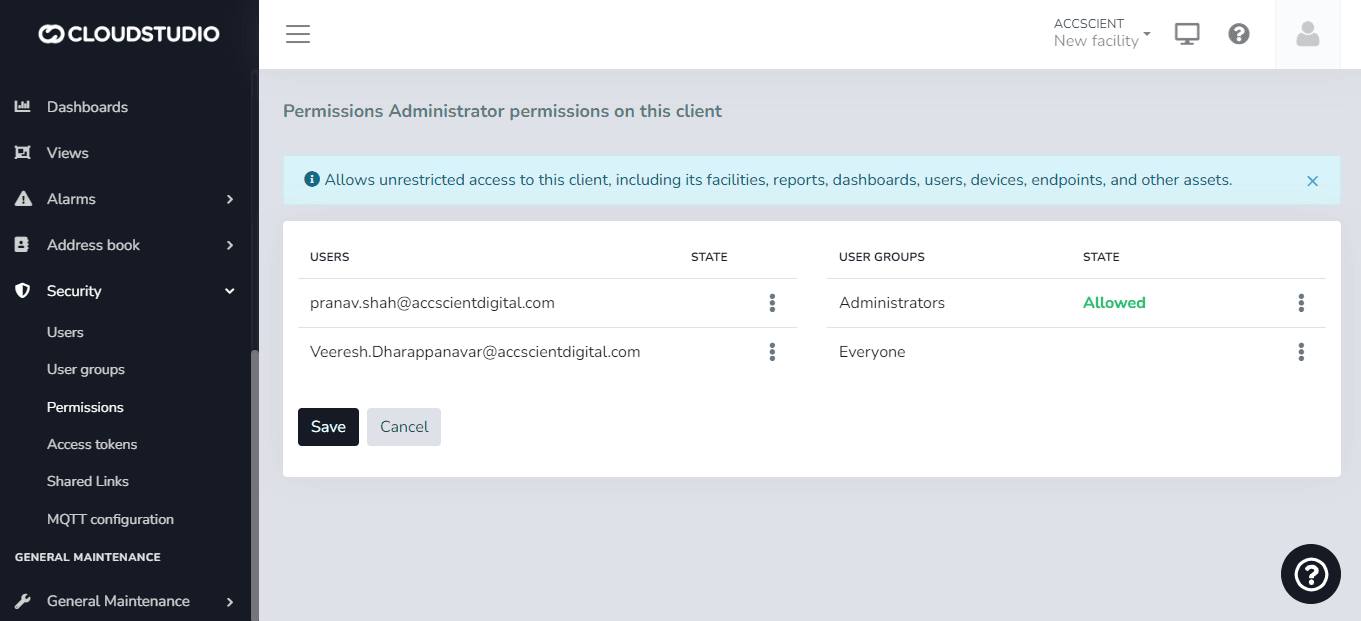
Individual users or a user group assigned to a User Group (as seen above) can be assigned.
Individual and User Group Permission Assignment Screen
Last updated on