

Create an endpoint
IMPORTANT: as a general rule, endpoints can only be created on devices that correspond to user-defined device models. This is because when creating devices that correspond to models built into Gear Studio, the platform automatically creates all necessary endpoints.
When adding a new endpoint, the following fields must be completed.
- Description: Defined by the user, represents a description used to name the endpoint being created.
- Address: Defined by the user, represents the unique identifier of the endpoint.
- Type: Dropdown list for selecting the device type for which the endpoint is being created.
- Subtype: Based on the selected device type, this dropdown list allows selection of the corresponding subtype.
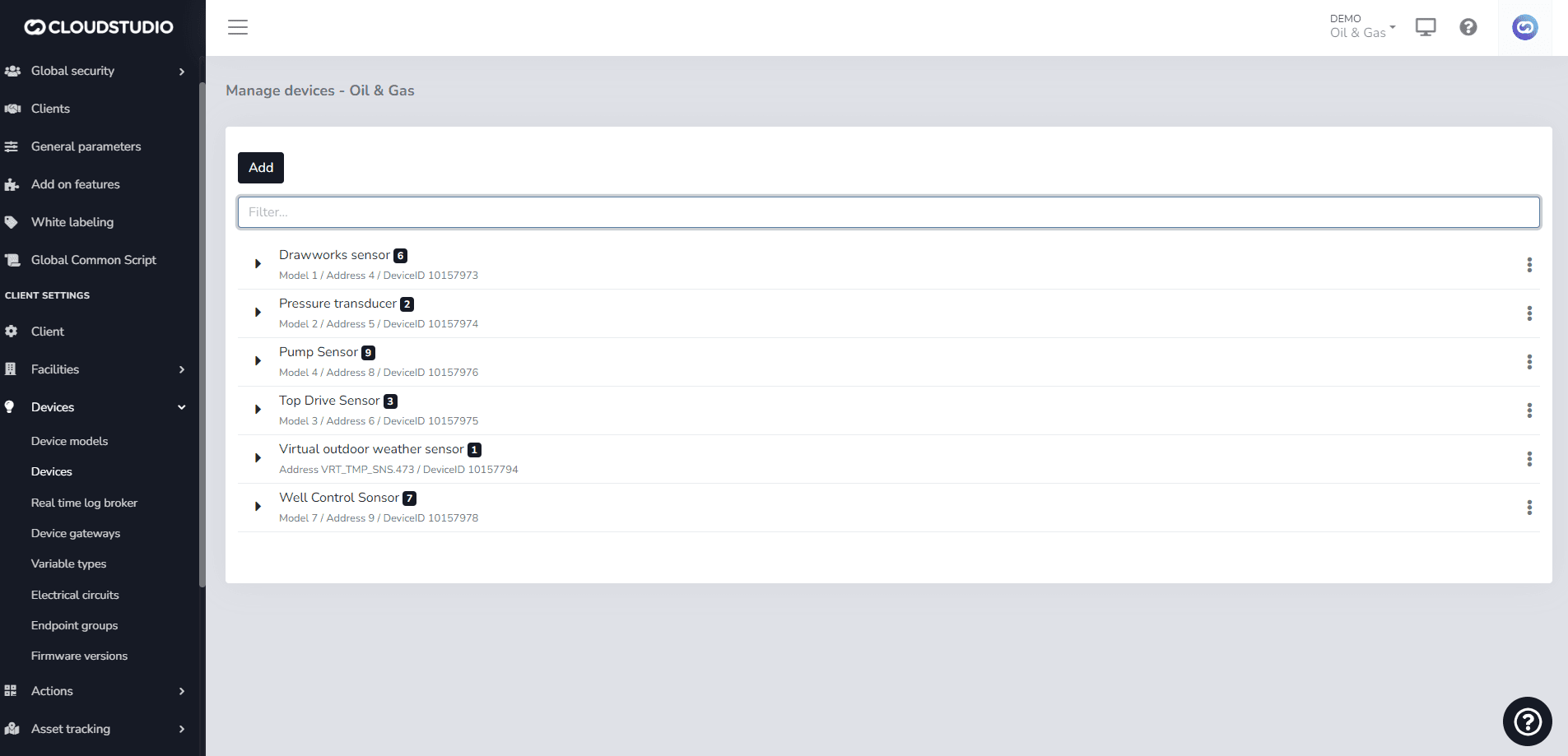
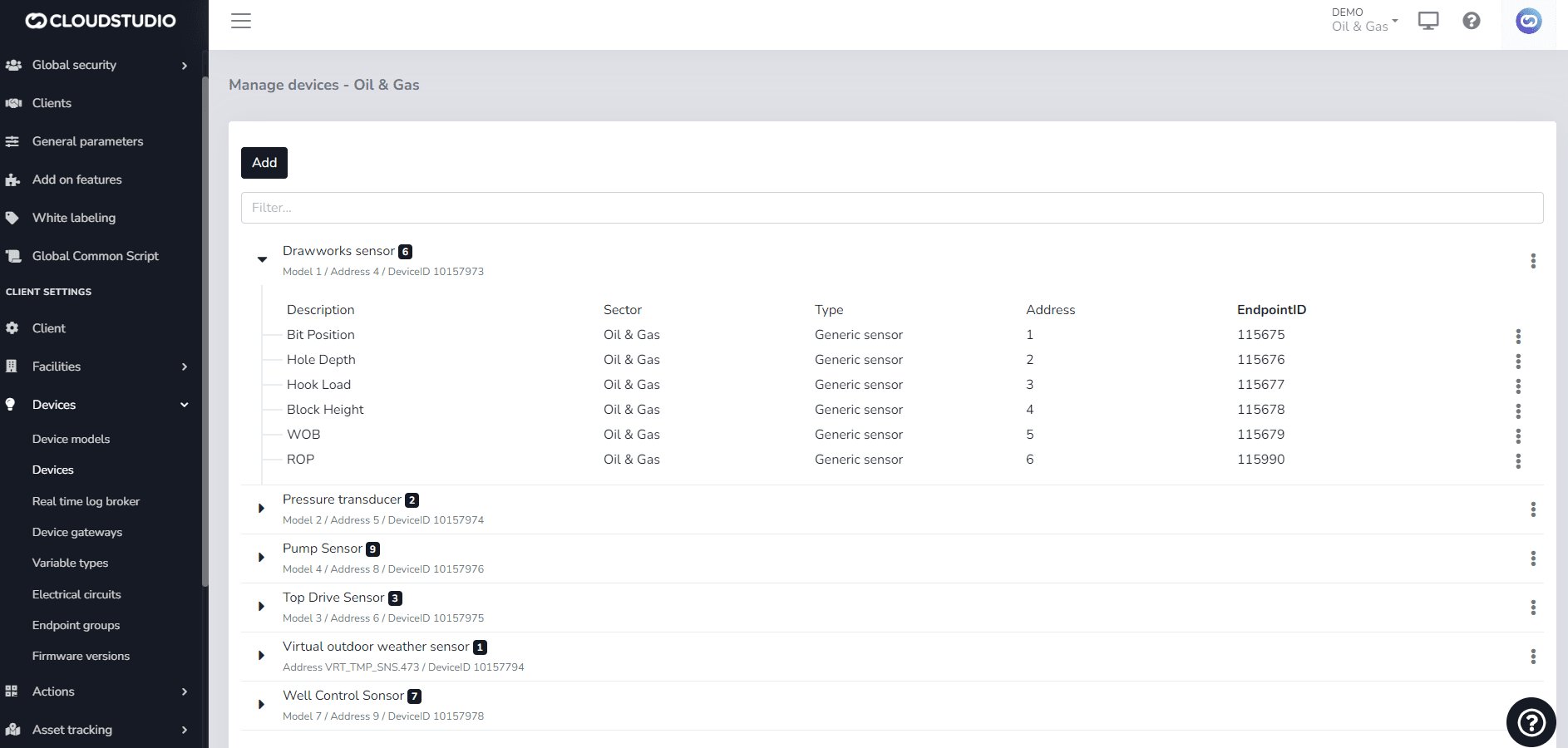
Once the endpoint has been created for the user-defined device model, the created endpoint can be found with its details, giving you the option to edit or delete it as needed.
When editing it, you can change the Description and, in the case of this endpoint, modify the Endpoint subtype with which it was originally created.
Last updated on