

Alerts - Contacts and Contact Groups
From the following screen, the user can create an alert based on the created Contacts or Contact Groups.
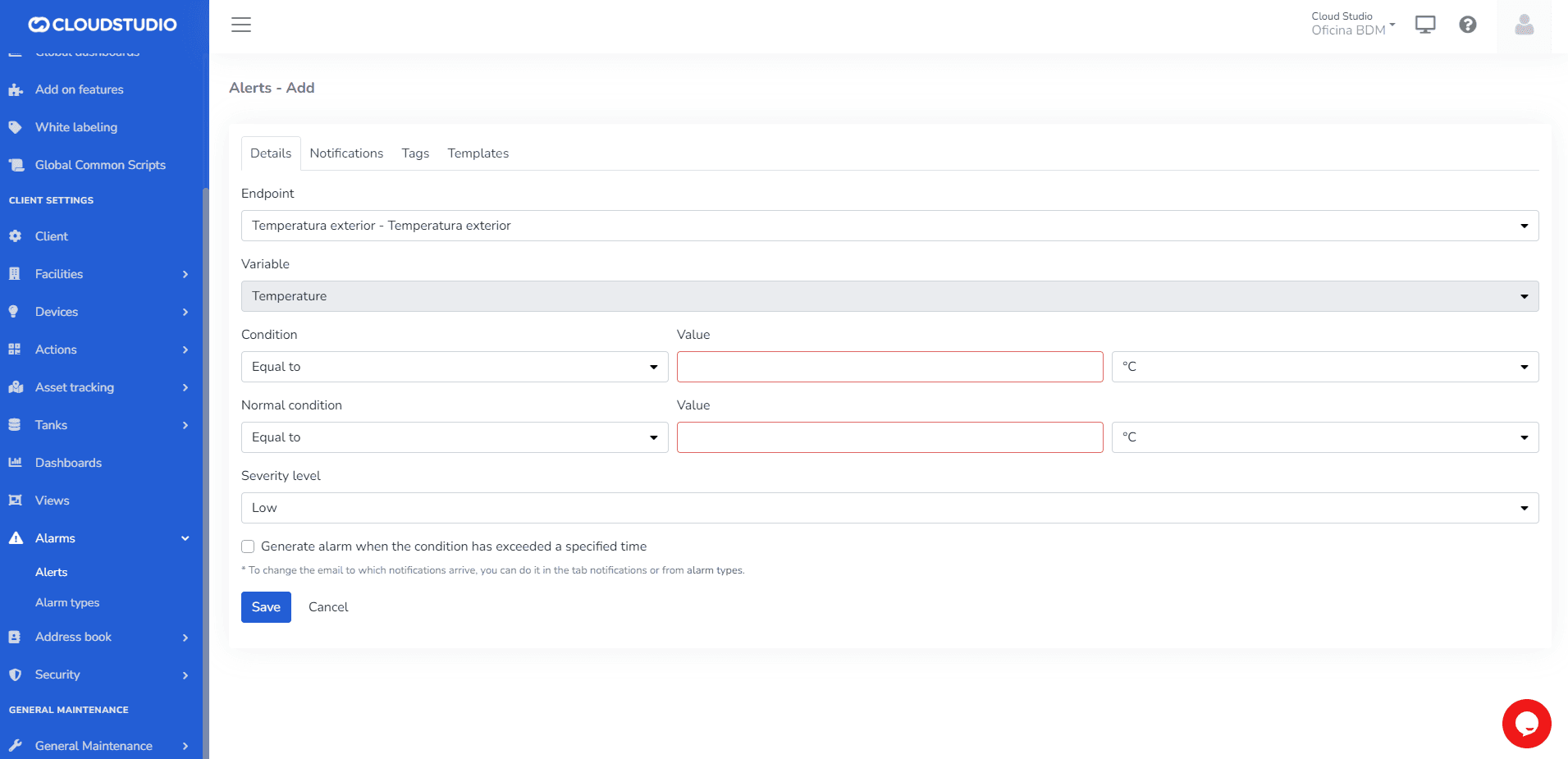
1- In the Details tab, configure the Sensor, the Condition that will trigger the notification, and the Normal Condition under which the notification will not be triggered.
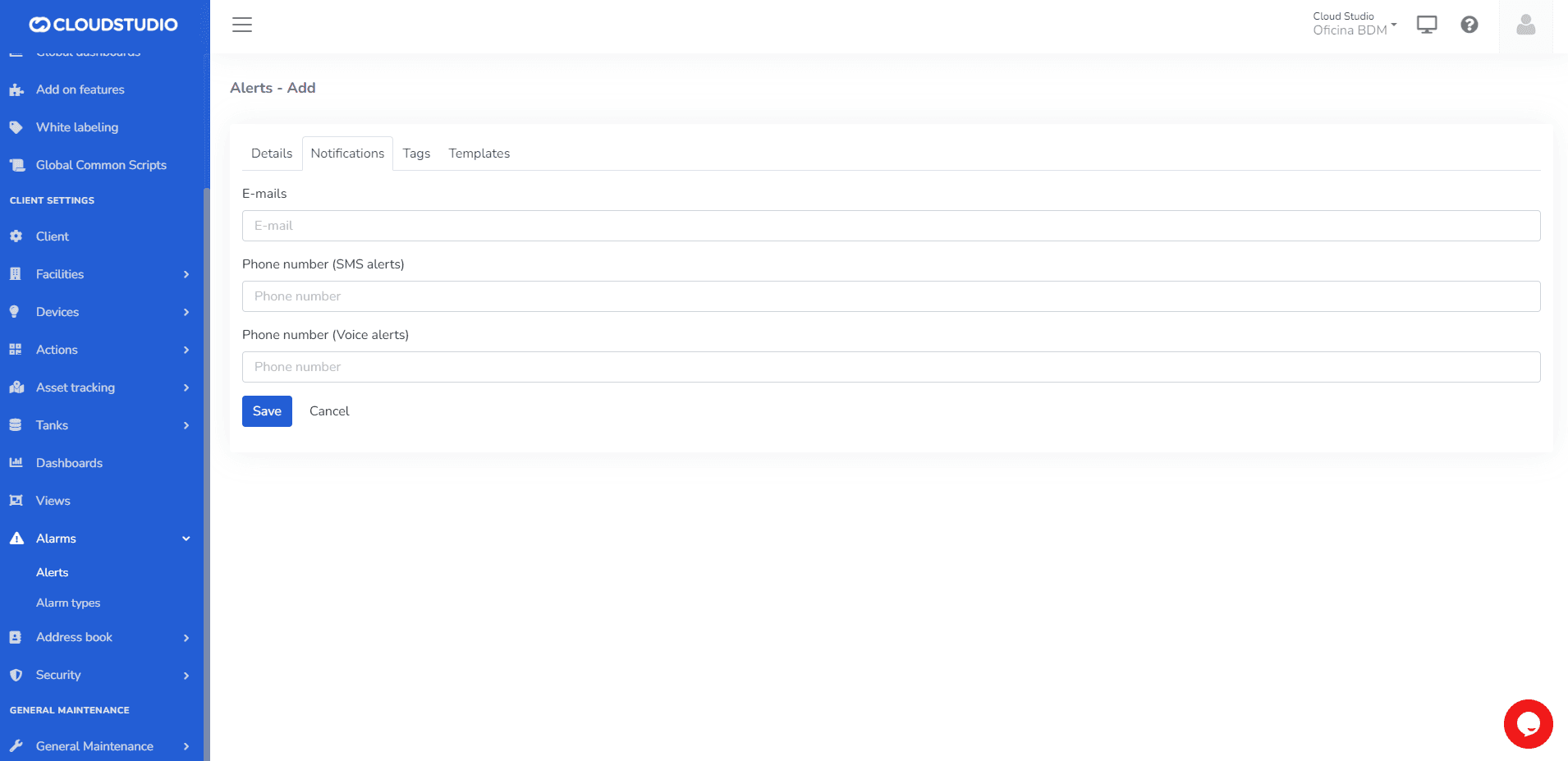
2- In the Notifications tab, fill in the channels through which notifications will be received. You can use standalone emails and phone numbers, or emails and phone numbers created in Contacts and Contact Groups, which will be easily visible when typing their names in the corresponding fields.
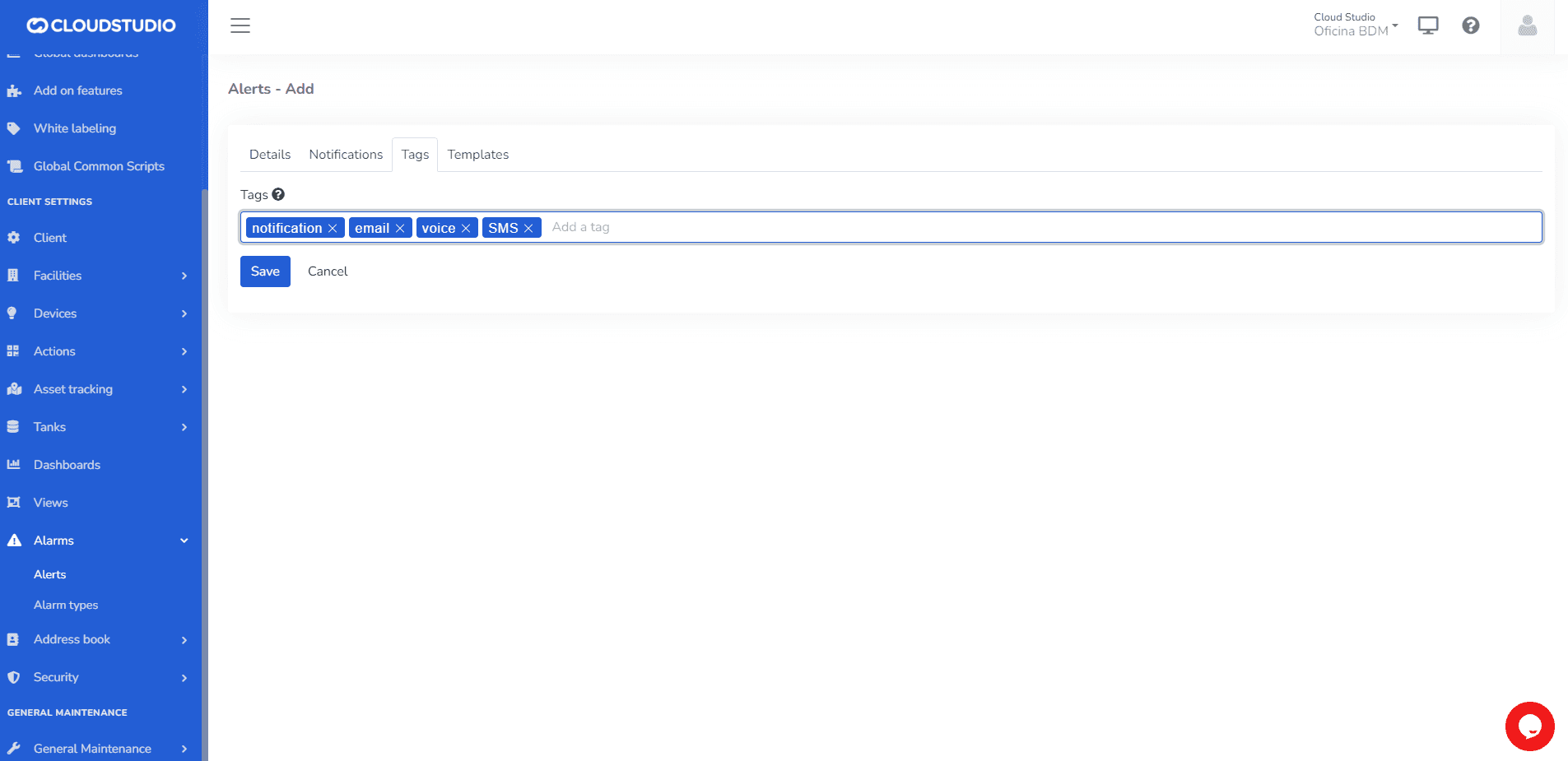
3- In the Tags tab, the user can create a set of Tags.
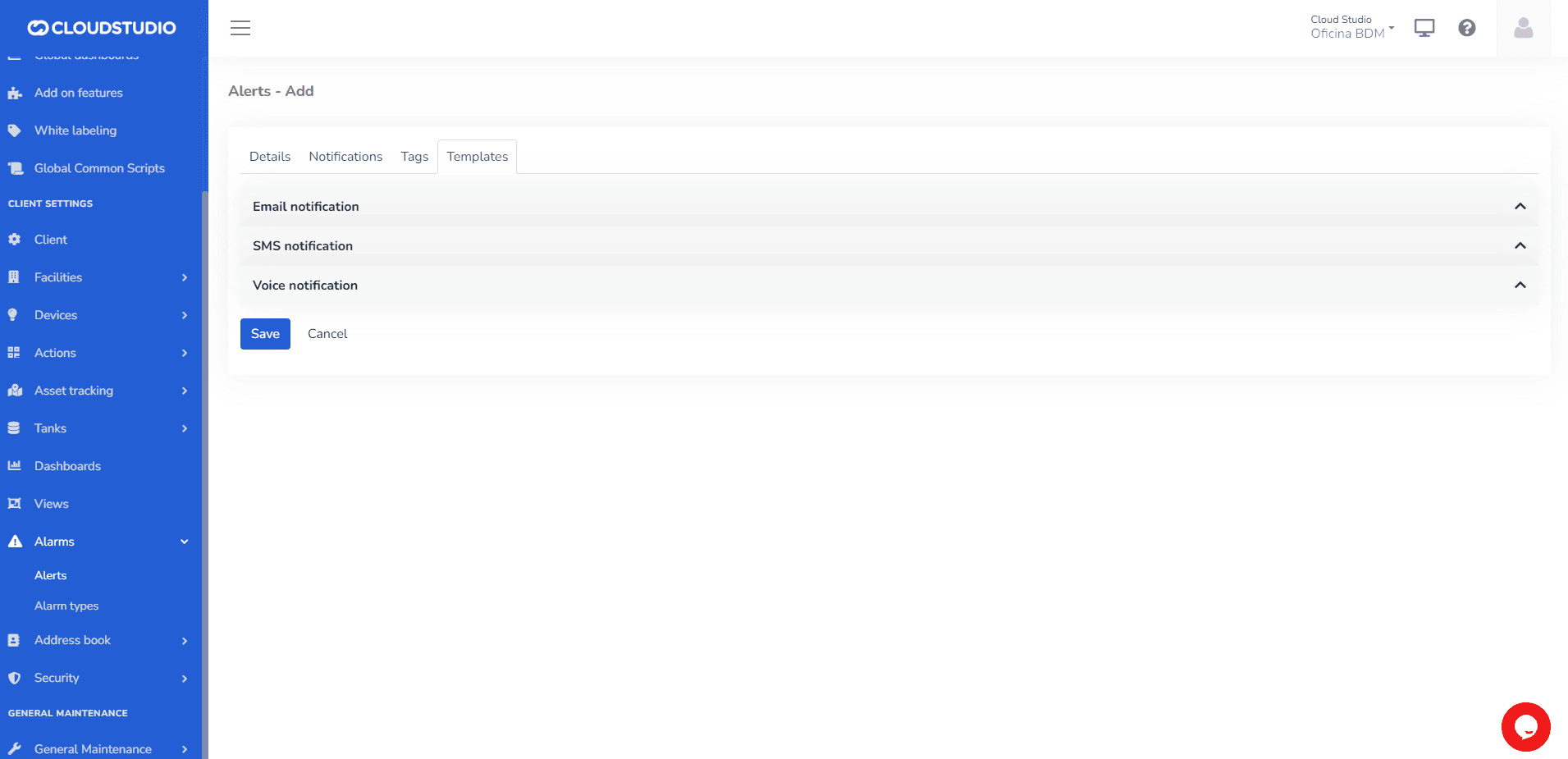
3- In Templates, the user can create the notification formats to be sent.
Last updated on